







① Select the Virtual Articulator in the scanning strategy and select the Articulator type
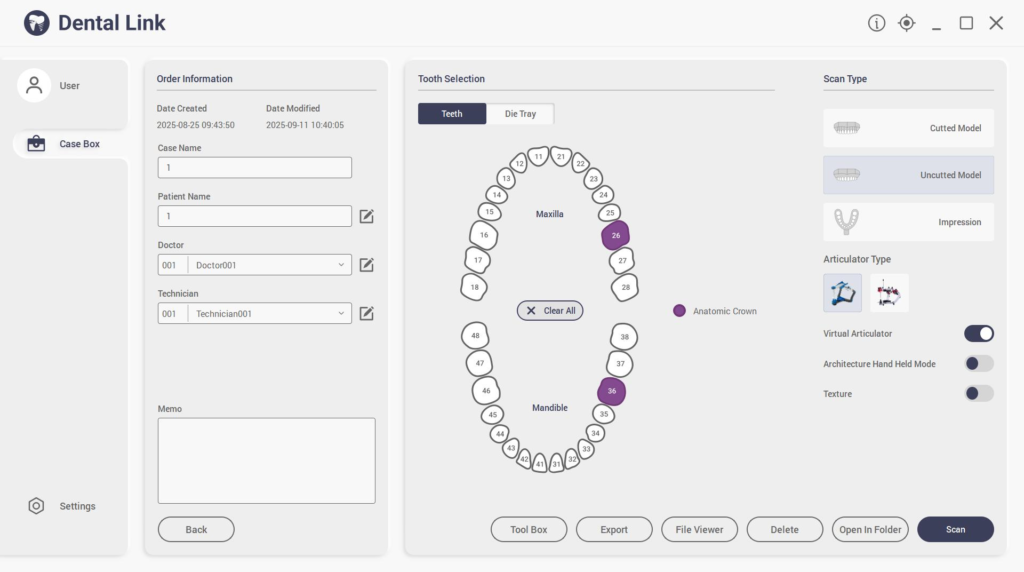
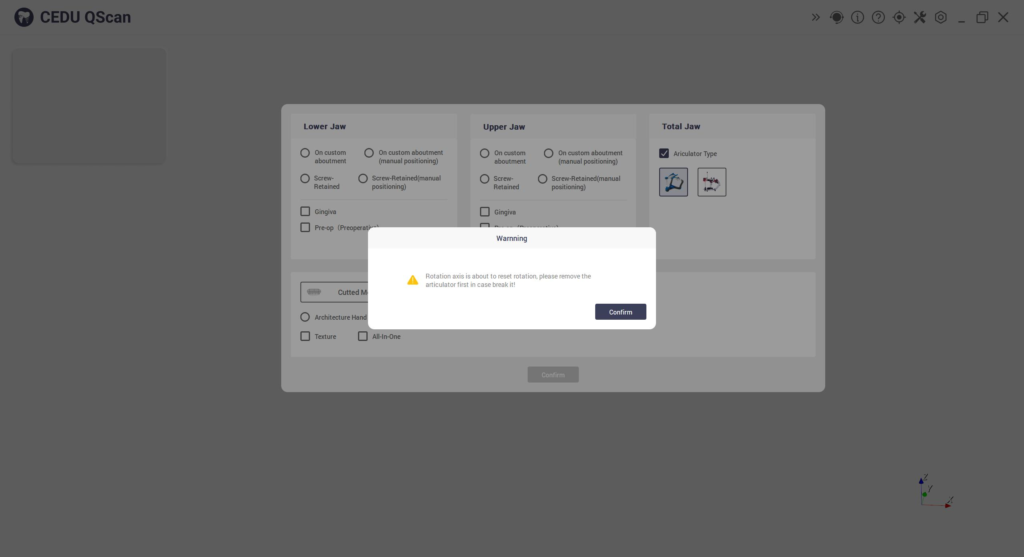
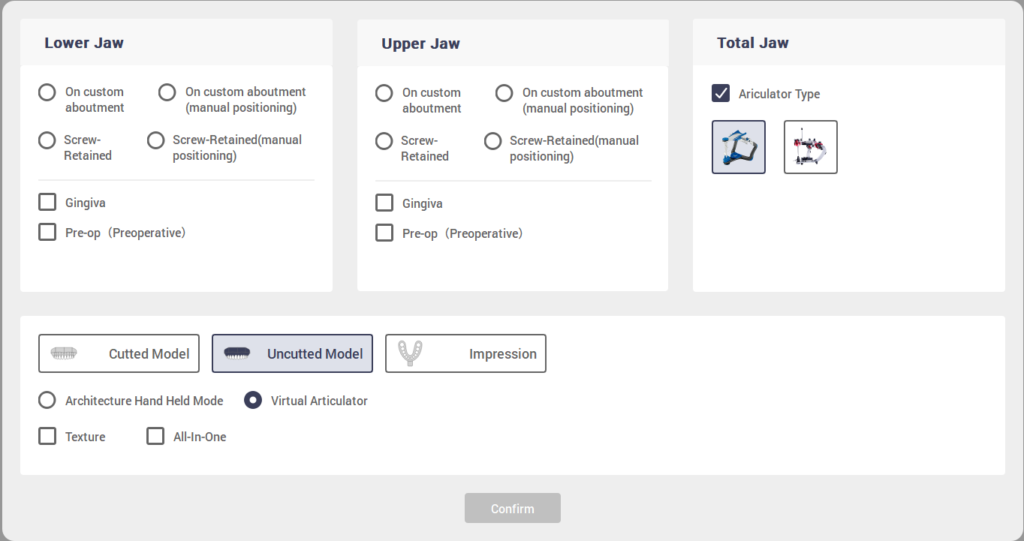
② Click Scan button

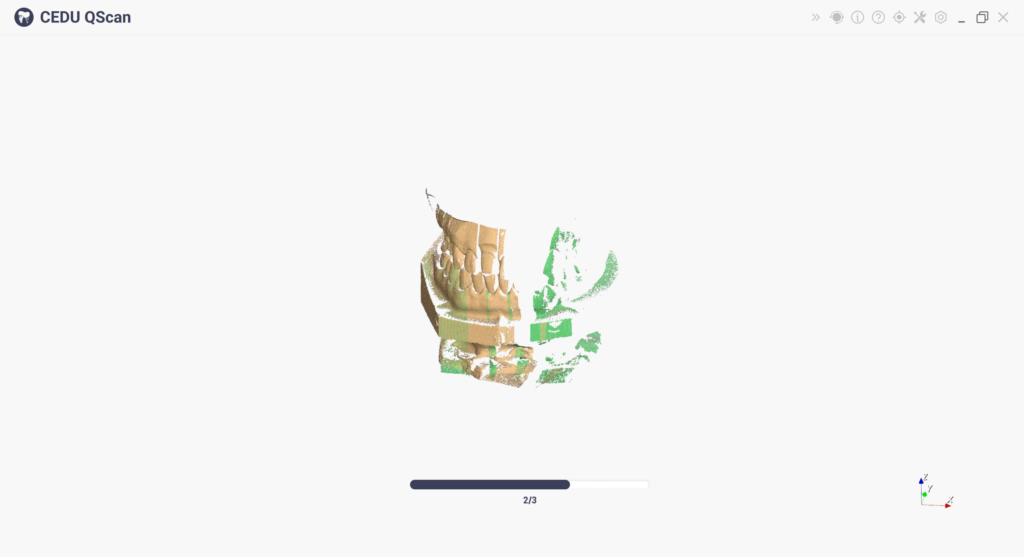
③ Adjust Cutting Plate Click Apply
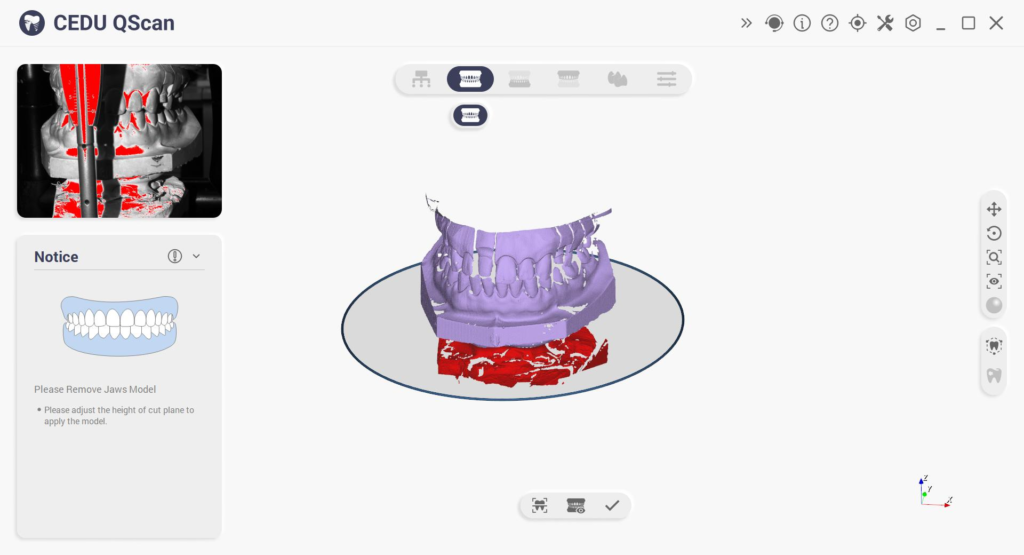
④ Scan The Lower Jaw And The Mandibular Base
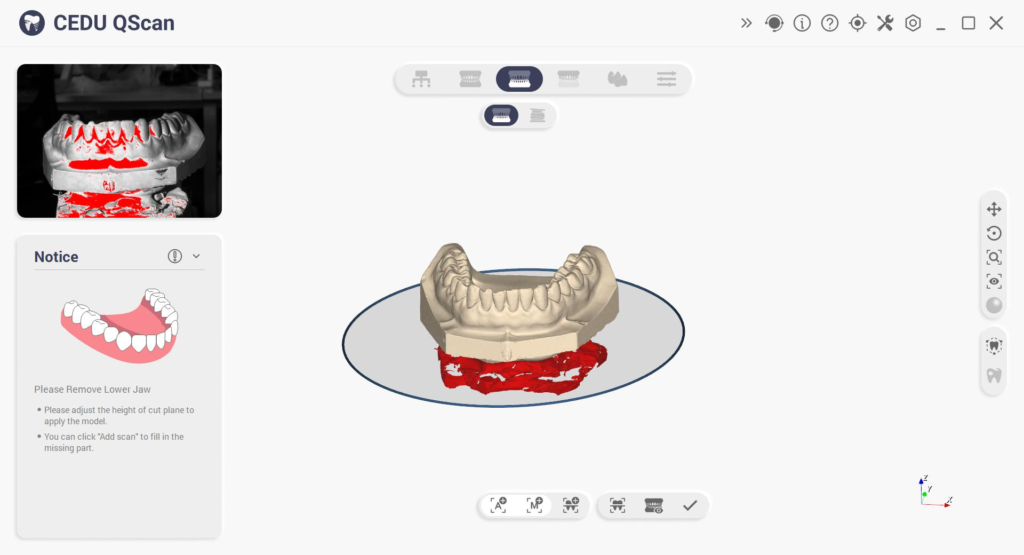
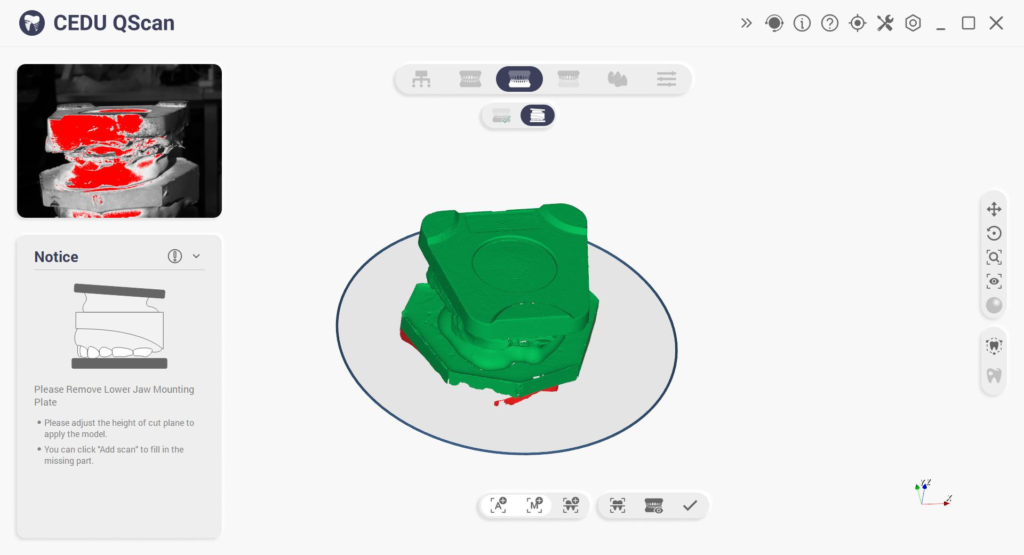
⑤ Scan The Upper Jaw
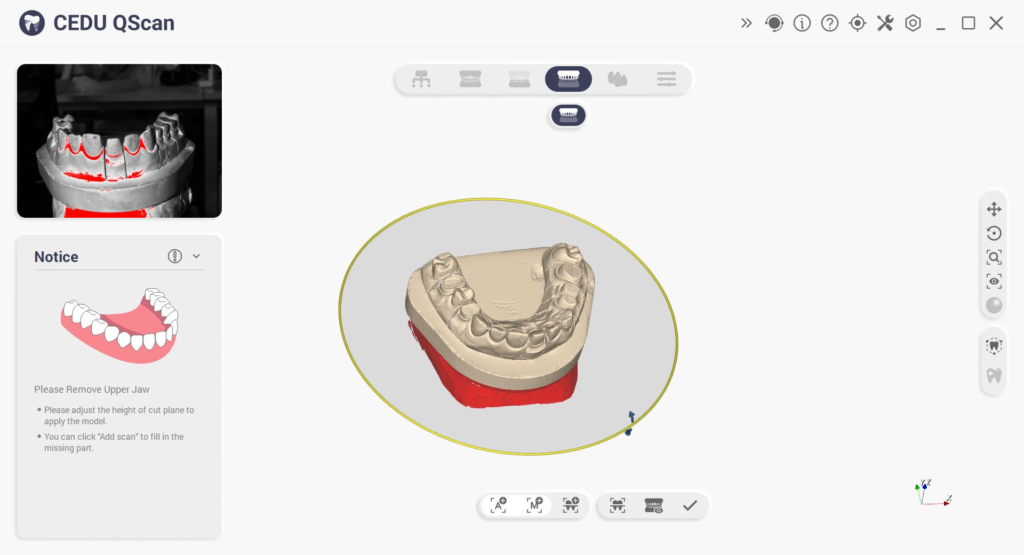
⑥ Waiting for completion(Lower Jaw Alignment,Mounting Plate Alignment,Base
Alignment,Upper Jaw Alignment)
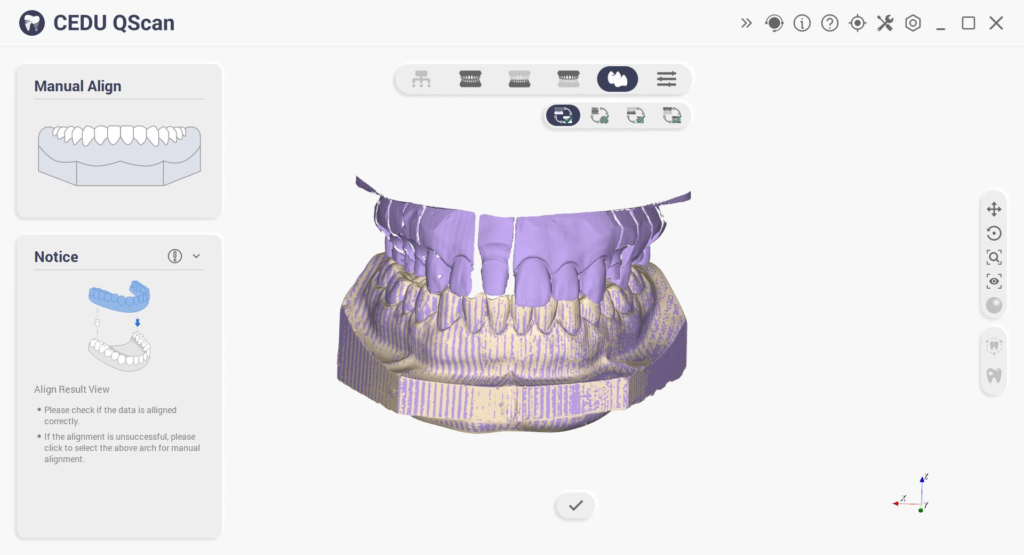
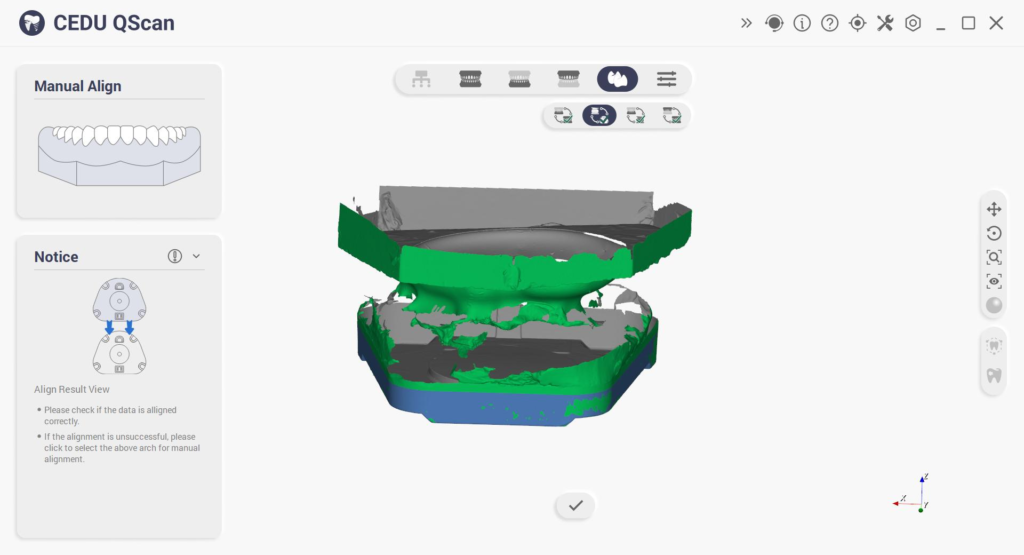
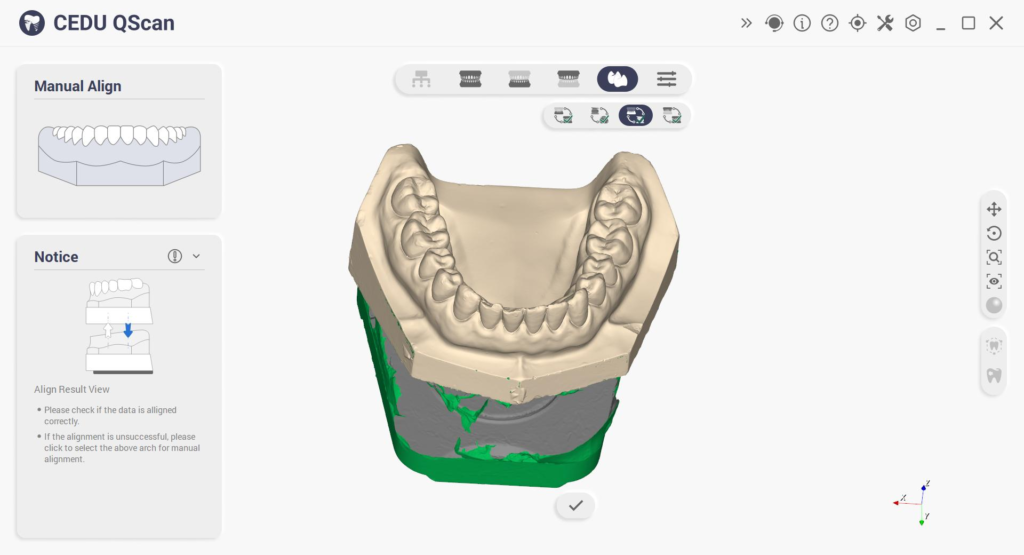
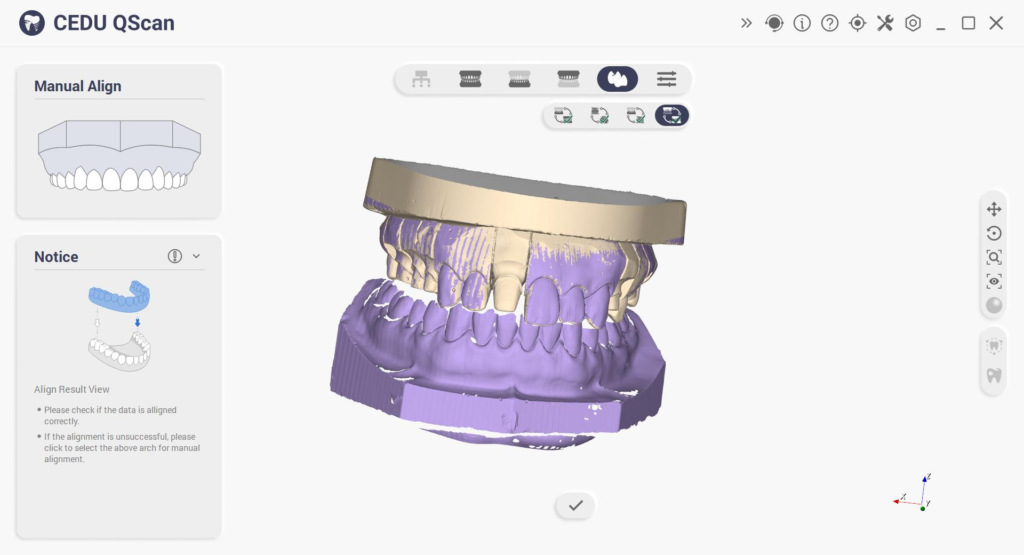
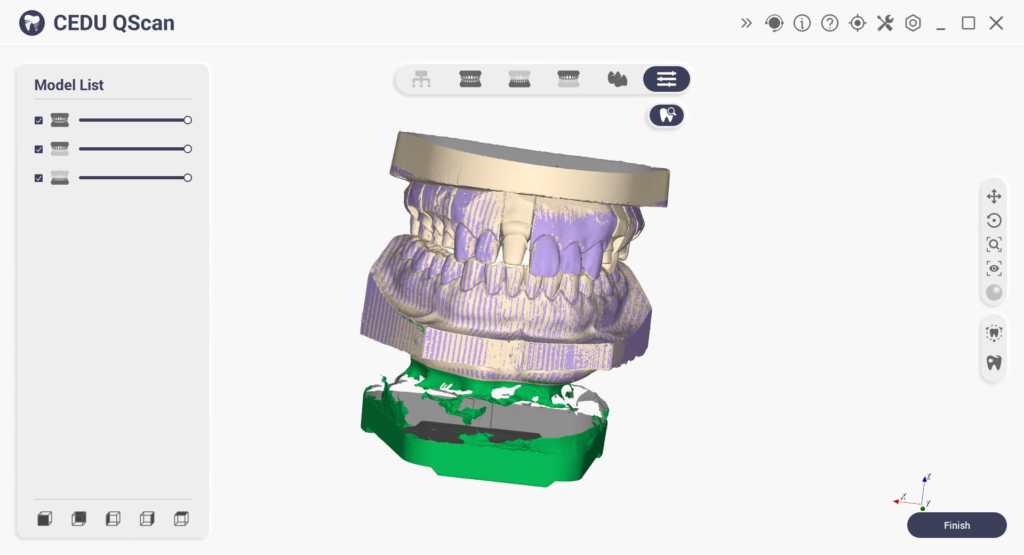
⑦ Preview results as shown below