







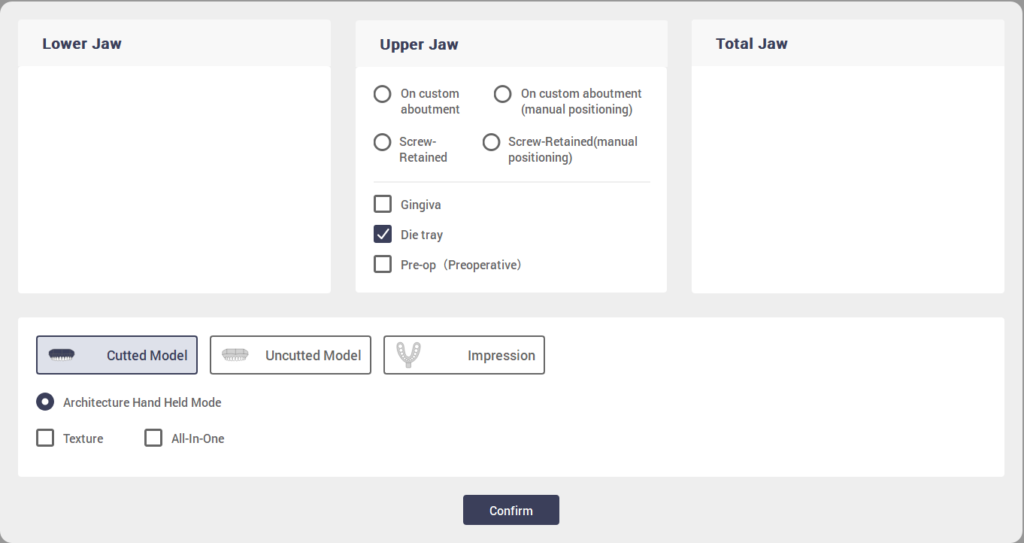
① Select Cut Model Scan in Scanning Strategy Click Confirm
② Click Scan button

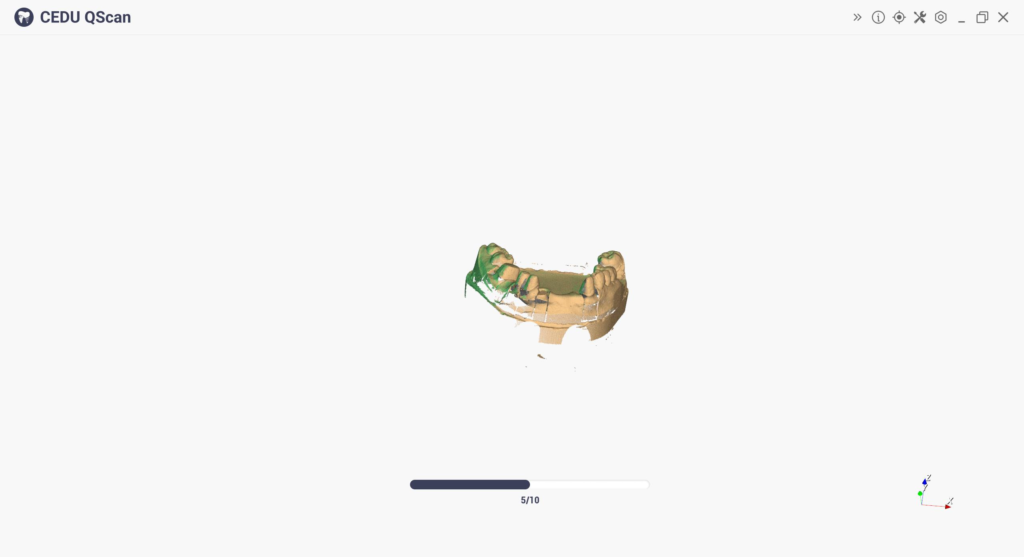
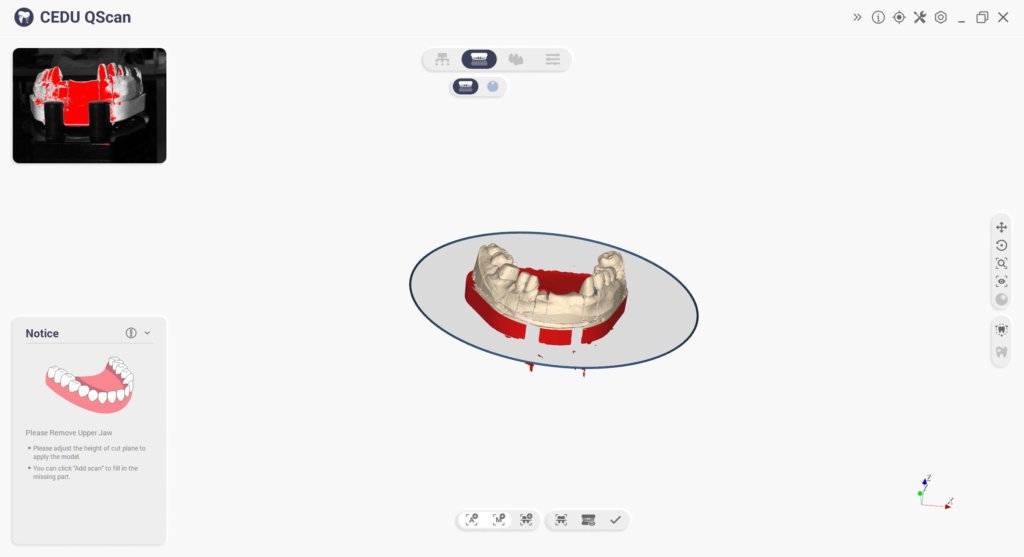
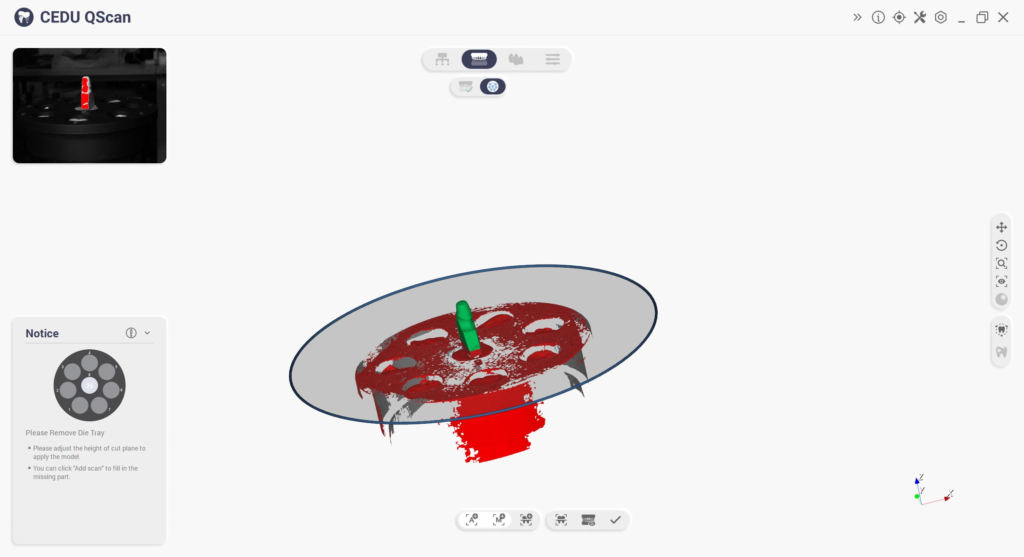
③ Adjust Cutting Plate Click Apply
④ Click Next Place teeth in die tray per prompt
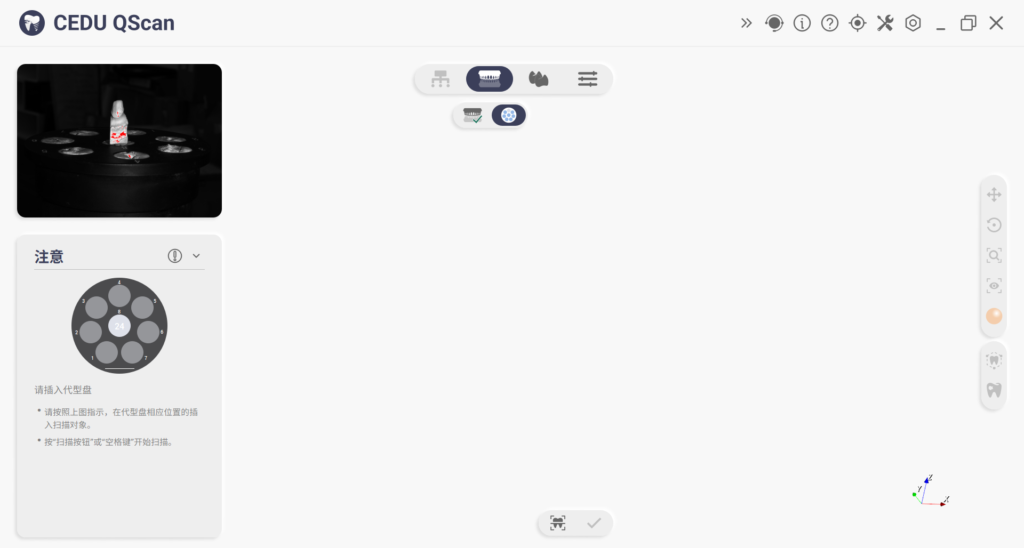
⑤ Click Scan button

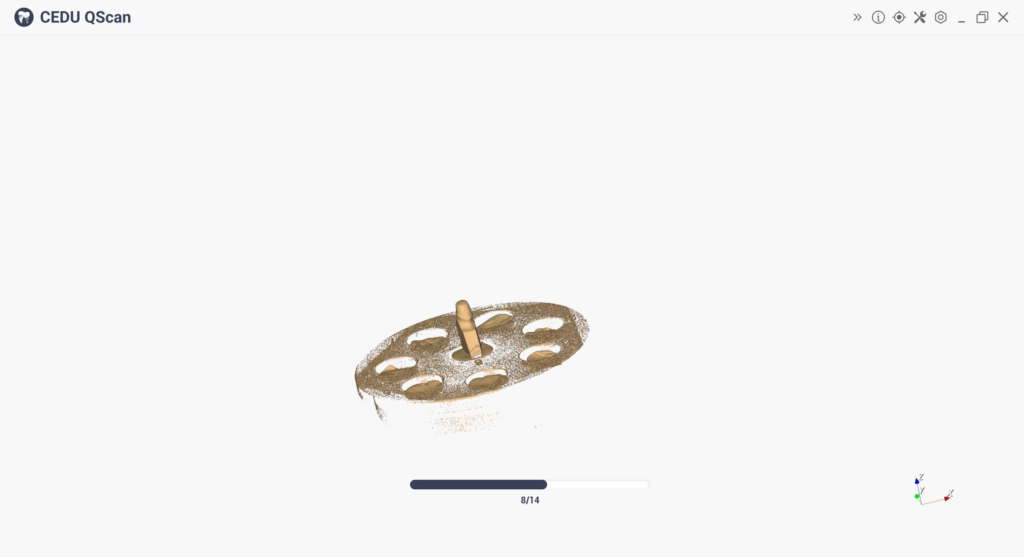
⑥ Adjust Cutting Plate Click Apply
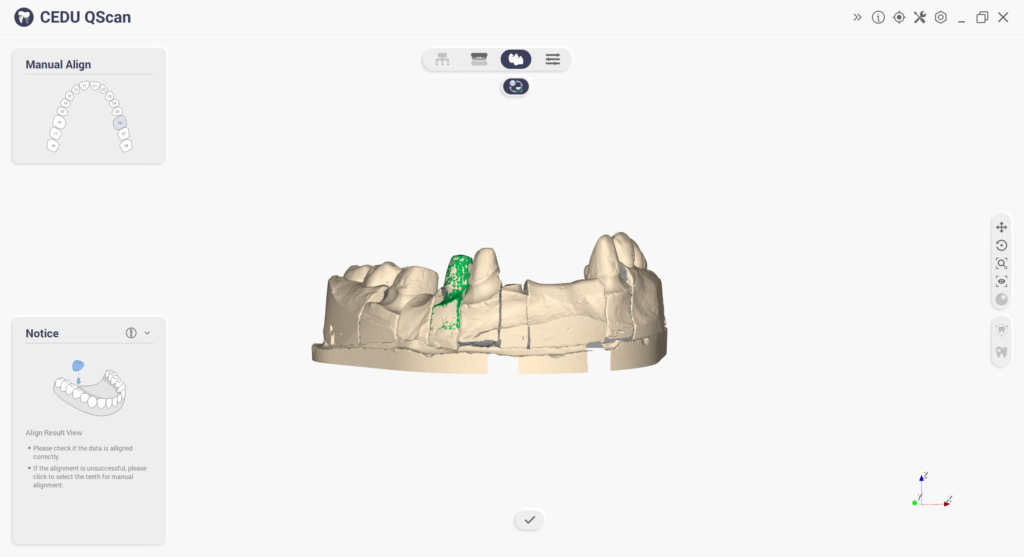
⑦ Preview results as shown below
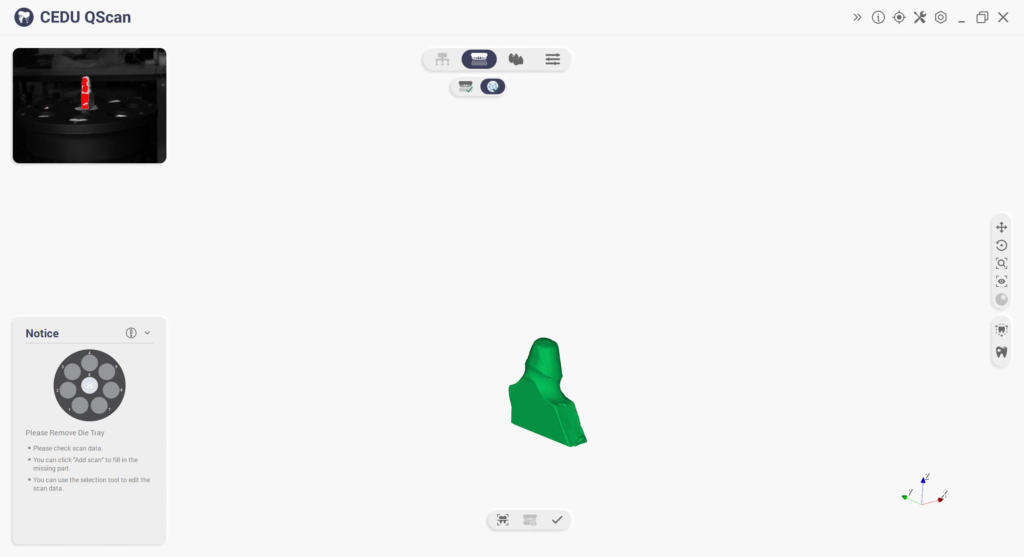
⑧ Click Next Perform alignment