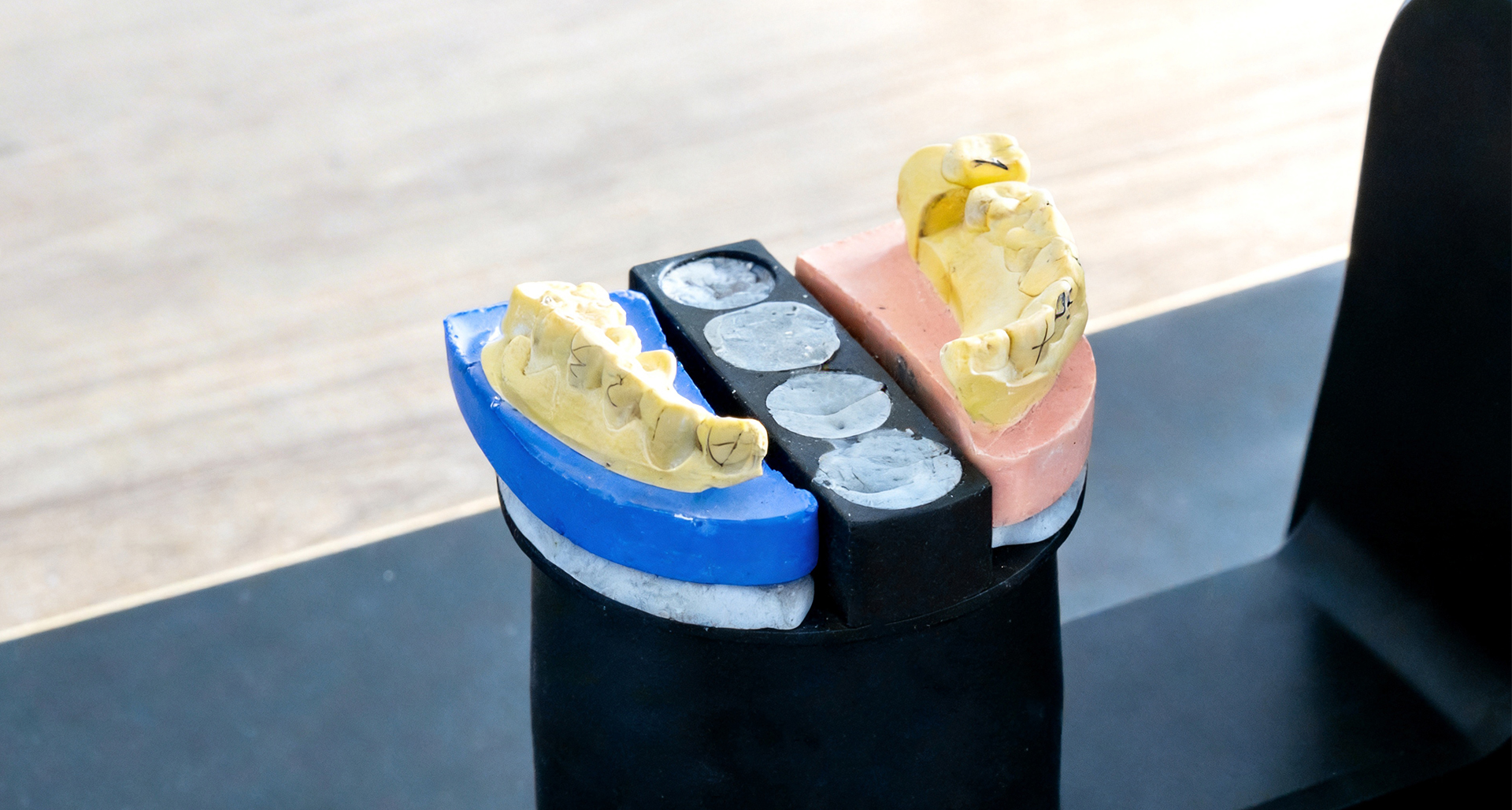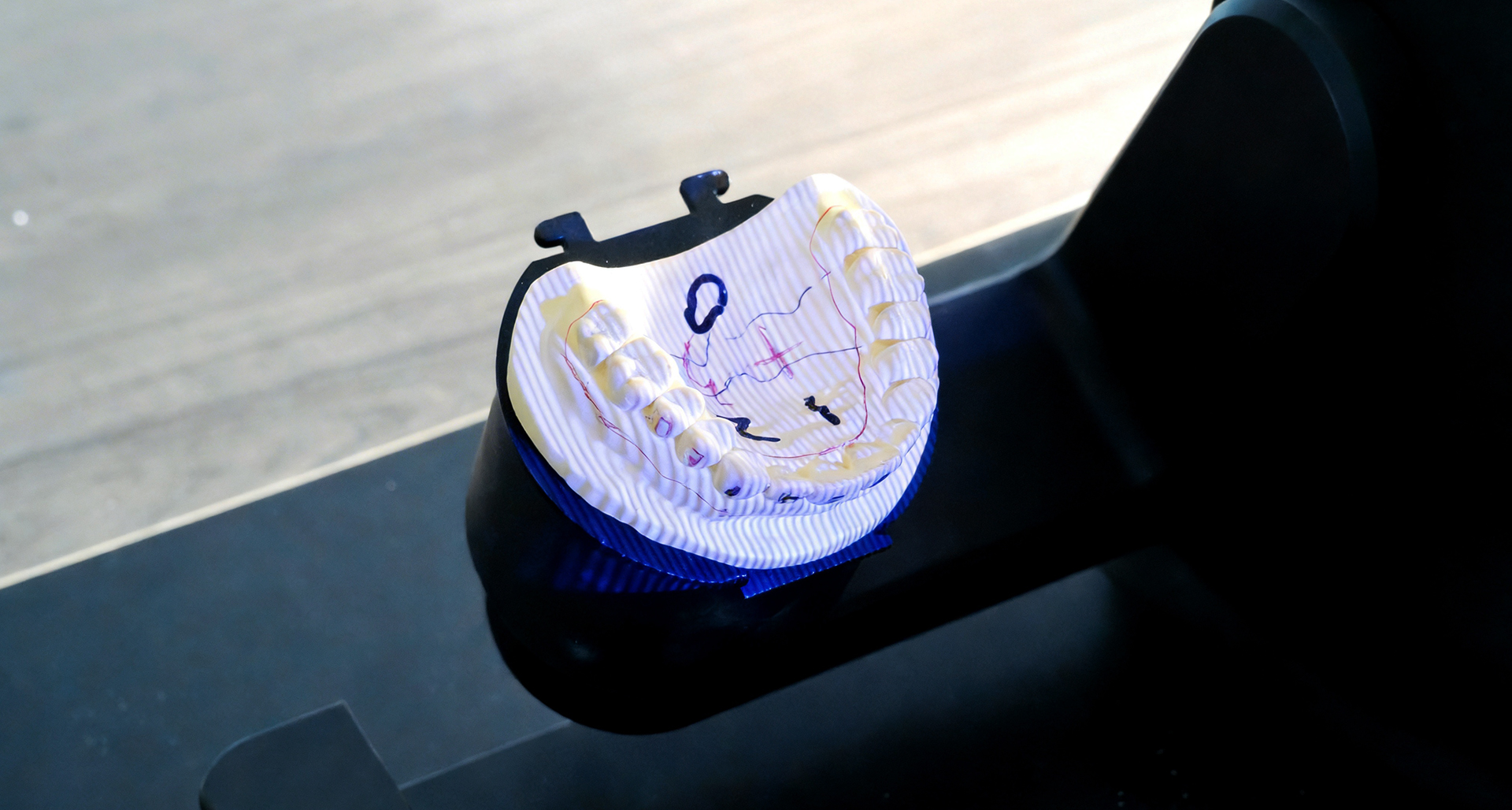

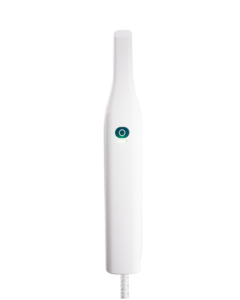
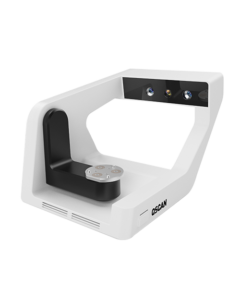
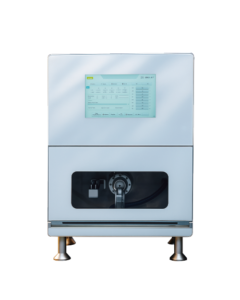
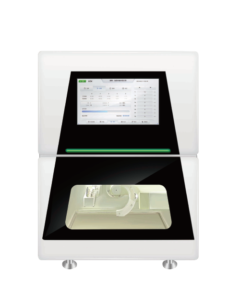
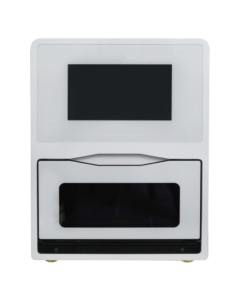
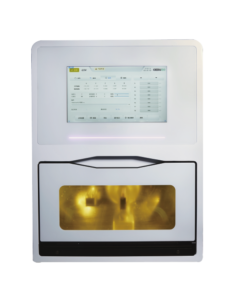





QScan desktop dental scanner for digital impressions

QScan Desktop Dental Scanner for Dental Labs

Next-Level Precision and Efficiency
- Redefining Every Detail

¥:11000RMB

Up to 5μm accuracy

Accuracy You Can Count On
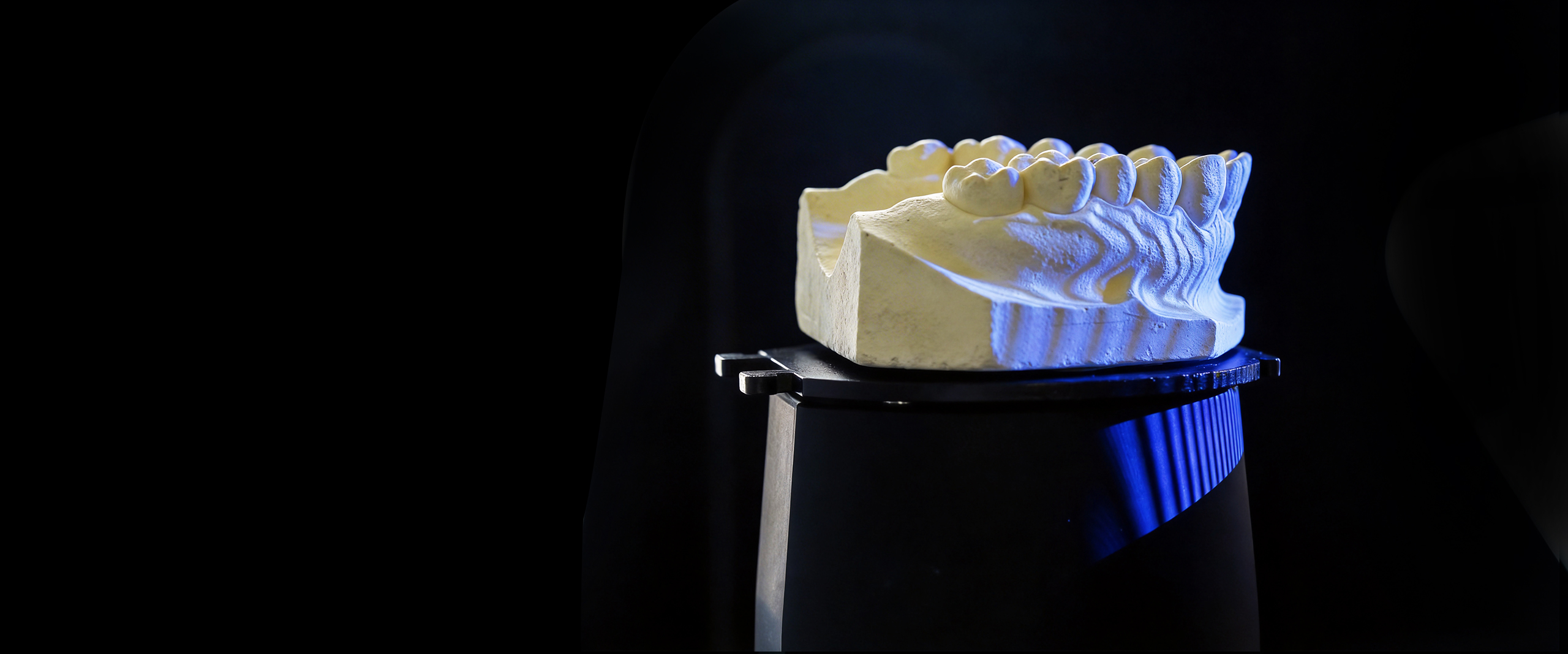
QScan high-precision dental scanning result
Achieve exceptional detail with accuracy of up to 5 microns. CEDU QScan delivers reliable, repeatable results for complex restorations that require precise marginal fit.

Dual cameras up to 5 megapixels

Capture Every Detail
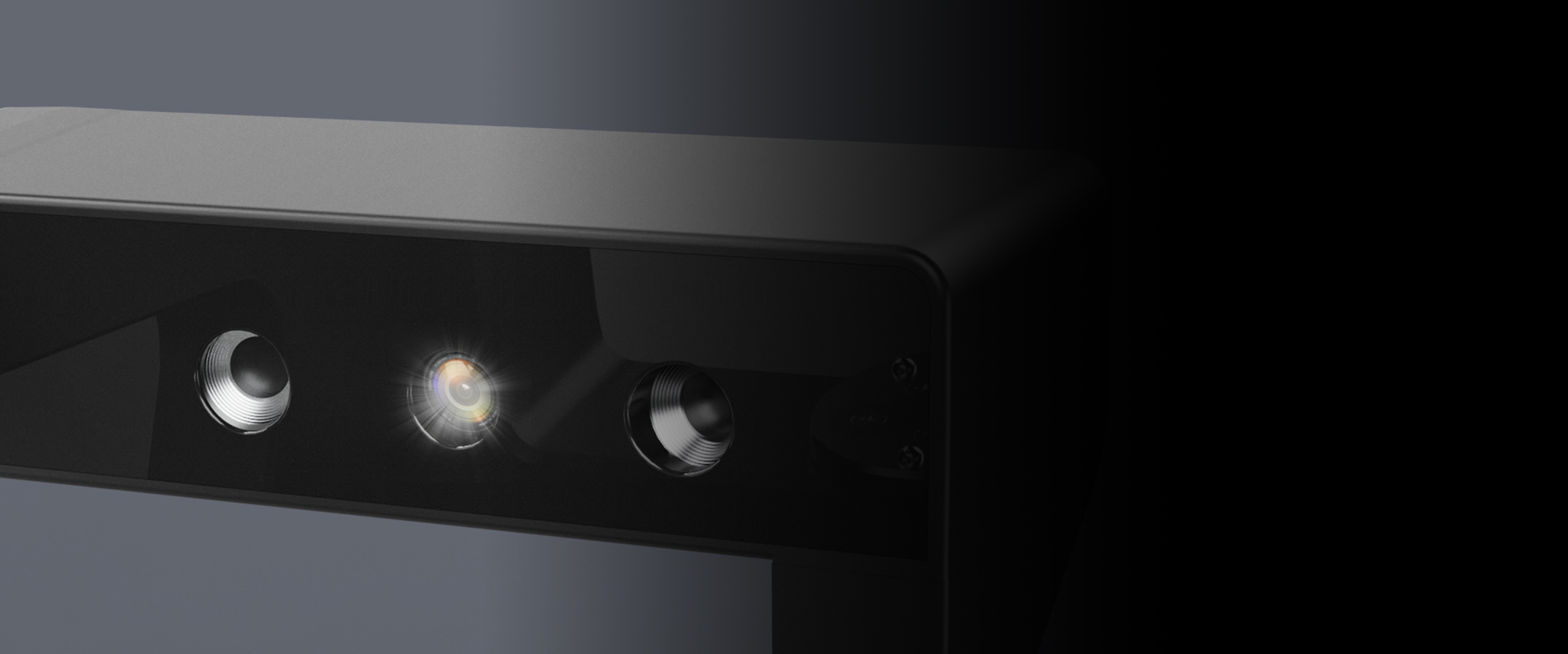
QScan dental scanner camera and optical system
CEDU QScan can use up to two 5-megapixel cameras to capture fine structures with high resolution and fewer blind spots. This is especially useful for detailed crown margins and adjacent areas.

Faster Scanning

Scan More, Finish Faster
Boost your productivity with faster scan times - completed single arch in just 13 seconds. The CEDU QScan accelerates your daily workflow, making high-throughput production easier than ever.

Optimized Scanning Paths

Wider Coverage, Smarter Workflow
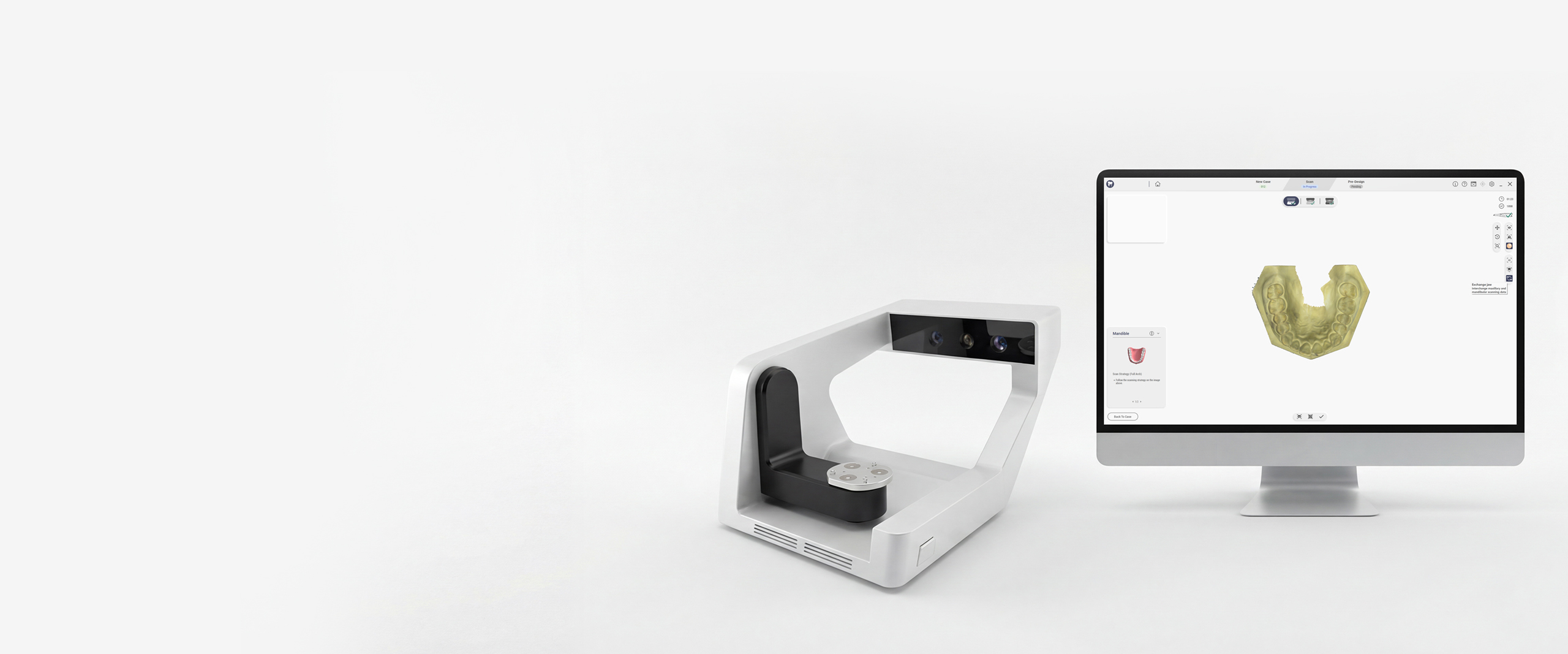
QScan product image
With enhanced scanning angles, you can now capture more anatomical detail in fewer steps. Handle tight spaces and complex restorations confidently while reducing scan failures and rework.

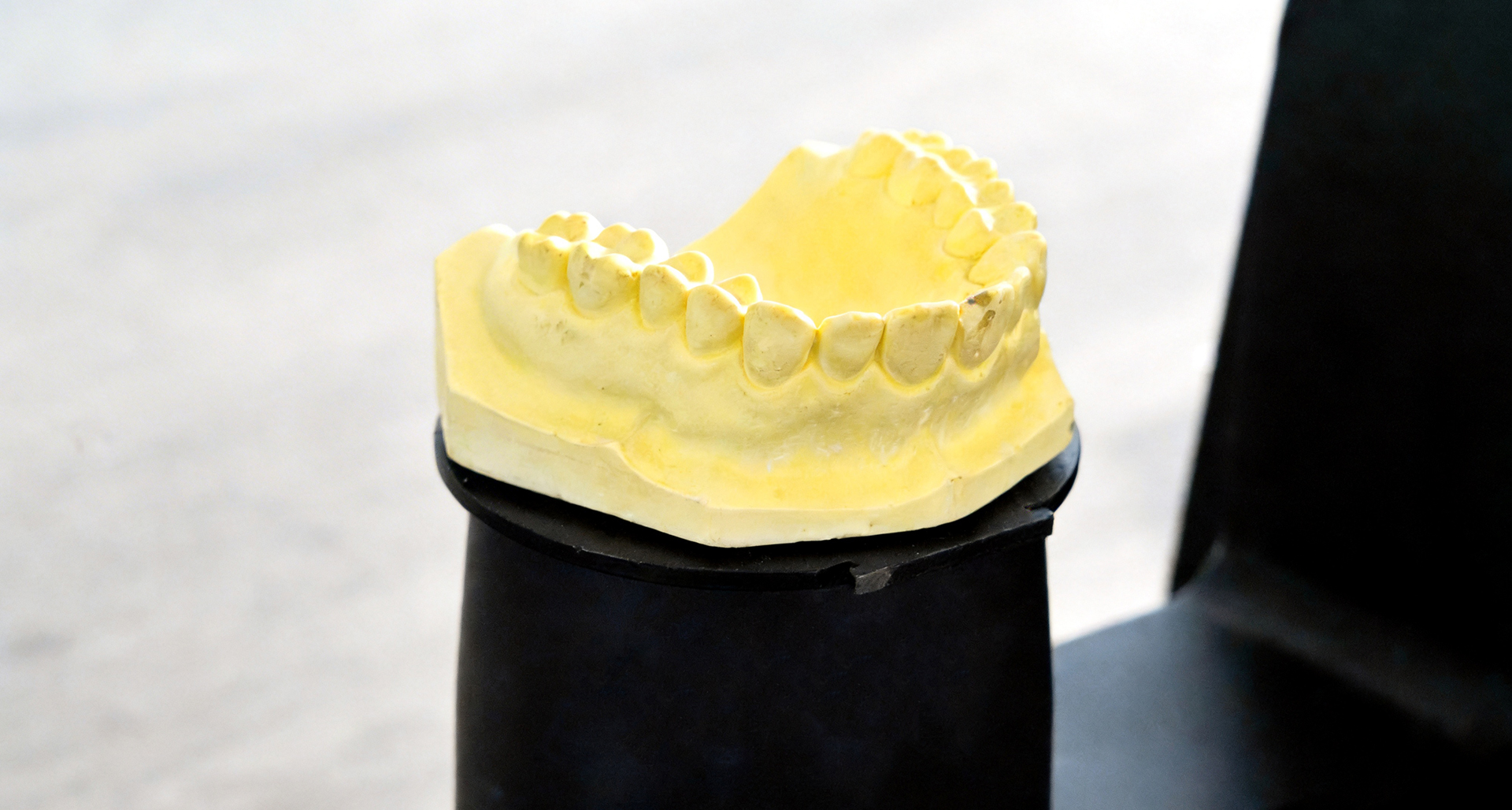
Versatile Unsectioned Scanning

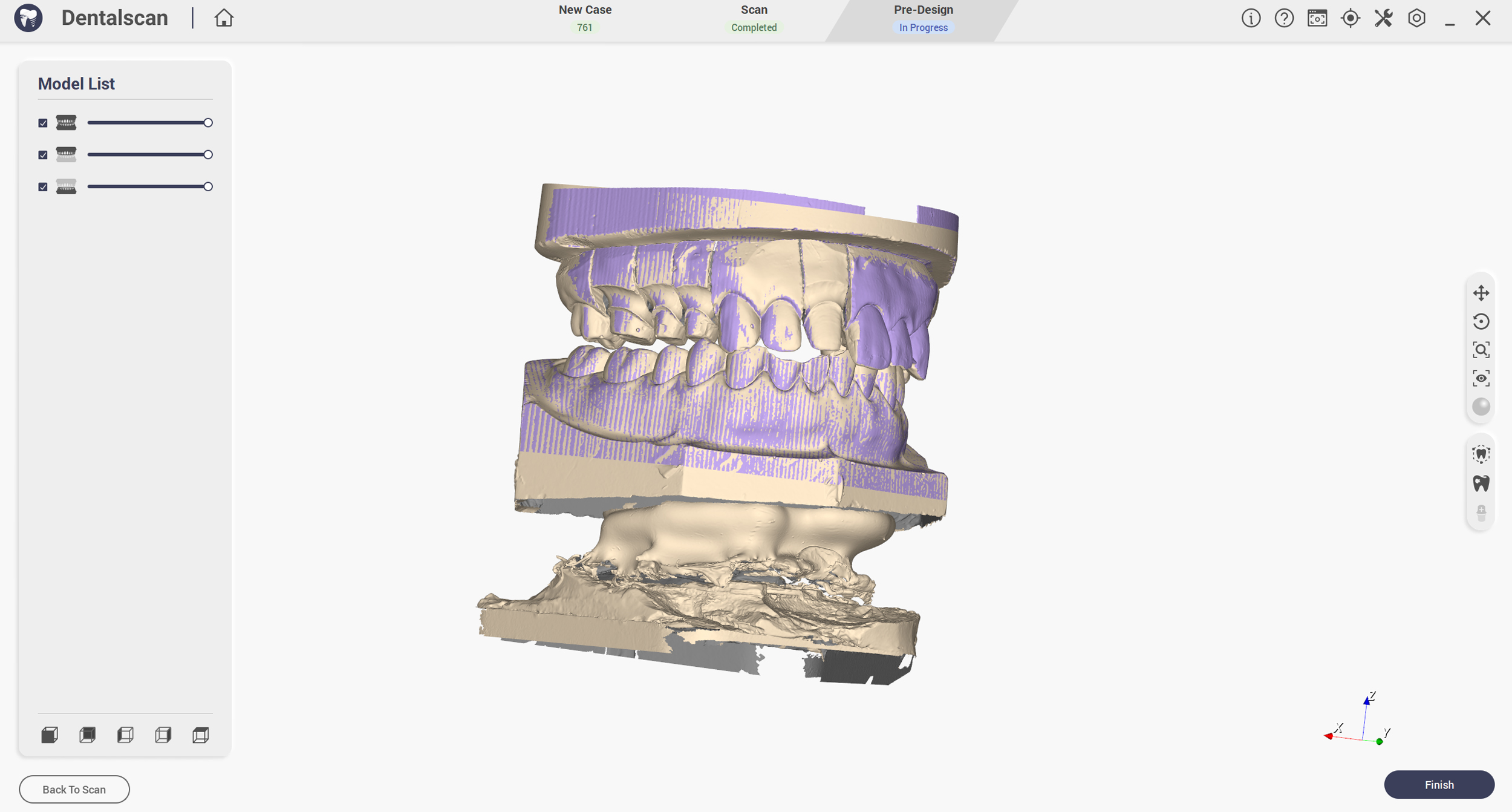
Avoid time-consuming sectioning. QScan can scan unsectioned models with high interproximal detail, including complex orthodontic and veneer cases. This reduces manual segmentation and streamlines your laboratory workflow.

Vivid Color Scanning

  • Exceptional Color Reproduction
  • 20% Faster Texture Scanning
  • RPD Support for Versatile Applications

Bring your cases to life. QScan Max delivers high-speed, true-to-life color scans that preserve surface textures and improve case visualization.

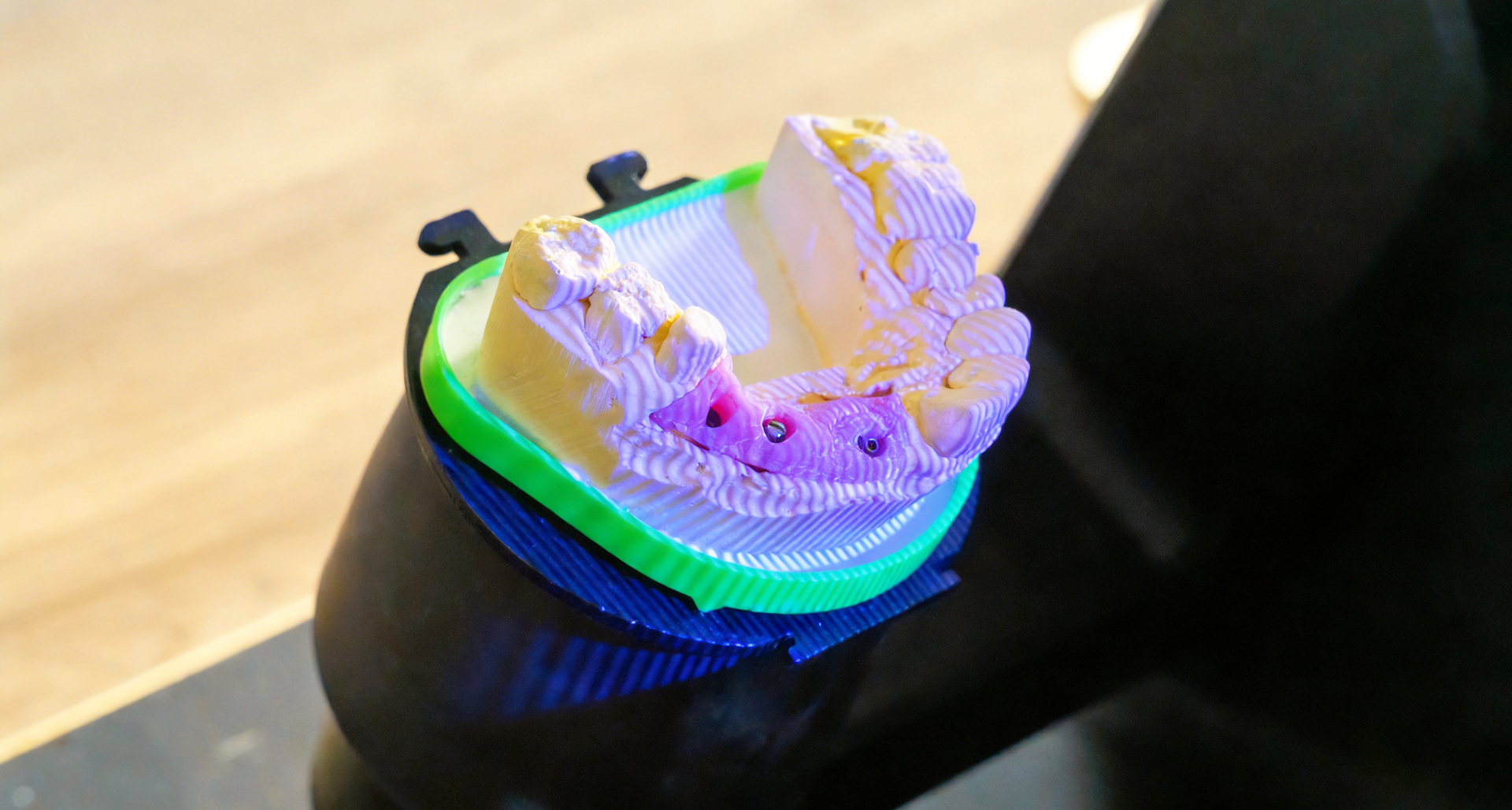
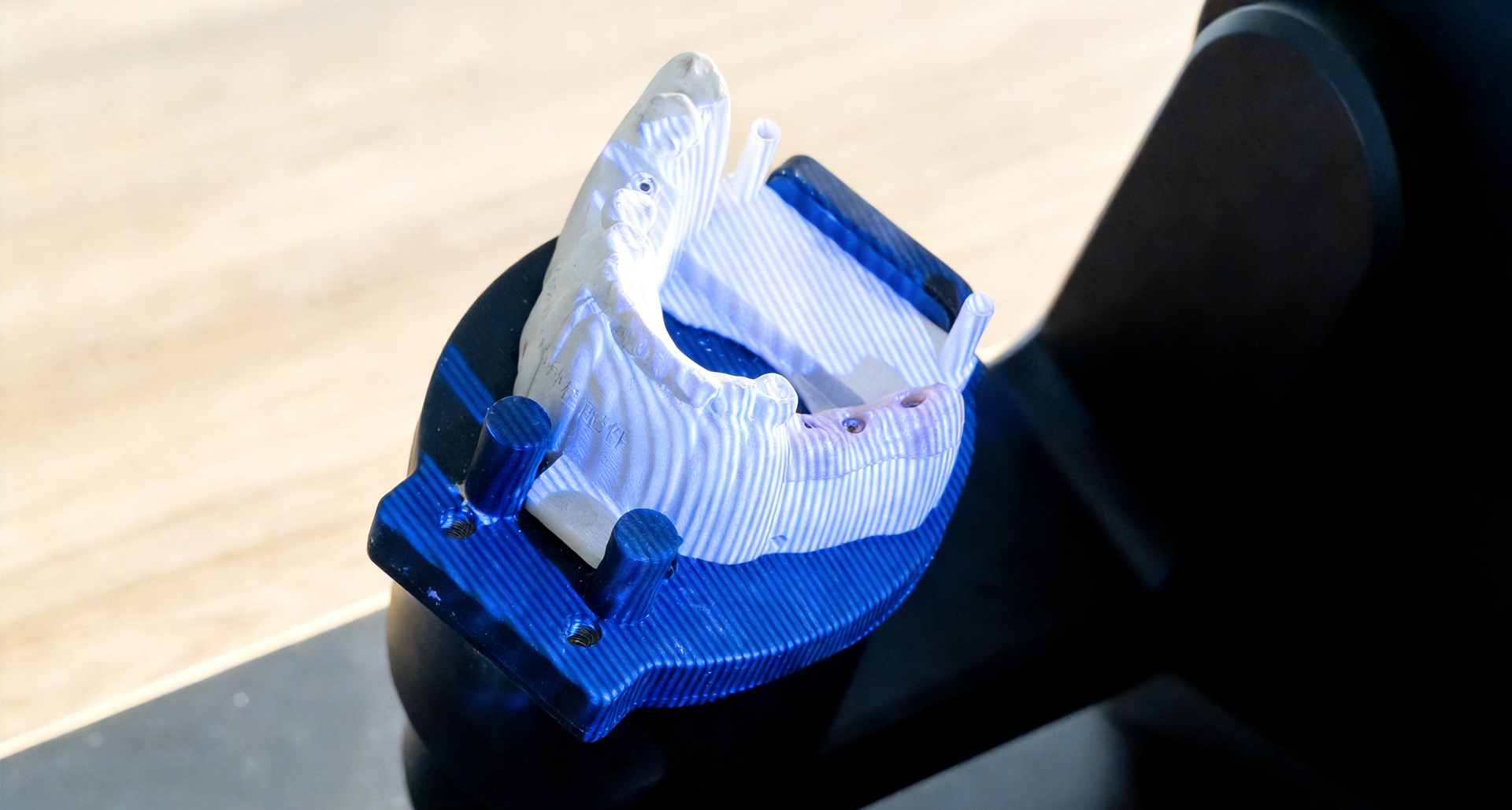
Smarter implant scanning experience
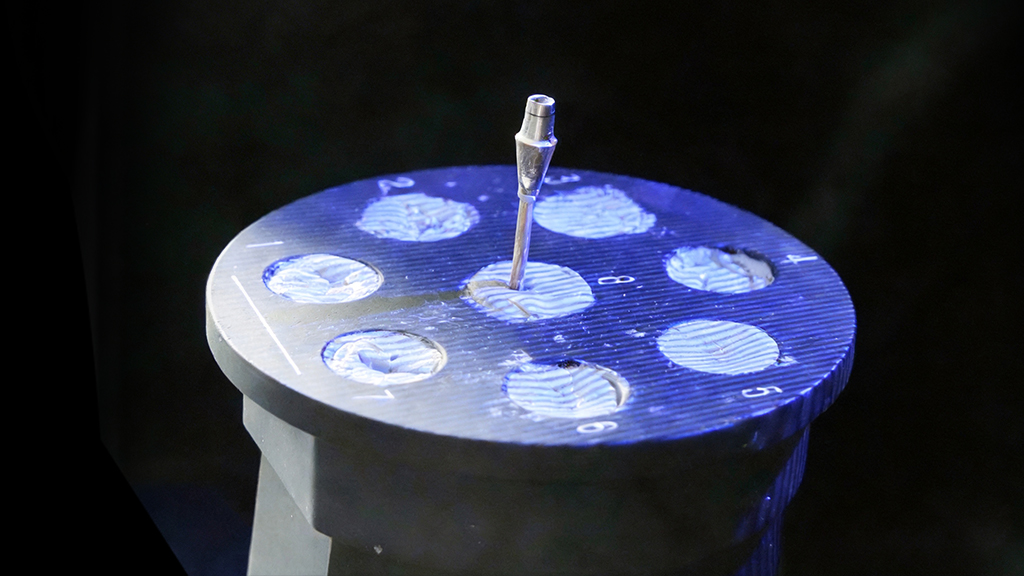
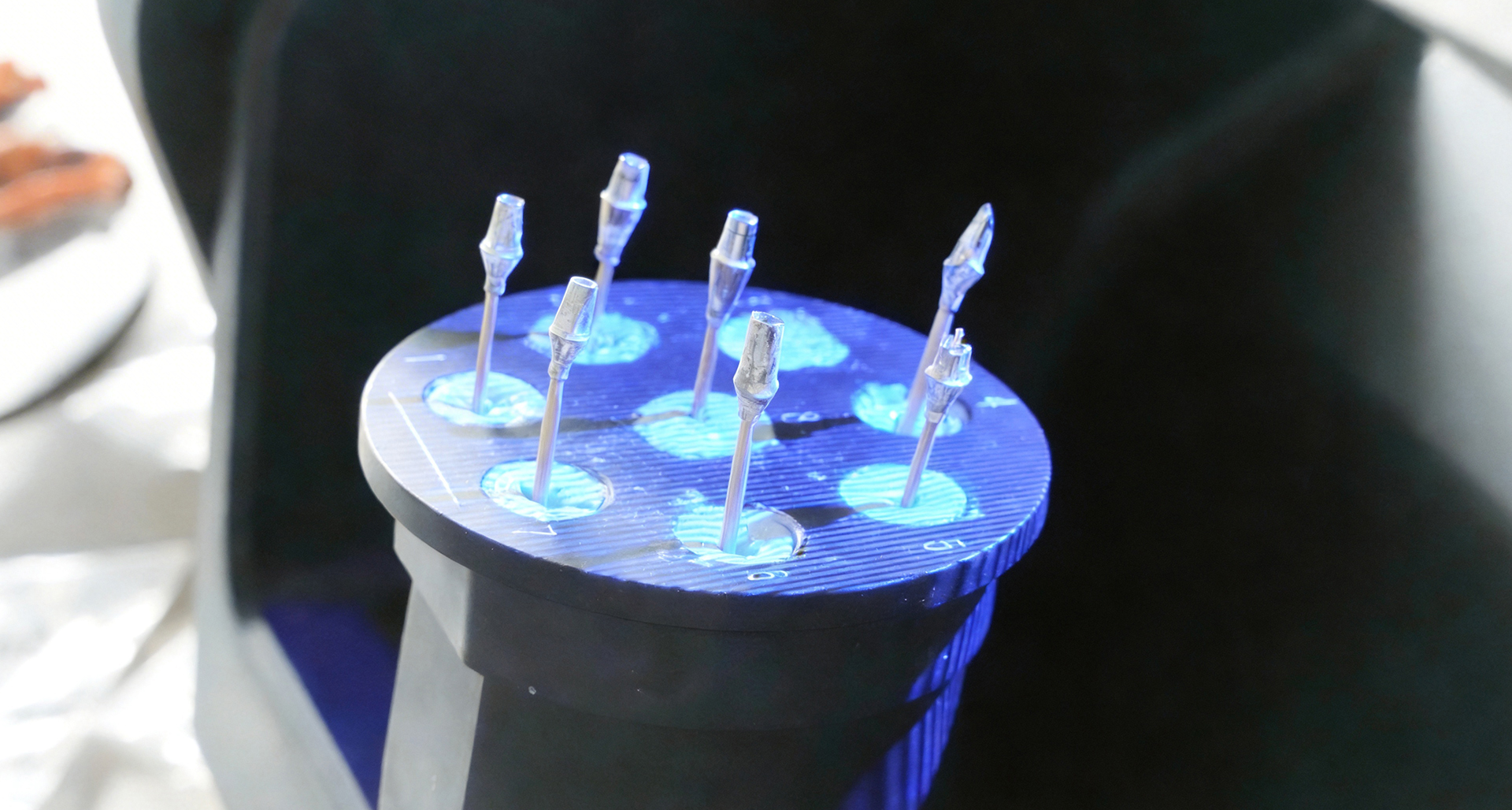
Experience a faster, more consistent implant scanning workflow. Whether you are capturing a single abutment or multiple abutments, QScan Max is designed to simplify complex cases and maintain reliable scan quality.
QScan product image

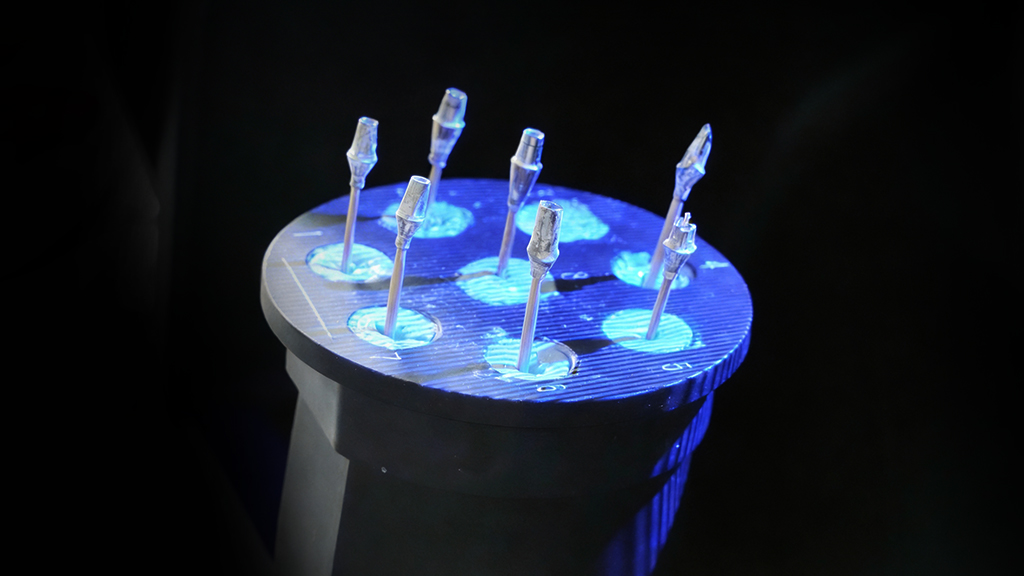
Thin Powder Abutment Scanning

Scan metal abutments with minimal powder while preserving metal texture and maintaining margin clarity. Perfect for complex implant designs.
QScan product image

Simultaneous Multi-Abutment Scanning

Your team can scan multiple abutments at once, reducing repeated clicks and saving time on large-scale cases.
QScan product image

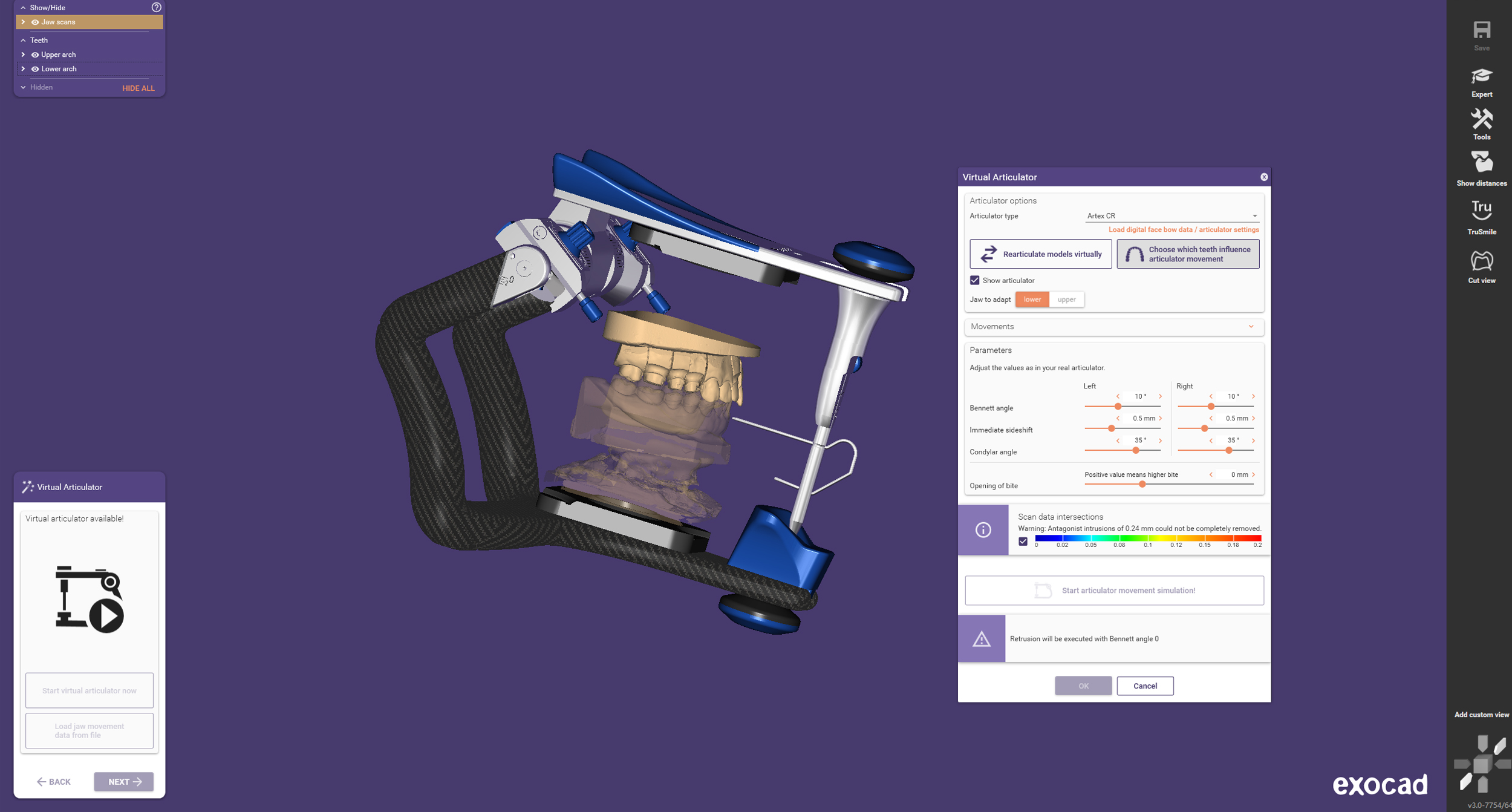
Virtual Articulator Transfer

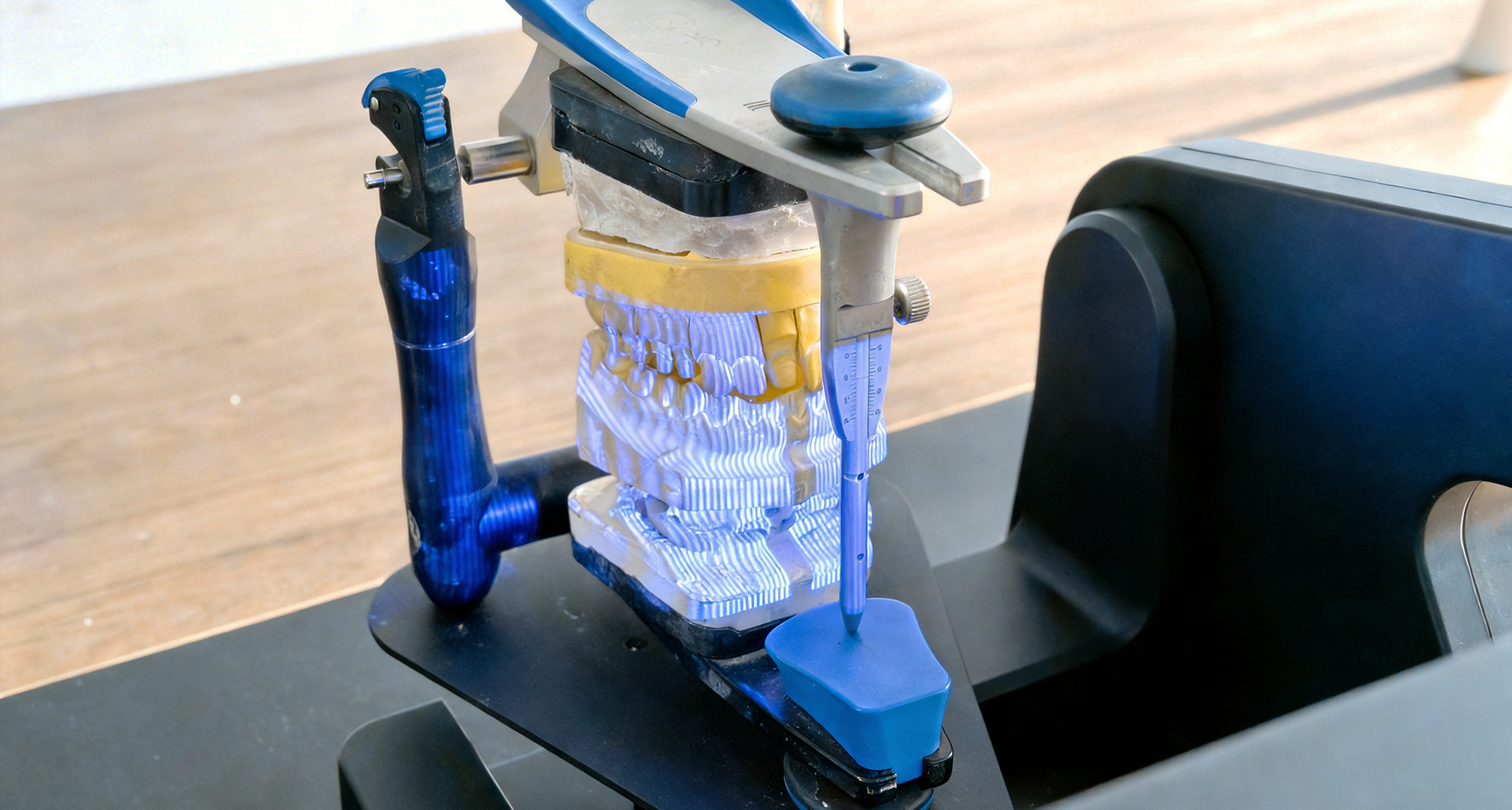
Transfer your scan data into exocad and simulate jaw movement digitally. Simplifies design workflows and ensures accurate occlusion, delivering restorations that meet your clinical standards - faster and more predictably.
QScan product image

Advanced Editing Tools

Streamline post-scan work with built-in editing tools for bite adjustment, implant data replacement, and hole filling. CEDU QScan helps technicians refine and prepare scan data efficiently.
QScan product image

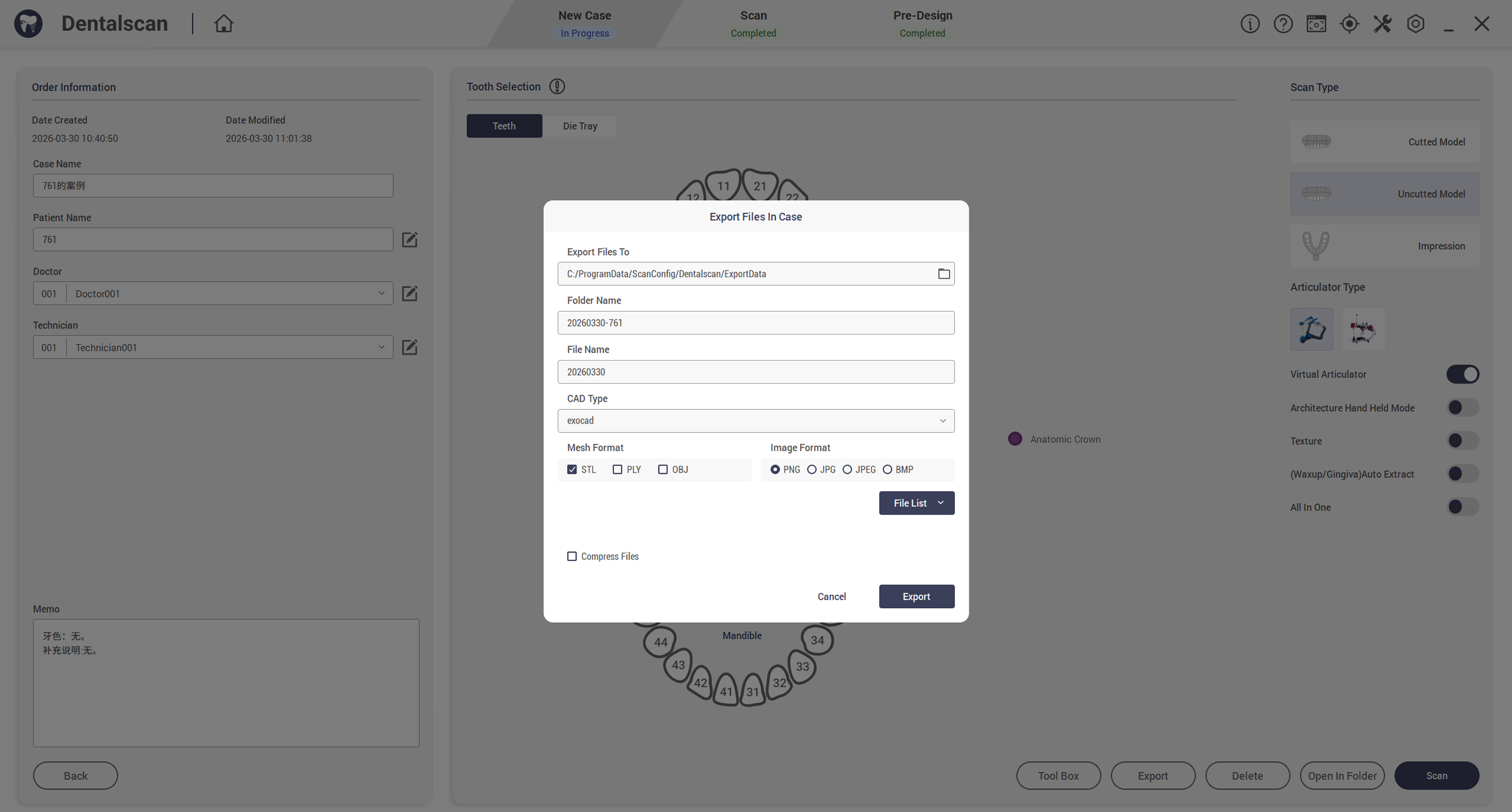
Open Format Compatibility

Import and export open formats such as STL, PLY, and OBJ while integrating with popular dental CAD software, without unnecessary conversions.

Versatile Application

CEDU QScan supports multiple dental scan applications.
QScan product image
Unsectioned Model
QScan product image
Implant Abutment
QScan product image
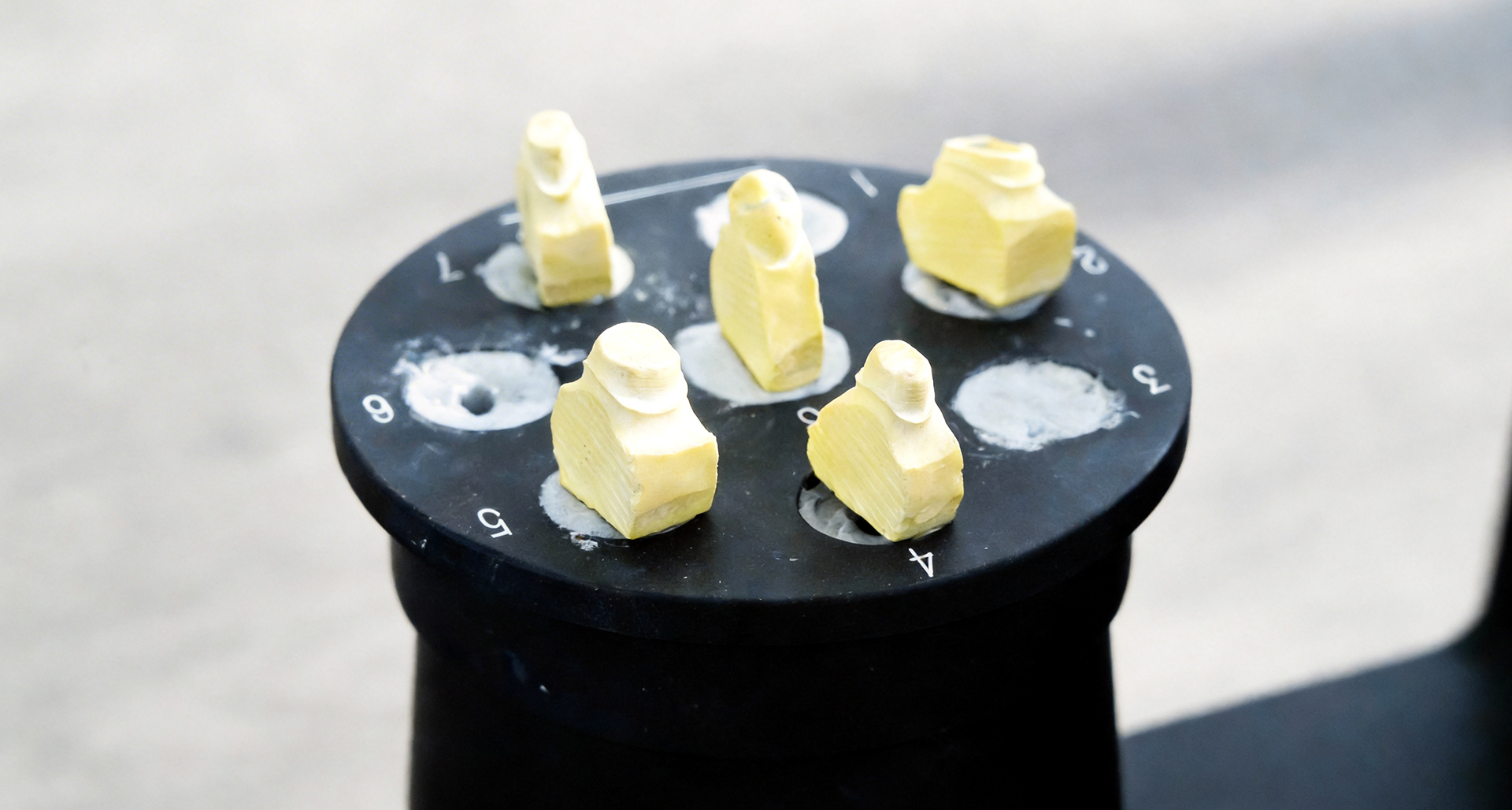
Dies
QScan product image
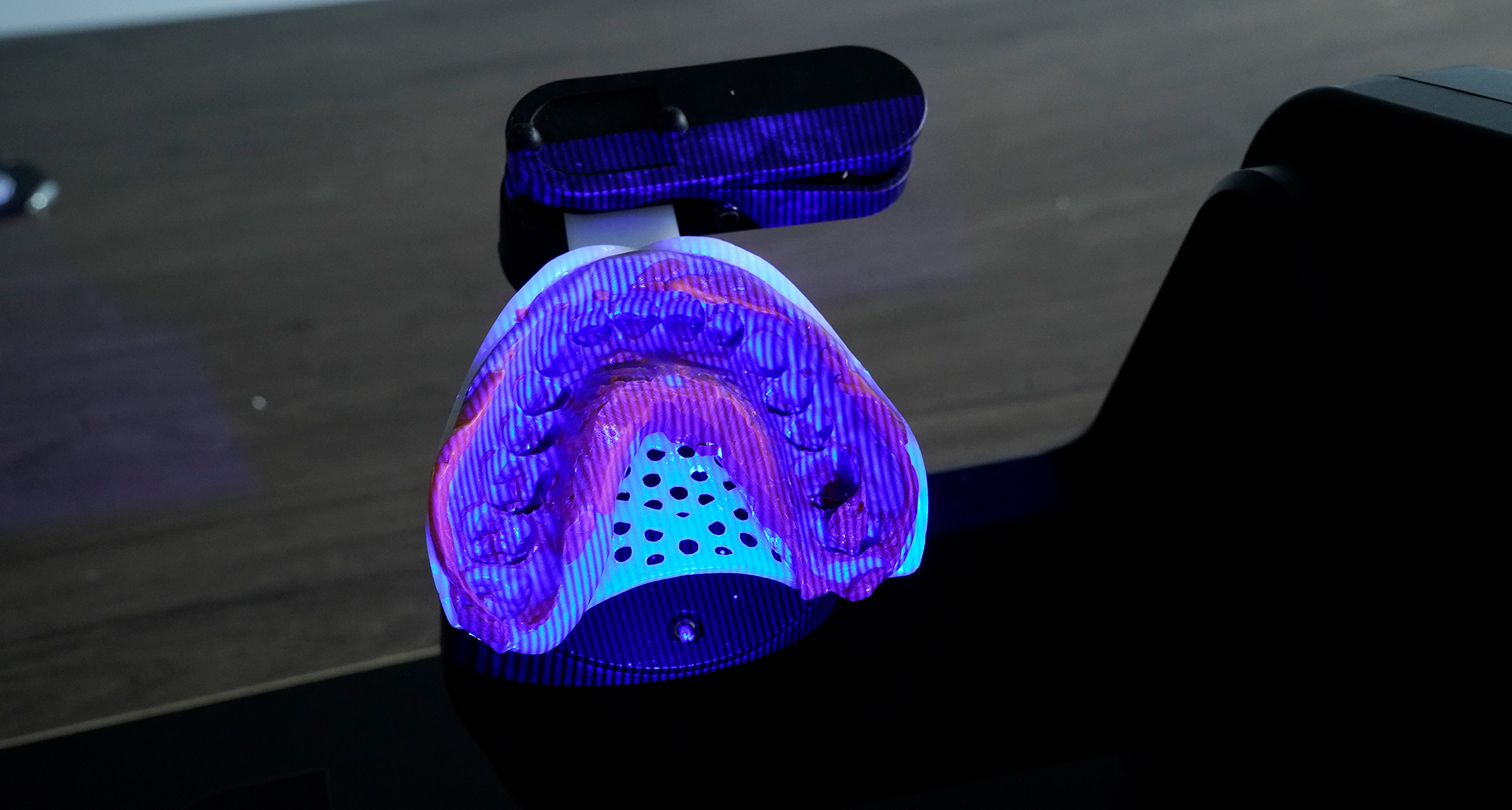
Impression
QScan product image
Articulator
QScan product image
All In One
QScan product image
Texture
QScan product image
Scanbody
QScan product image
Implant Bridge

Parameter

Product model:QScan Pro S,QScan Max

Resolution of the cameras:3.7mp*2,5.0mp*2

Scan principle:Three-dimensional structured light

Size:37*35*45cm

Weight:5 Kgs

Light source:LED Blue Light

Accuracy (ISO 12836): 8 μm, 5 μm

Single jaw scan speed:17s,20s
True color scanning:✅,✅
Frequently asked questions
We have sorted out some questions that customers are most concerned about and answered them for you one by one.
1. The film is not torn.
2. No padding blocks are placed or low padding blocks are placed.
3. Computer configuration problems.
4.USB interface communication is unstable.
5. Exposure is too high or too low.
6. The software version is wrong, resulting in a black screen of the camera.
7. Install two different versions of software.

1. Update the graphics card driver.
2. Check whether the 3.0 interface.
3. Disassemble the machine to see if the connection is unstable.
4. Check whether camera permissions are not turned on.

CONTACT US

Are you ready to improve your scanning experience?
And take it to a new level!
Let us find a suitable digital dental solution for you.
Contact us immediately and take the first step towards smarter and more efficient production.

QScan

× 微信客服

WhatsApp
Consulting products

Request for quotation

Fill in the form quickly and cedu will contact you as soon as possible.
Choose your identity