






Abutment Alignment: Select scanning strategy for abutments
ALL
① Strategy: Custom Abutments
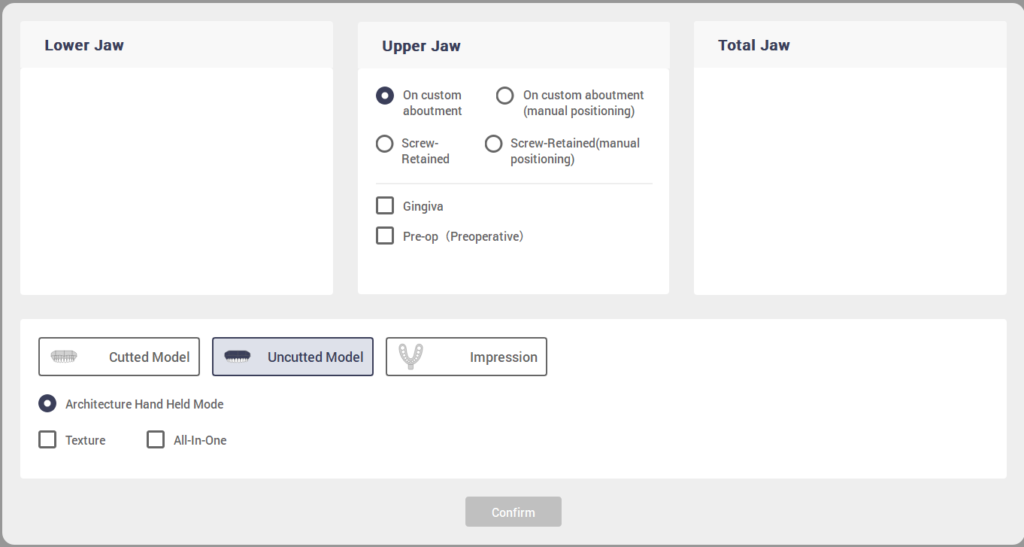
② Click Scan button
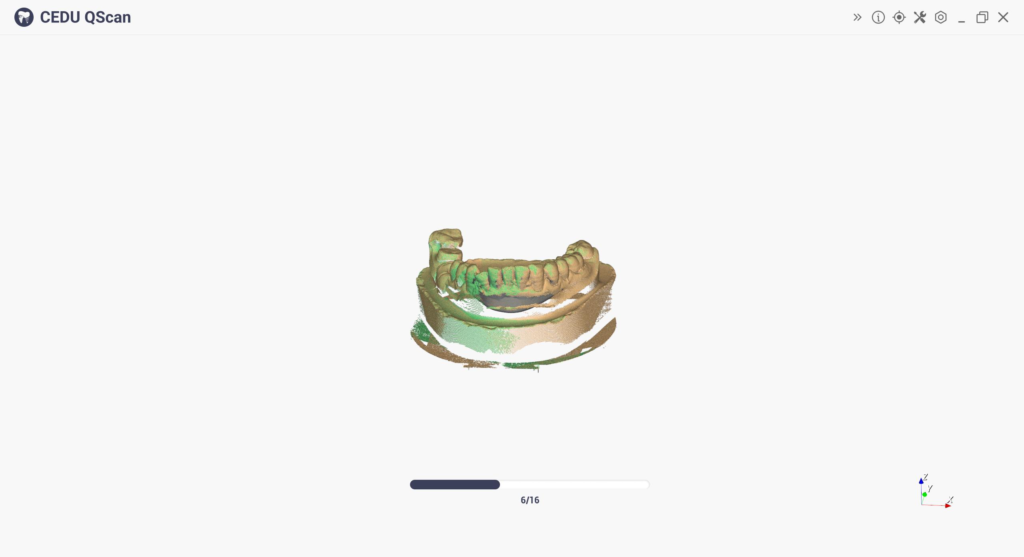
③ Place corresponding implant bars per lower-left prompt and click scan button
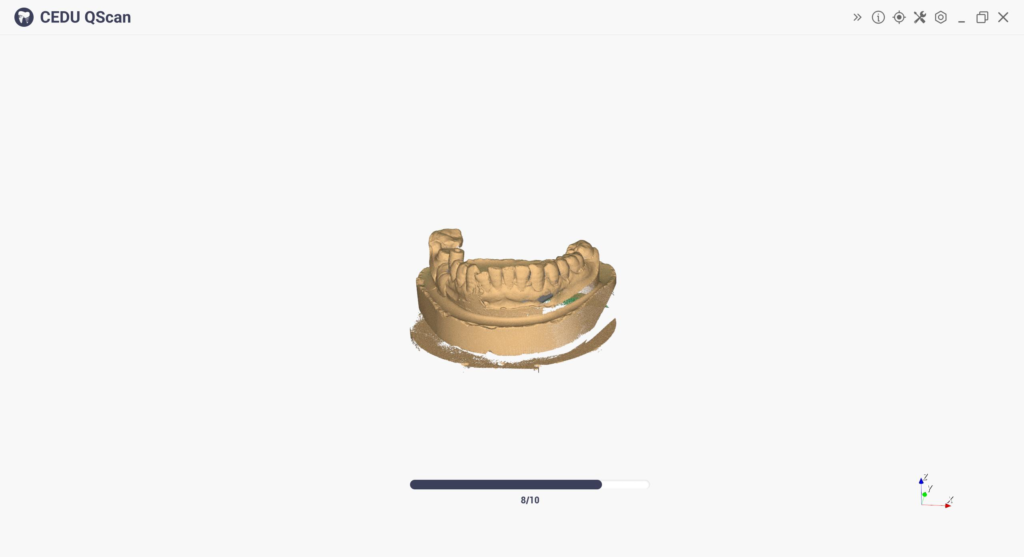
④ Adjust Cutting Plate
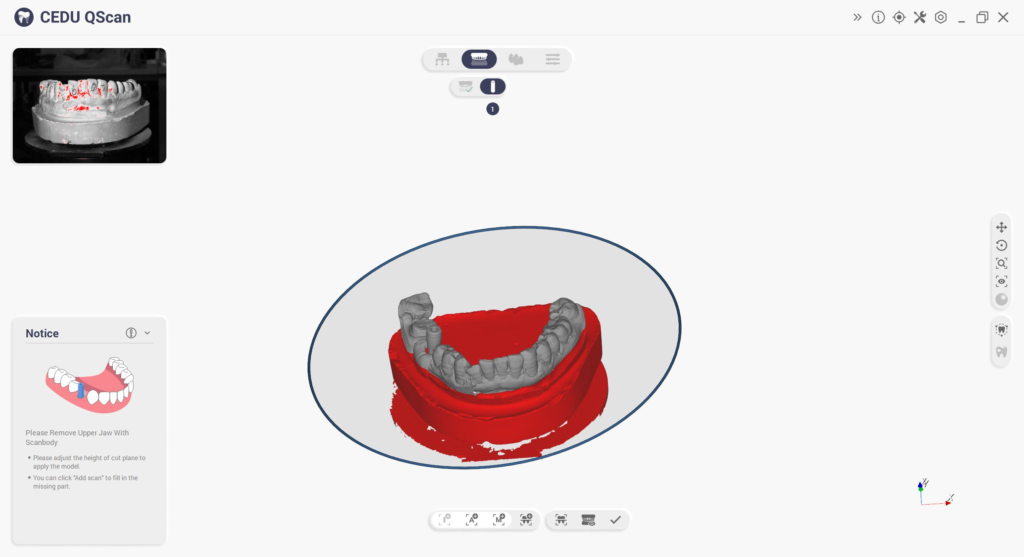
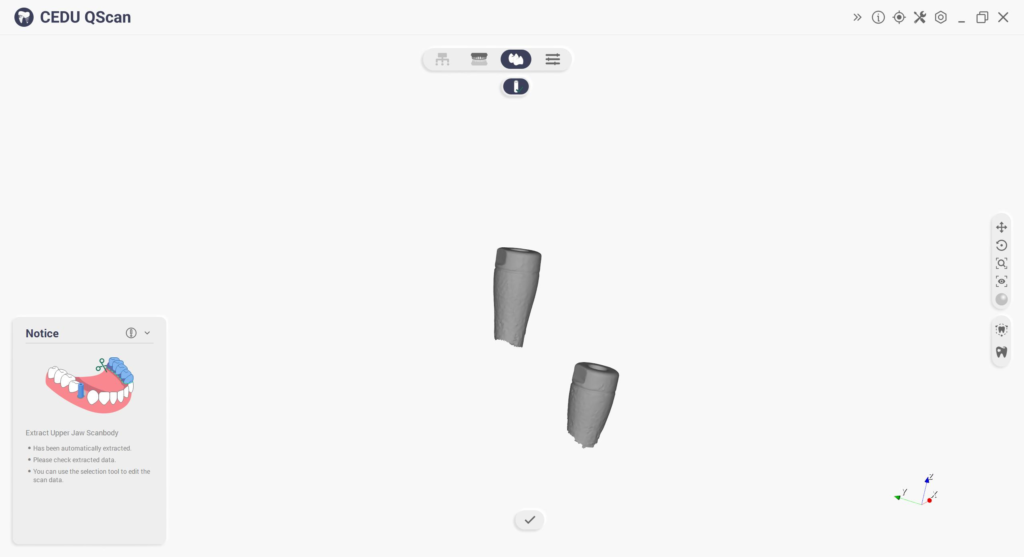
⑤ Preview results as shown below
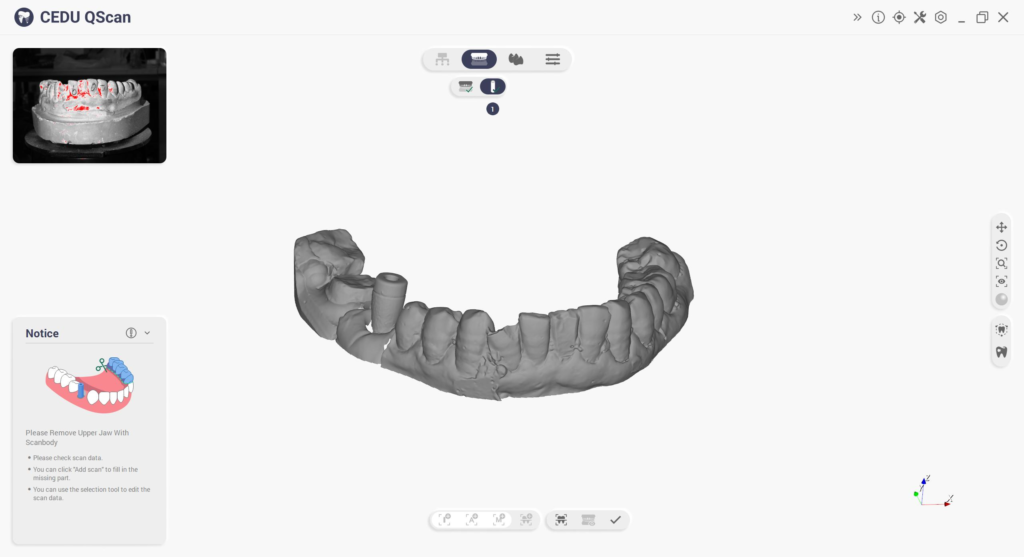
⑥ Click Next Extract abutments

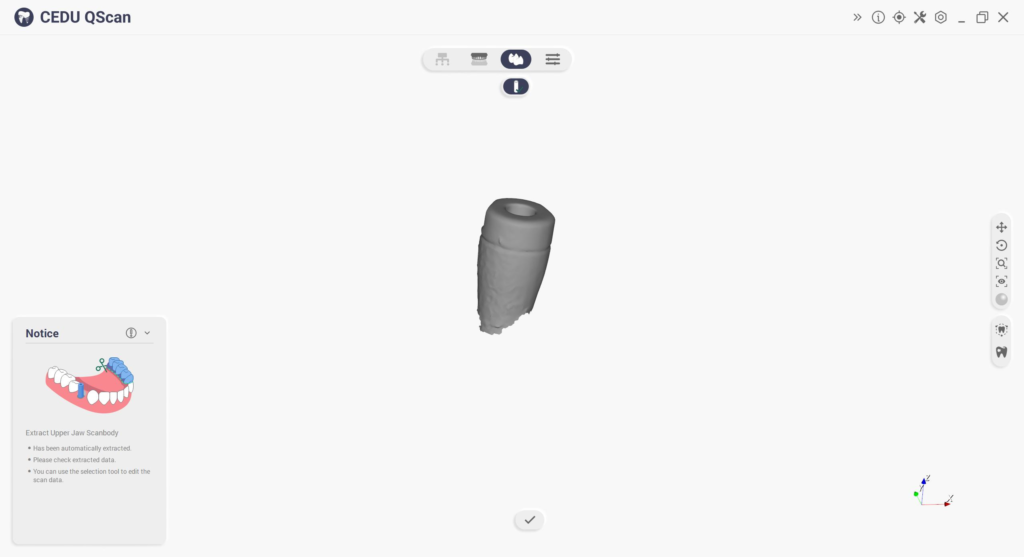
Group
Divides scanning into three stages:
1.Non-base abutments Scanning abutment group; 2. Scanning abutment group;

This option can be selected when the scan bar overlaps or the scan bar is missing parts that require base data
① Strategy: Custom Abutments
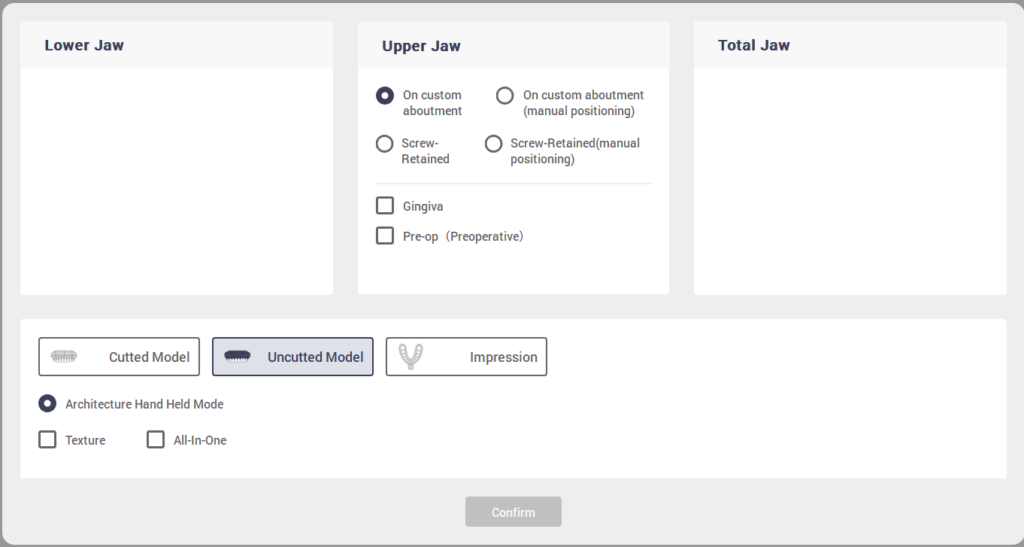
② Place Group 1 implant bars per prompt
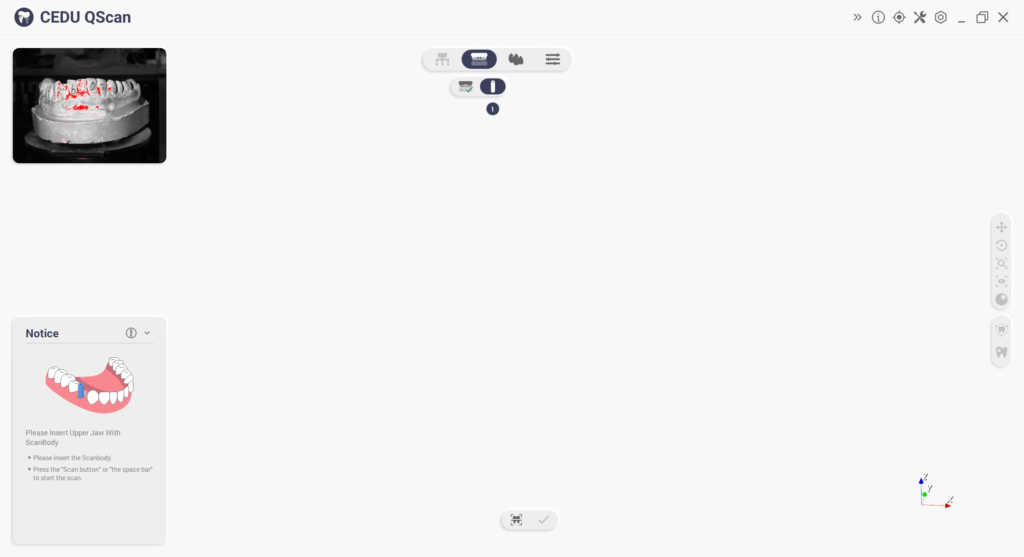
③ After Group 1 scan: Click Group

Add Scan

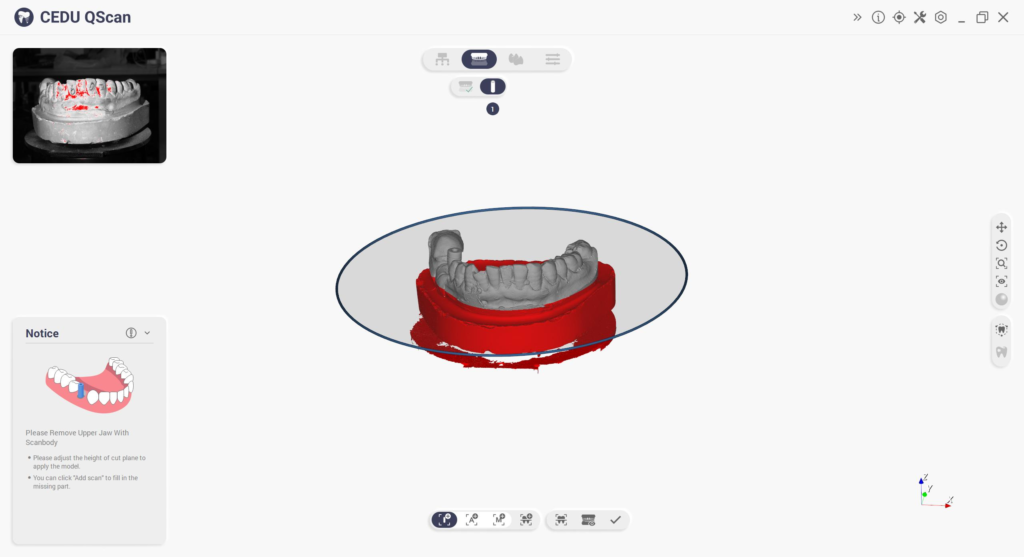
④ Place Group 2 implant bars
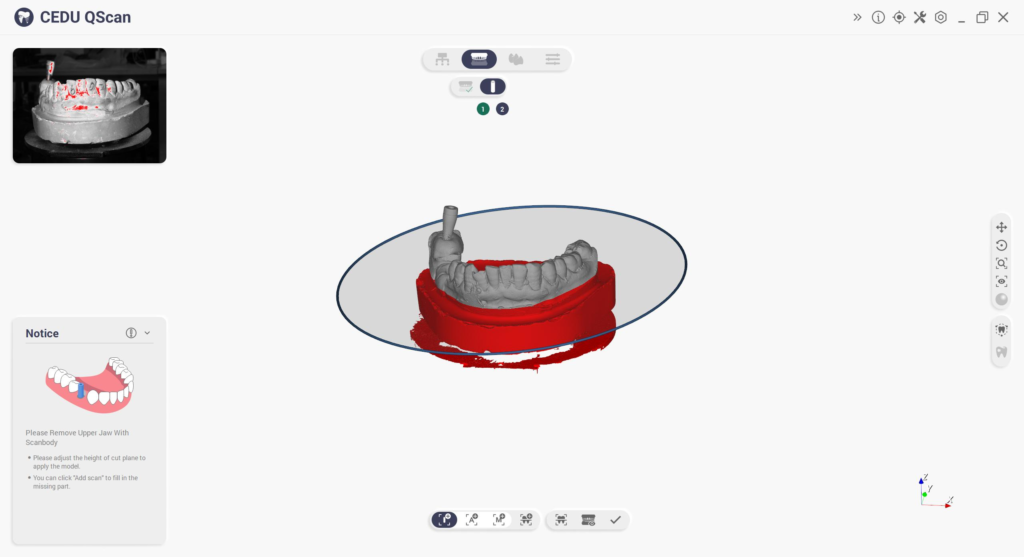
⑤ Extract abutments