








How to Prevent Intraoral Scanner Lens Fogging During Scanning?
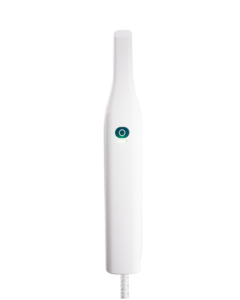
If your intraoral scanner lens fogs during scanning, pause the scan and check the scanner heating and protective glass.
- Wait for the scanner software to complete the handpiece preheating cycle before scanning.
- Check that the scanner tip is installed correctly and that the heating contacts are clean and undamaged.
- Blow gently on the protective glass as a quick breath test. If the glass stays clear, resume scanning.
- If fogging returns, stop using the scanner, clean and disinfect the tip according to the user manual, and contact CEDU support for a hardware check.
These steps apply to the OScan intraoral scanner. For recurring lens fogging, include the scanner model and a photo or video when contacting support.