

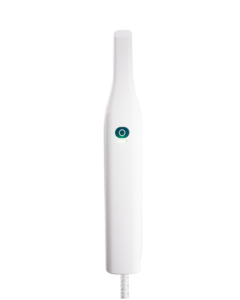
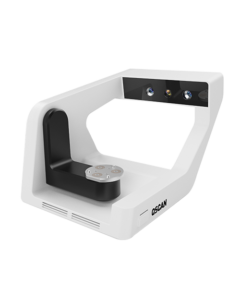





口内扫描仪 OScan
精准与简洁的完美结合
天生卓越,每日不懈
天生卓越,每日不懈
赋能关怀,赢得信任
OScan 让每一次扫描都成为一次安心的体验。流程顺畅、快速,轻巧的设计让患者倍感舒适,,
它有助于专业人士建立信任并加强医患关系——让每一次就诊都更轻松一些,让每一次笑容都更灿烂一些。.
它有助于专业人士建立信任并加强医患关系——让每一次就诊都更轻松一些,让每一次笑容都更灿烂一些。.

日常牙科的流畅扫描
无论是修复还是种植过程,OScan 都能高效响应,提供流畅的,
准确且临床可靠的扫描结果。
准确且临床可靠的扫描结果。
OScan 显示详情
28秒
扫描速度快
20±2毫米
深度扫描,更多细节
260克
轻质车身
(不含扫描头)
(不含扫描头)

清晰视野
自动防雾,
无需喷粉
无需喷粉
人体工程学设计
优化抓握并改善
操作舒适性
操作舒适性
一键控制
一键轻松控制
散热系统
降低噪音和干扰
更智能、更流畅的扫描体验
30%
提高准确性
更智能的扫描,更灵活的配置
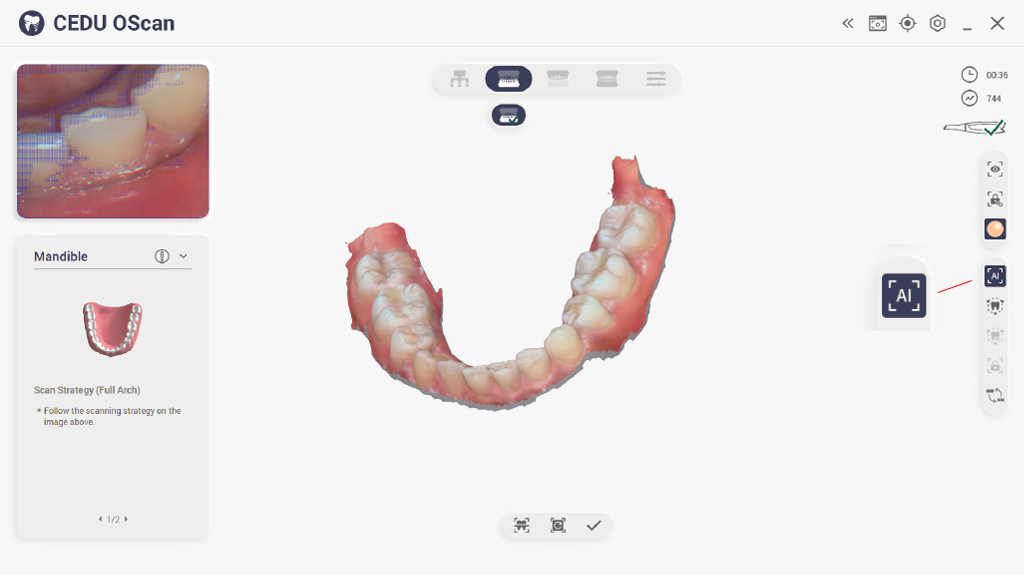
AI智能扫描过滤
移除不必要的数据,获得更快、更干净的扫描。AI 智能地移除软组织、手套伪影和杂散数据,每次都能提供更快、更清晰、更准确的扫描。
运动感应
用手势控制你的工作流程。无需触摸屏幕即可轻松导航,提高卫生水平并简化扫描过程。
柔性植入物扫描
无须重复扫描,实现流畅的种植体工作流程。扫描软件提供多样的种植体扫描工作流程,减少调整后重复扫描的需要,从而节省时间,减轻患者不适。
开放格式兼容性
与流行的CAD软件无缝集成。以STL、PLY或OBJ格式导出,确保与UPCAD、exocad、3Shape等完全兼容。
术前口腔扫描
为术前准备捕获关键参考数据。通过清晰的术前和术后扫描对比,优化临床规划。
精心设计,非凡体验

通过更清晰的可视化和更直观的理解来增强治疗规划。
生成全彩成像

在严苛的环境下,也能保持防雾性能,维持稳定的性能。
每次扫描都清晰可见。
防雾技术

改进的空气动力学设计确保了更安静、更舒适的扫描体验。
扫描更顺畅,噪点和干扰更少。
增强型冷却系统
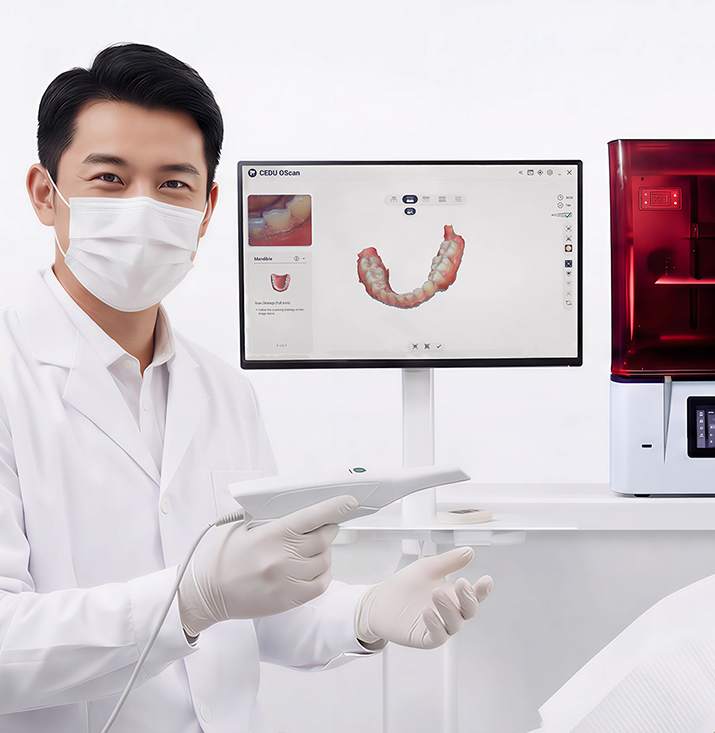
如何开始与 OScan 的当日牙科服务?
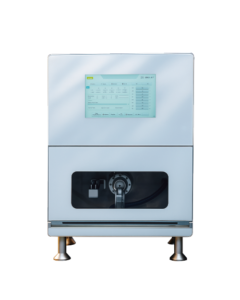
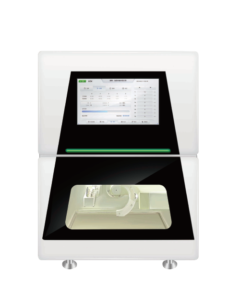
从首次扫描到最终研磨,CEDU 系统可优化当日牙科流程——快速、直观且完全互联。借助 OScan,它将扫描、设计、排版和研磨集成到一个无缝的临床流程中。等待更少。工作更多。患者更满意。
了解更多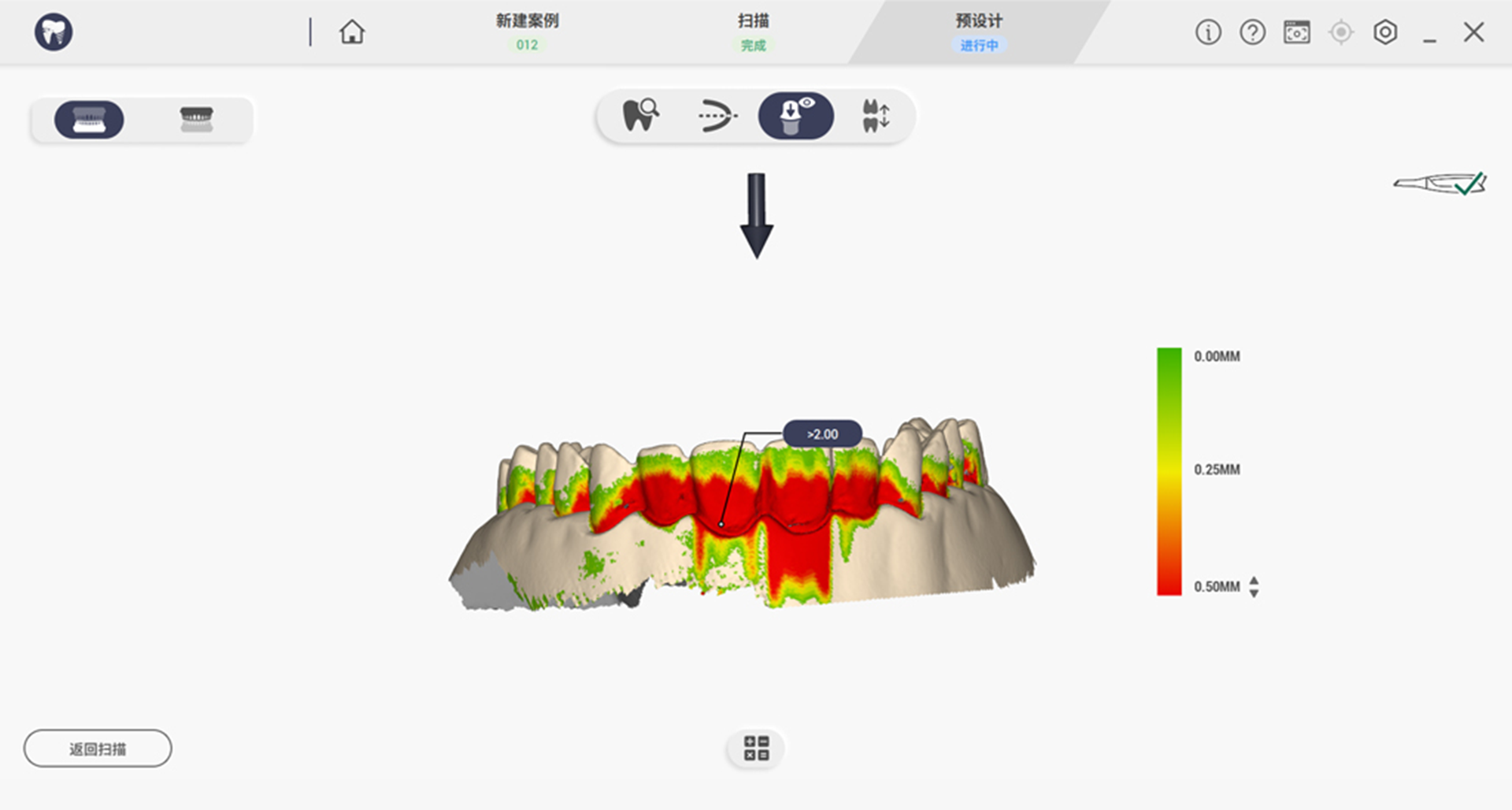
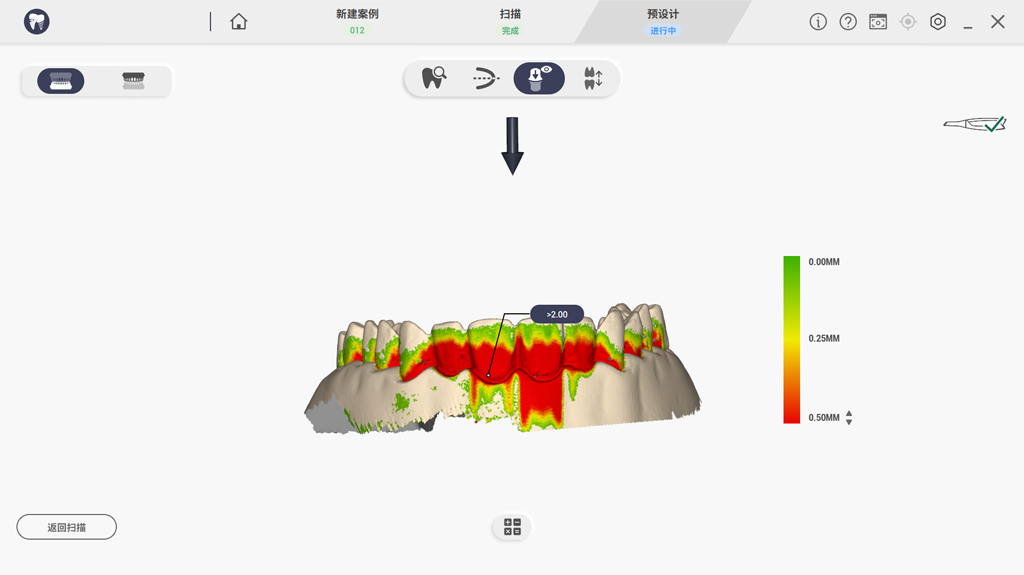
倒凹检测
通过不同的颜色显示凹陷程度。
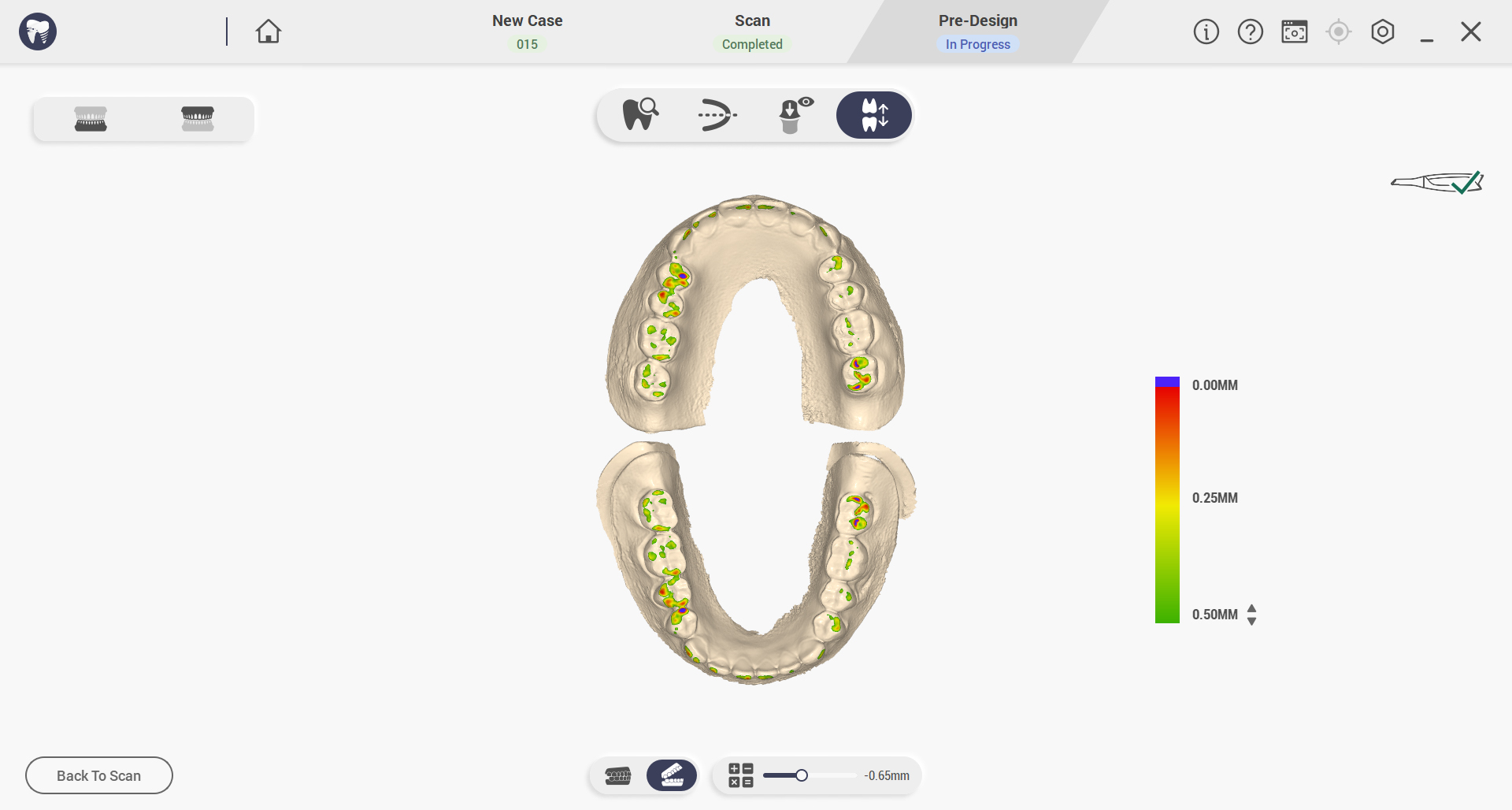
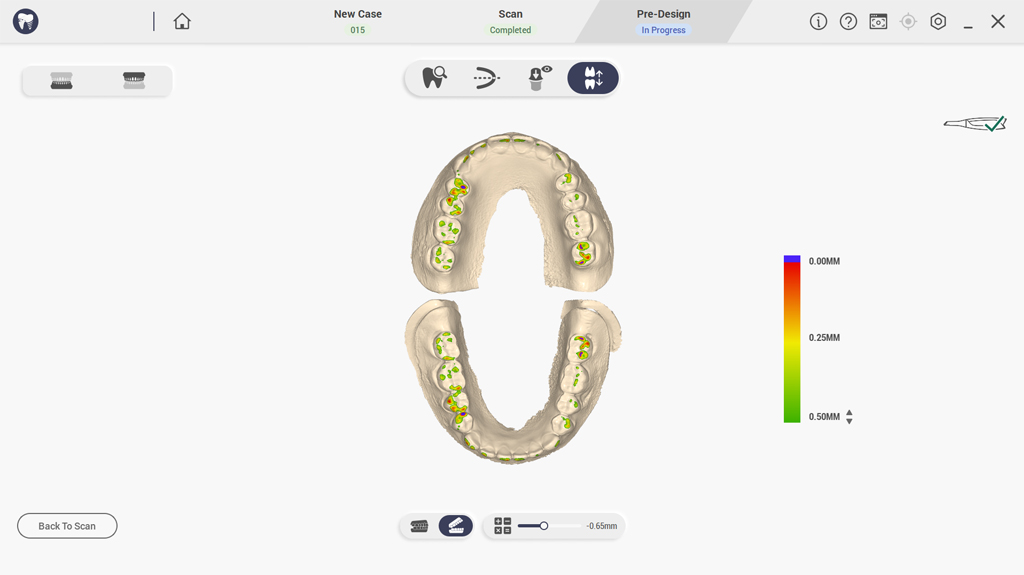
咬合分析
模拟并调整恢复咬合接触,以避免干扰并确保长期舒适。
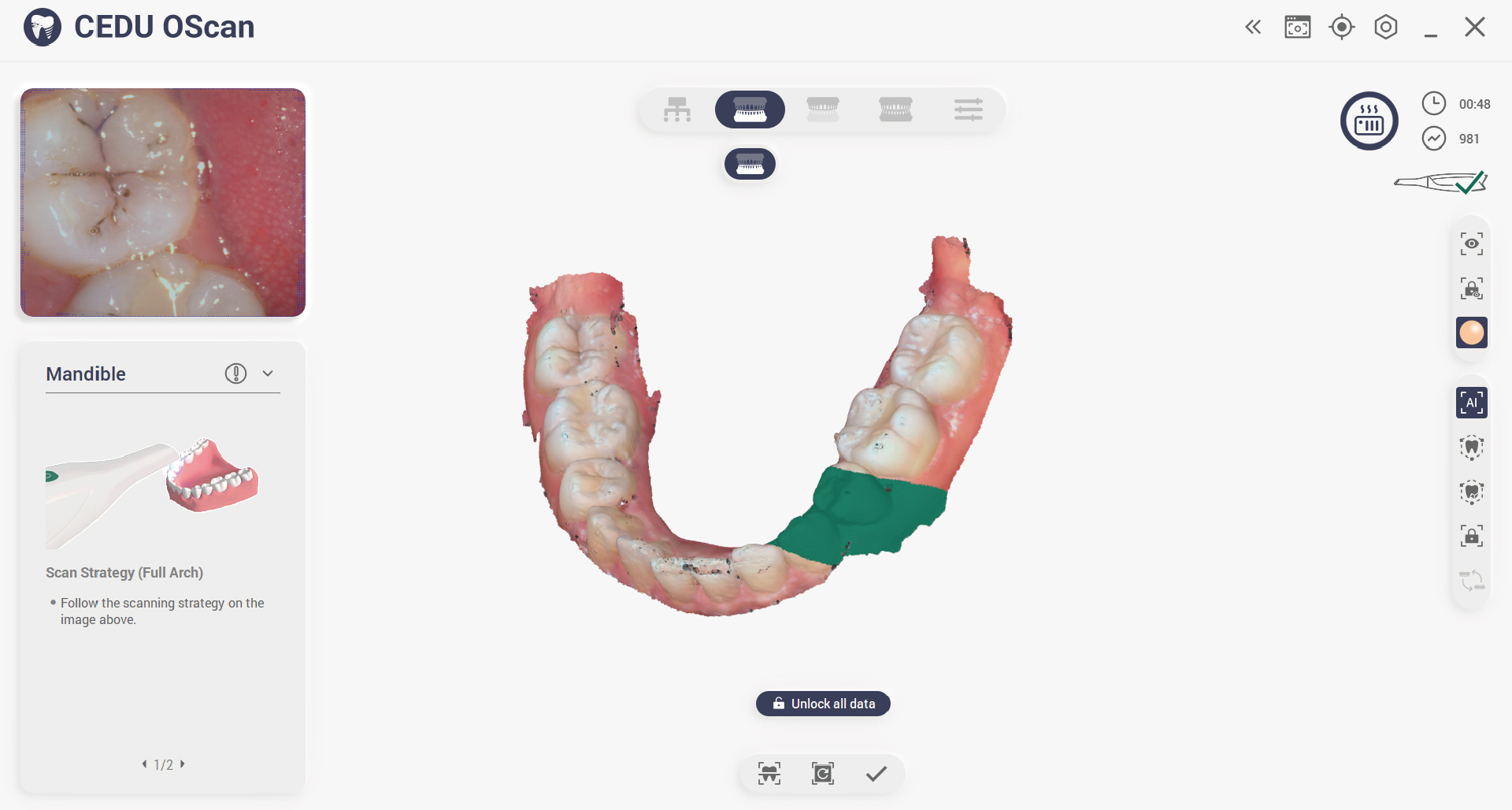
锁定数据
锁定齿位以防止数据丢失并消除过多的数据干扰。
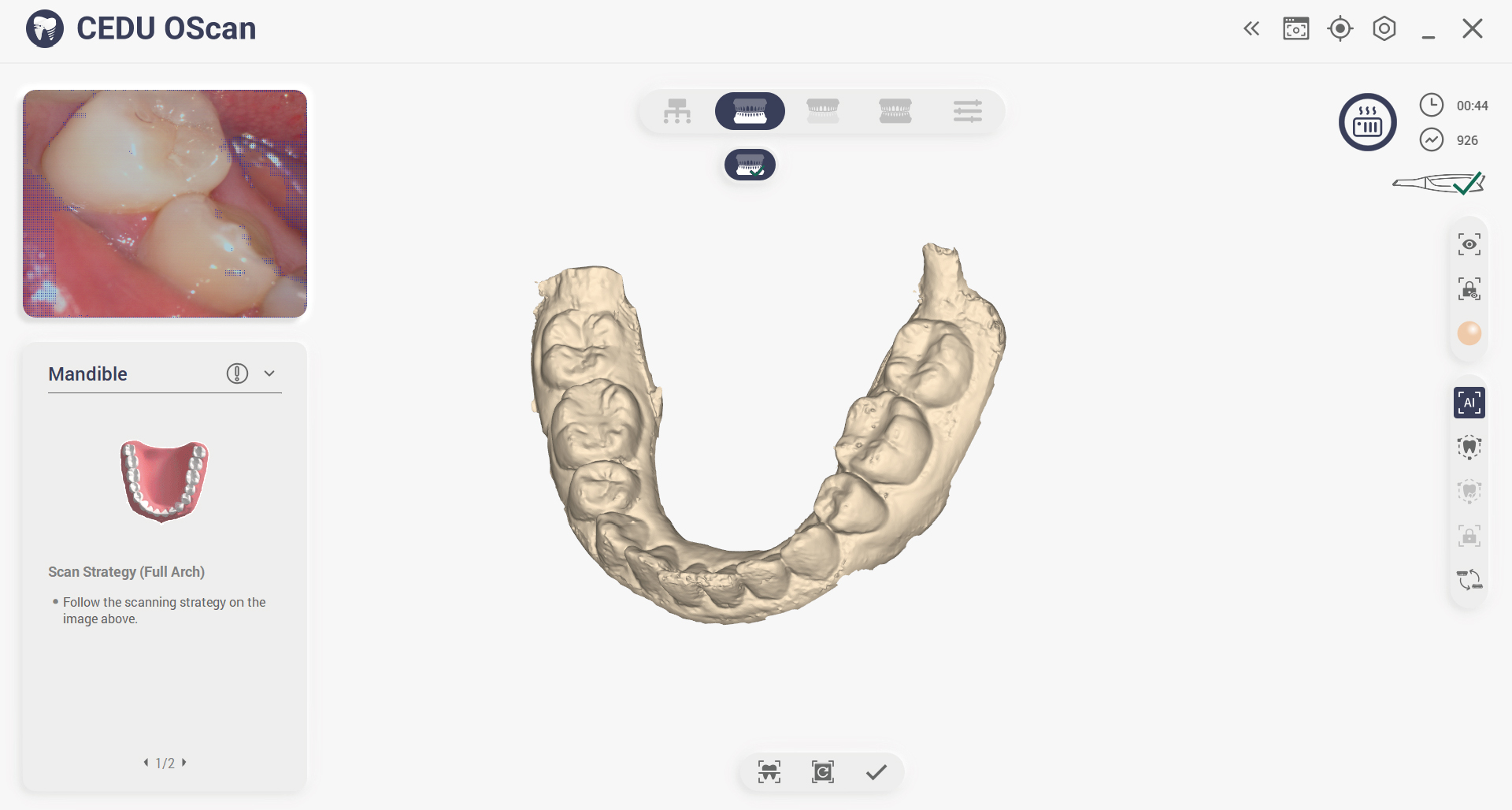
颜色切换
一键切换颜色,全面检视模型数据。
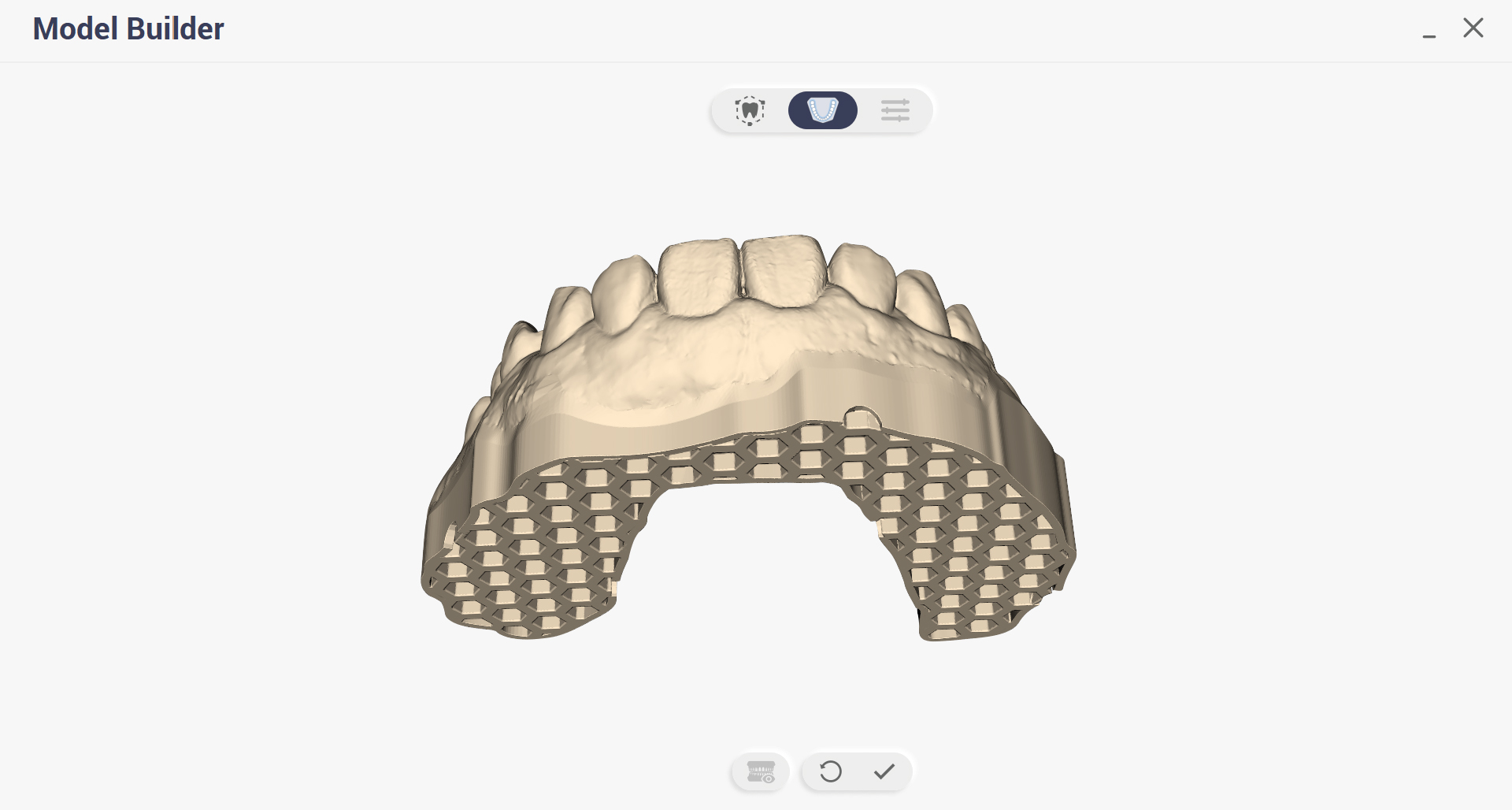
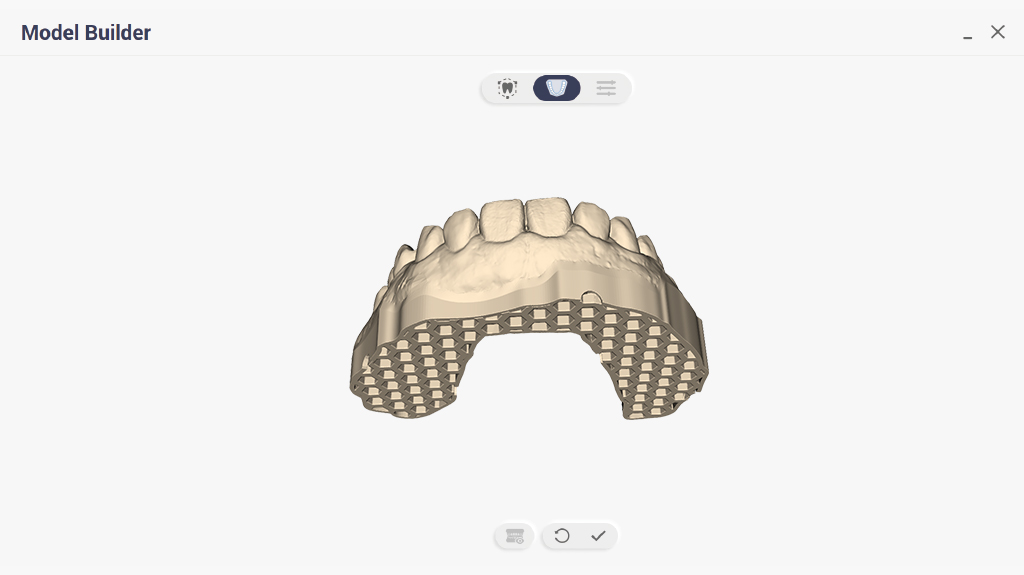
模型生成器
此函数直接生成扫描牙科模型的三维可打印数字文件。
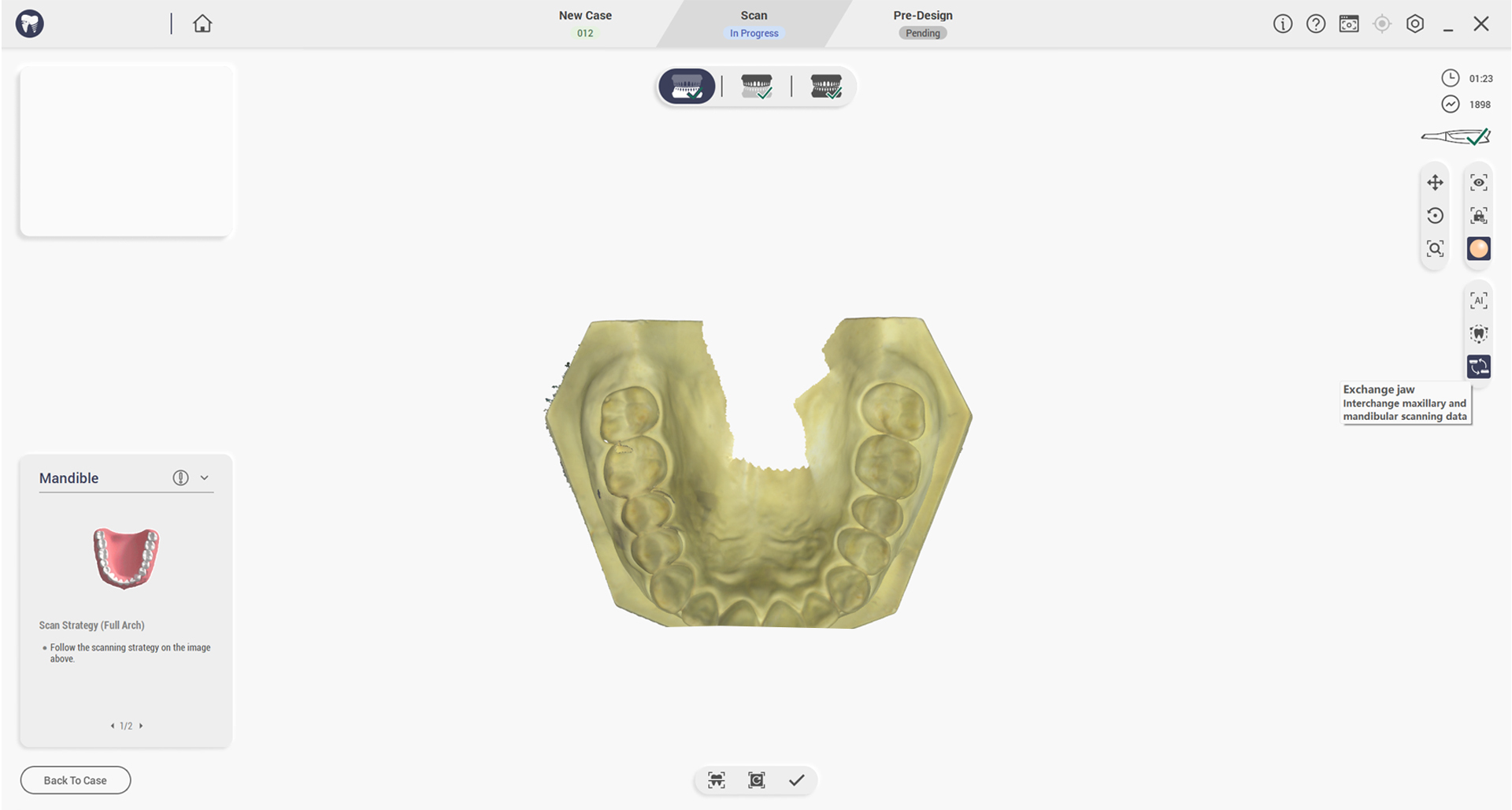
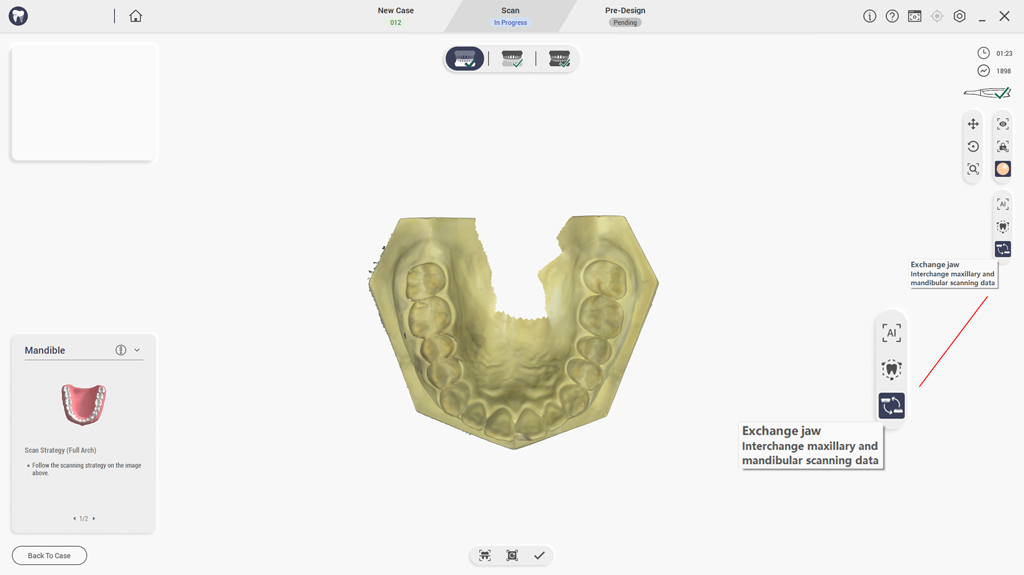
交换上下颚
扫描或后处理后交换上下颌数据。
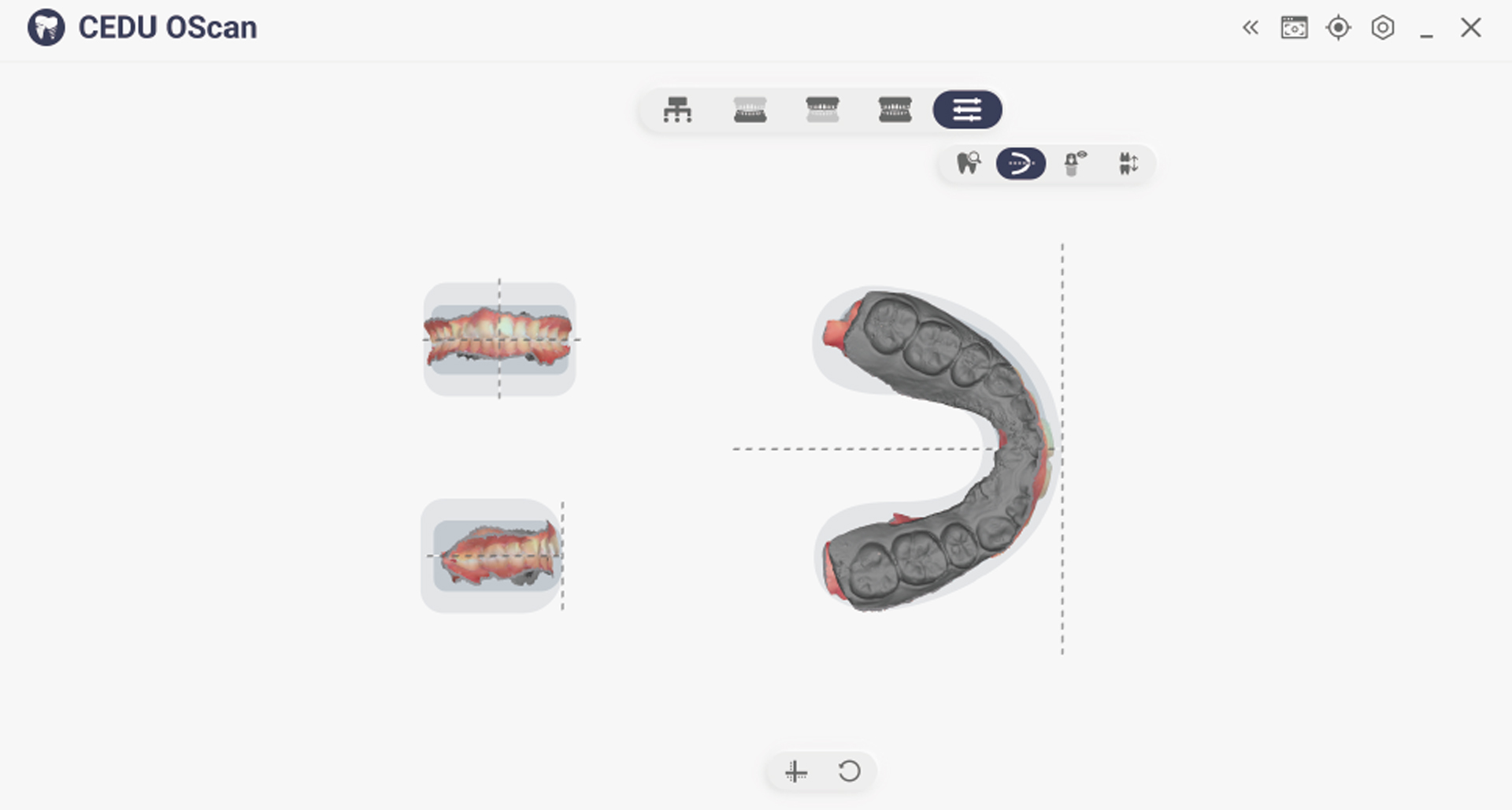
调整坐标
手动调整牙齿和颌骨的参照坐标系至统一标准。
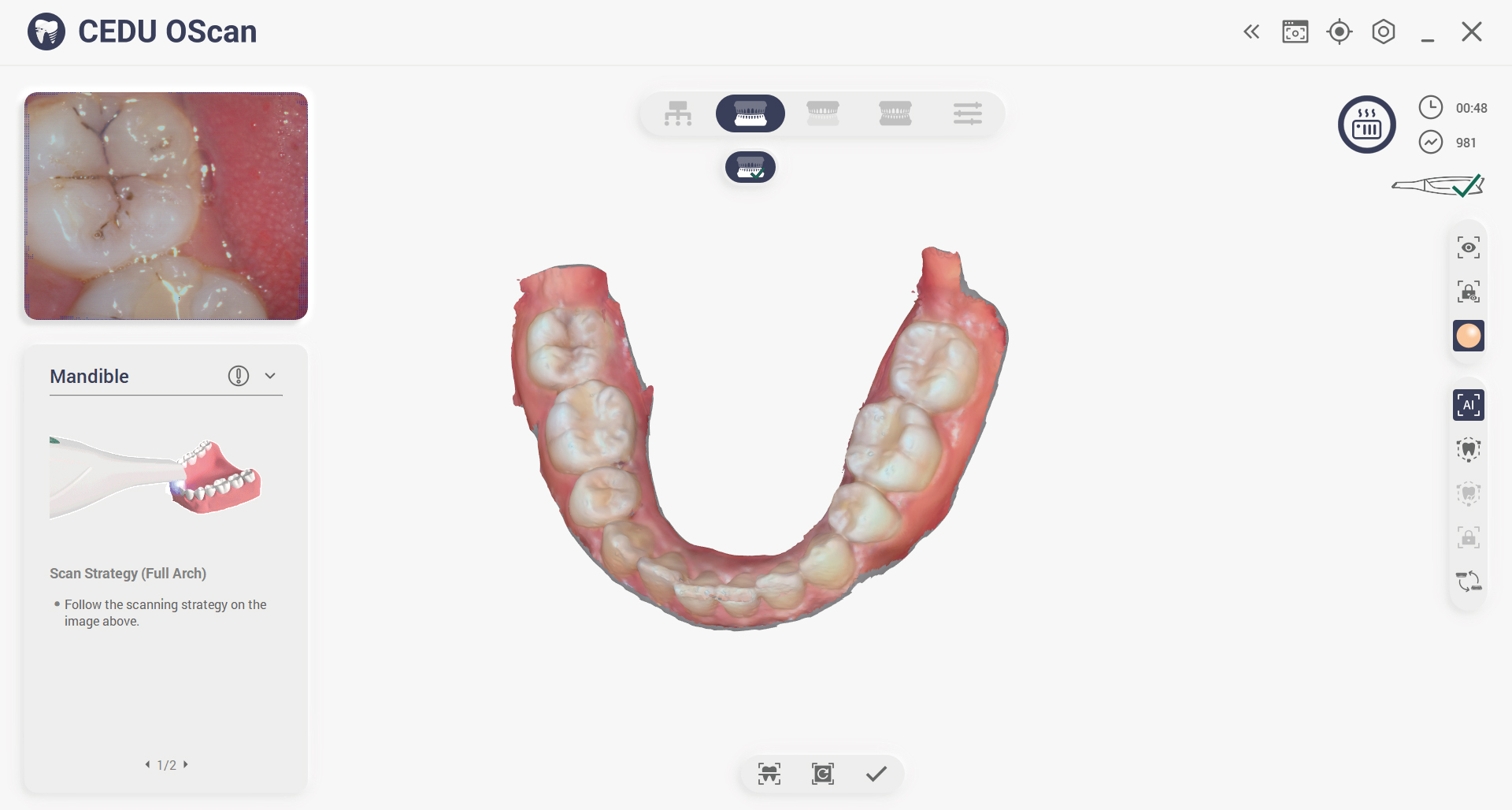
扫描指示
点击激活扫描说明并指导多角度扫描。
适用于每家牙科诊所的多功能解决方案
从诊所、实验室到牙科学校,OScan 无缝适应不同的工作流程和实践需求。其灵活的设计确保了平稳的集成、可靠的性能以及为各种牙科应用定制的解决方案。.

牙科诊所
假牙加工厂
口腔医学院
您的 OScan 包含什么?
立即开始扫描,包括所有您需要的东西
随时通过灵活的附加组件扩展您的功能
随时通过灵活的附加组件扩展您的功能
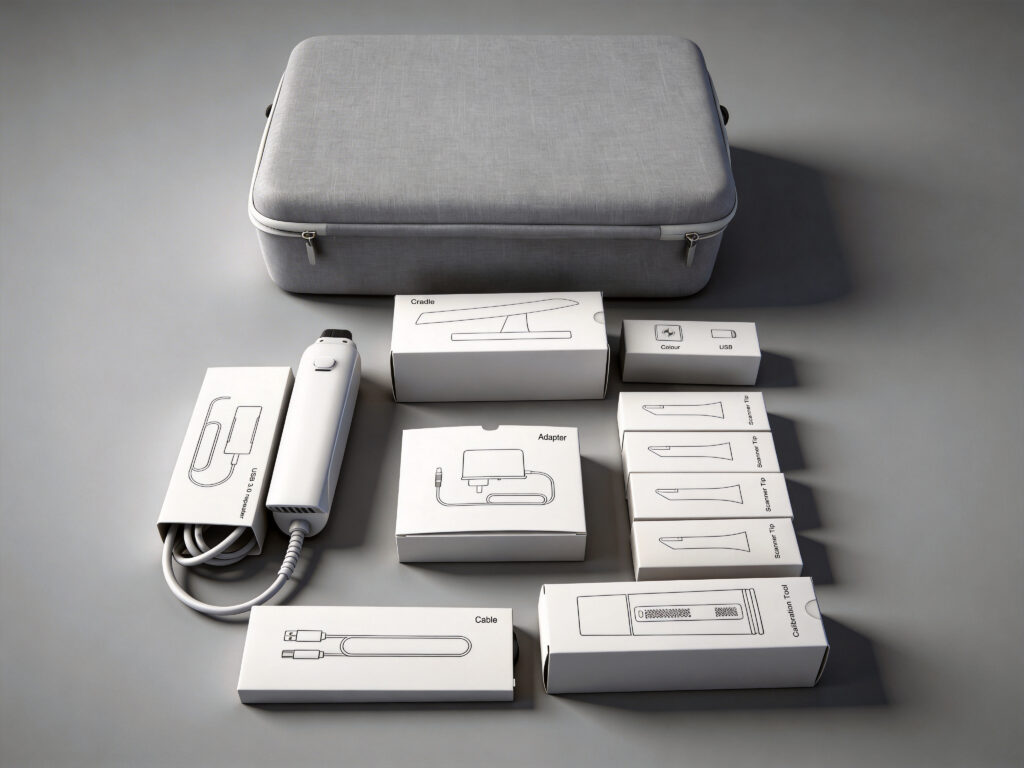
扫描仪和配件
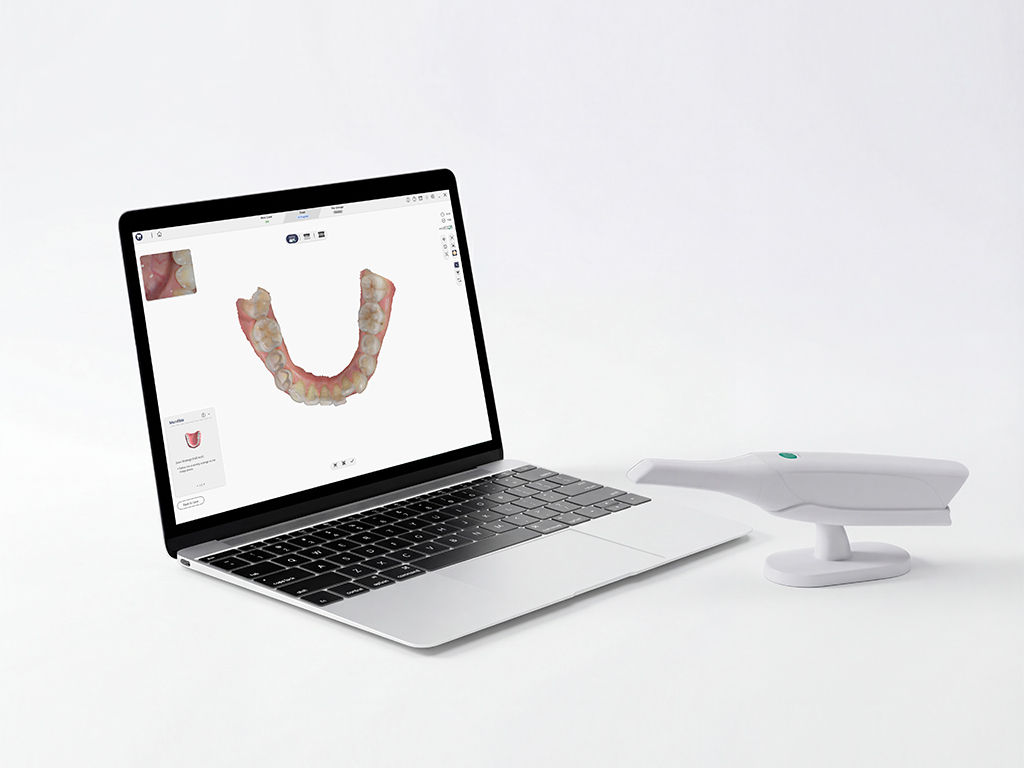
电脑
为获得最佳扫描效果,请确保您的电脑符合推荐的系统配置要求
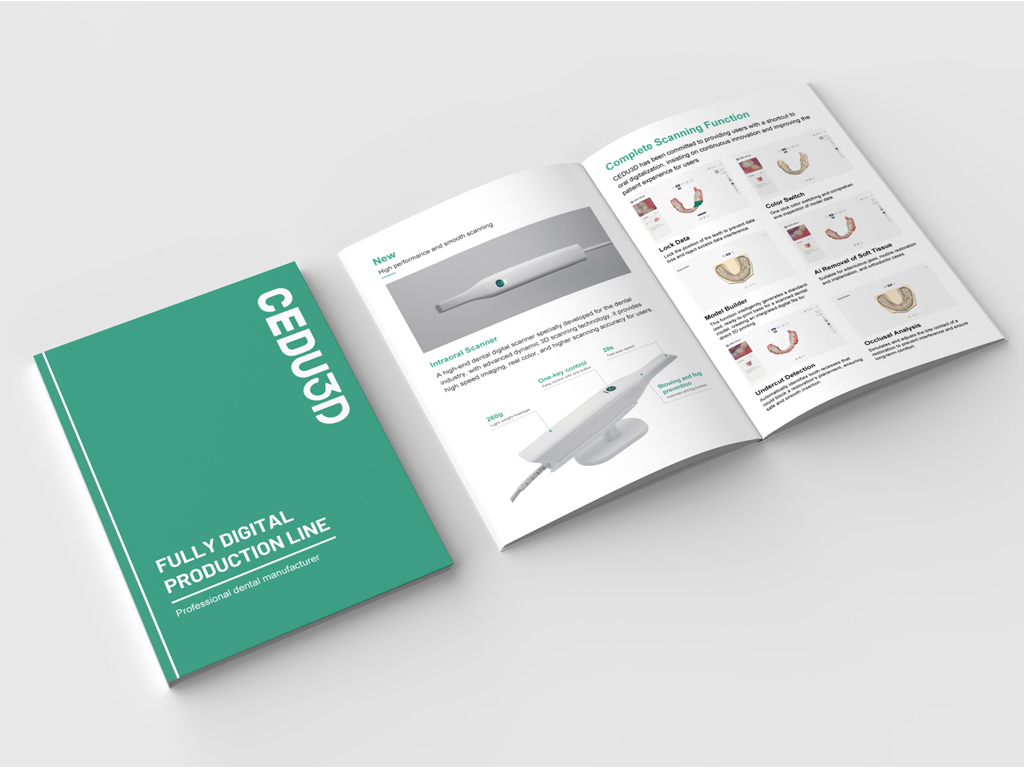
文档
快速入门指南、保修证书、安装和维护手册和扫描头消毒说明

服务
产品保修范围、技术支持以及产品维修和使用信息
参数
扫描技术:结构光成像技术
产品尺寸(长*宽*高):290毫米*45毫米*40毫米
产品重量:260克
扫描头尺寸(长*宽*高):45毫米*35毫米*100毫米
单次扫描范围:14*14毫米
扫描深度:-2毫米-20毫米
3D 数据格式:STL、PLY、OBJ,支持定制加密格式文件
接口:USB 3.0
全端口扫描时间:2分钟以内
光源:蓝色LED
帧率:30帧/秒
常见问题解答
我们整理了一些客户最关心的问题,并一一为您解答
扫描头可高压灭菌多少次?
CEDU扫描头可消毒多达100次,之后必须按照报废部分中的说明进行报废, 此外扫描头在使用前后都必须进行清洁和消毒,以避免交叉污染。
How to Prevent Intraoral Scanner Lens Fogging During Scanning?
If your intraoral scanner lens fogs during scanning, pause the scan and check the scanner heating and protective glass.
- Wait for the scanner software to complete the handpiece preheating cycle before scanning.
- Check that the scanner tip is installed correctly and that the heating contacts are clean and undamaged.
- Blow gently on the protective glass as a quick breath test. If the glass stays clear, resume scanning.
- If fogging returns, stop using the scanner, clean and disinfect the tip according to the user manual, and contact CEDU support for a hardware check.
These steps apply to the OScan intraoral scanner. For recurring lens fogging, include the scanner model and a photo or video when contacting support.
How to Fix Dental Scanner Software Installation Failure?
If dental scanner software installation fails, use this checklist before contacting support:
- Download the latest installation package for your scanner from CEDU support and confirm that the download is complete.
- Close the scanner software, restart the computer, and run the installer again from a local folder.
- Confirm that the computer meets the software requirements, has enough free storage, and that your Windows account has permission to install applications.
- Do not connect or disconnect the scanner during installation. After installation, restart the computer before opening the scanning software.
- If the installation still fails, send the exact error message, Windows version, and scanner model to CEDU after-sales support so the team can provide the correct installation package.
For OScan users, visit the OScan intraoral scanner page for product information and support.
联系我们
您准备好改善您的扫描体验了吗?
把它提升到一个新的水平!
把它提升到一个新的水平!
让我们为您找到一个合适的数字化牙科解决方案
立即联系我们,迈出更智能、更高效生产的第一步
立即联系我们,迈出更智能、更高效生产的第一步