
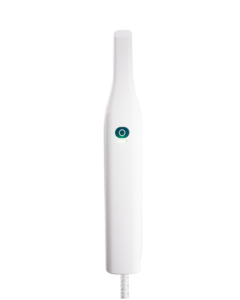
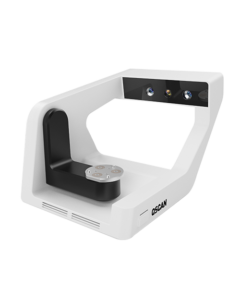





ماسح داخلي للفم OScan
المزيج المثالي للدقة والإيجاز
مولود للتميز اليومي
مولود للتميز اليومي
تمكين الرعاية، إلهام الثقة
تجعل OSCan كل مسح تجربة مطمئنة. بفضل العملية السلسة والسريعة والتصميم خفيف الوزن الذي يبعث على الارتياح لدى المرضى،,
فهو يساعد المتخصصين على بناء الثقة وتعزيز علاقات المرضى - مما يجعل كل زيارة أسهل قليلاً، وكل ابتسامة أكثر إشراقًا.
فهو يساعد المتخصصين على بناء الثقة وتعزيز علاقات المرضى - مما يجعل كل زيارة أسهل قليلاً، وكل ابتسامة أكثر إشراقًا.

مسح سلس لطب الأسنان اليومي
سواء كانت ترميمية، تقويمية أو زراعة، يمكن لـ OScan الاستجابة بكفاءة، وتقديم،,
نتائج مسح دقيقة وموثوقة سريريًا.
نتائج مسح دقيقة وموثوقة سريريًا.
مسح تفاصيل
28 ثانية
سرعة مسح ضوئي سريعة
20±2 ملم
فحص أعمق، تفاصيل أكثر
٢٦٠ جرام
هيكل خفيف الوزن
(باستثناء رأس المسح)
(باستثناء رأس المسح)

منظر واضح
ضباب تلقائي مضاد,
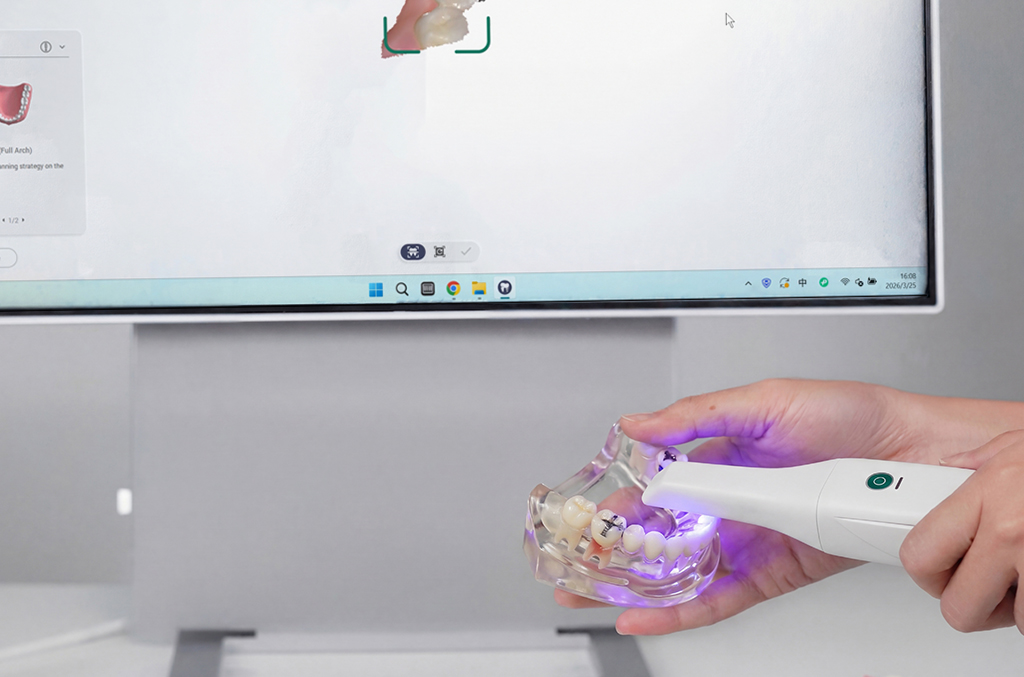
لا حاجة لرش المسحوق
لا حاجة لرش المسحوق
تصميم مريح
تحسين القبضة وتحسين
راحة التشغيل
راحة التشغيل
تحكم بمفتاح واحد
تحكم سهل بزر واحد
نظام إزالة الحرارة
تقليل الضوضاء والتداخل
تجربة مسح أذكى وأكثر سلاسة
30%
تحسين الدقة
Smarter Scanning, Greater Flexibility
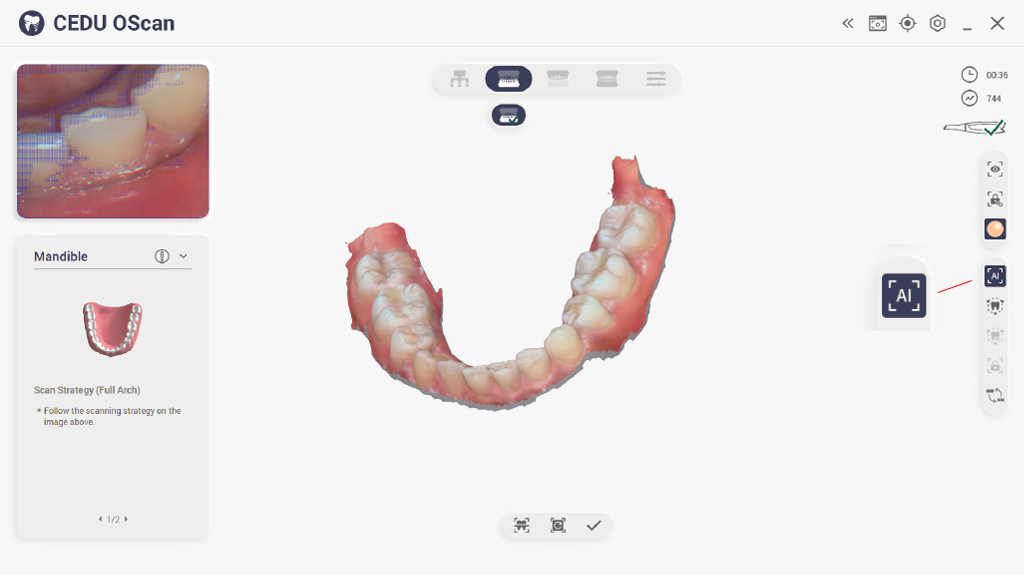
AI-Powered Scan Filtering
Remove unnecessary data for faster, cleaner scans. AI intelligently removes soft tissue, glove artifacts, and stray data, delivering faster, clearer, and more accurate scans every time.
استشعار الحركة
تحكم في سير عملك بمجرد إيماءة. انتقل بسهولة دون لمس الشاشة، مما يعزز النظافة ويبسّط عملية المسح الضوئي الخاصة بك.
مسح زراعة مرن
Smooth implant workflows without repeated scans. The scanning software offers versatile implant scanning workflows, reducing the need for repeated scanning post-adjustments, saving time and reducing patient discomfort.
توافق التنسيقات المفتوحة
تكامل سلس مع برامج التصميم بمساعدة الحاسوب الشائعة. تصدير بلاحقات STL أو PLY أو OBJ لضمان التوافق الكامل مع UPCAD و exocad و 3Shape وما بعدها.
مسح الفم قبل الجراحة
Capture crucial reference data before preparation. Enable better clinical planning with clear comparisons between pre- and post-operative scans.
تصميم مدروس، تجربة استثنائية

عزز تخطيط العلاج بتصور أوضح وفهم أكثر سهولة.
تصوير نابض بالحياة بالألوان الكاملة

حافظ على أداء ثابت مع حماية ضد الضباب، حتى في البيئات الصعبة.
رؤية واضحة في كل مسح.
تقنية منع الضباب

يضمن تصميم تدفق الهواء المحسّن تجربة مسح ضوئي أكثر هدوءًا وراحة.
مسح ضوئي أكثر سلاسة مع ضوضاء وتشتيت أقل.
نظام تبريد محسّن
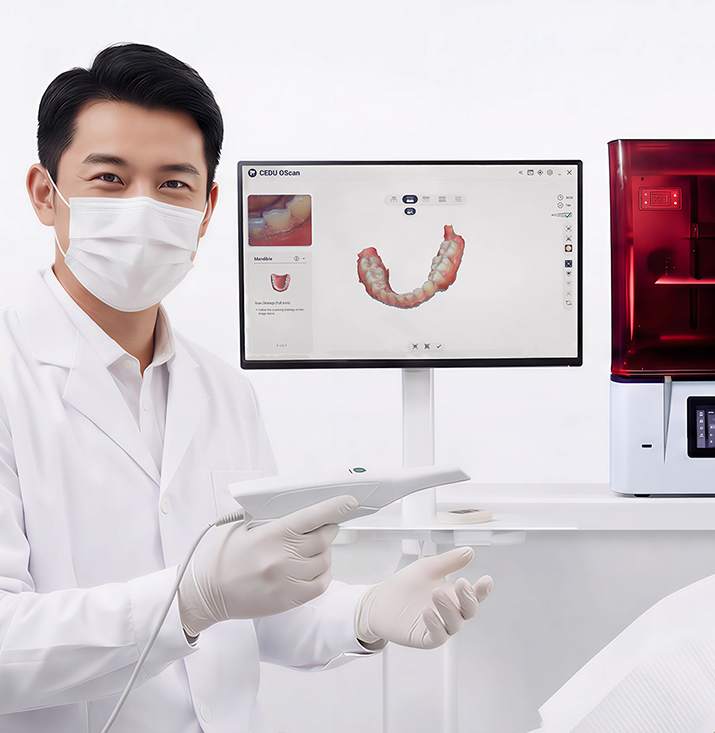
How to Start Same-Day Dentistry with OScan
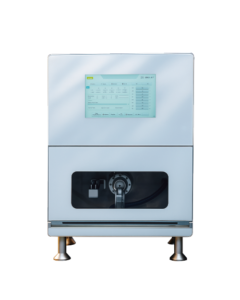
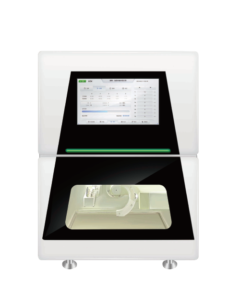
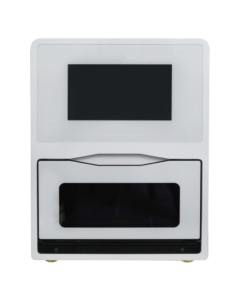
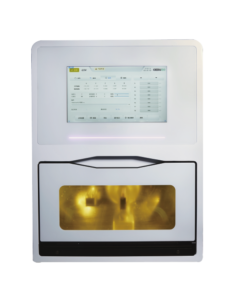
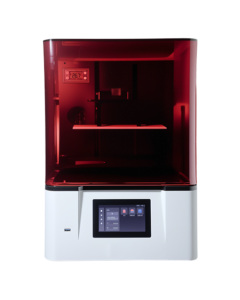
من المسح الأول إلى الطحن النهائي، يبسط نظام CEDU طب الأسنان في نفس اليوم - سريع، وبديهي، ومتصل بالكامل. مدعومًا بـ OScan، يجمع بين المسح والتصميم والتداخل والطحن في تدفق سريري واحد سلس. انتظار أقل. المزيد من العمل. مرضى أسعد.
اعرف المزيد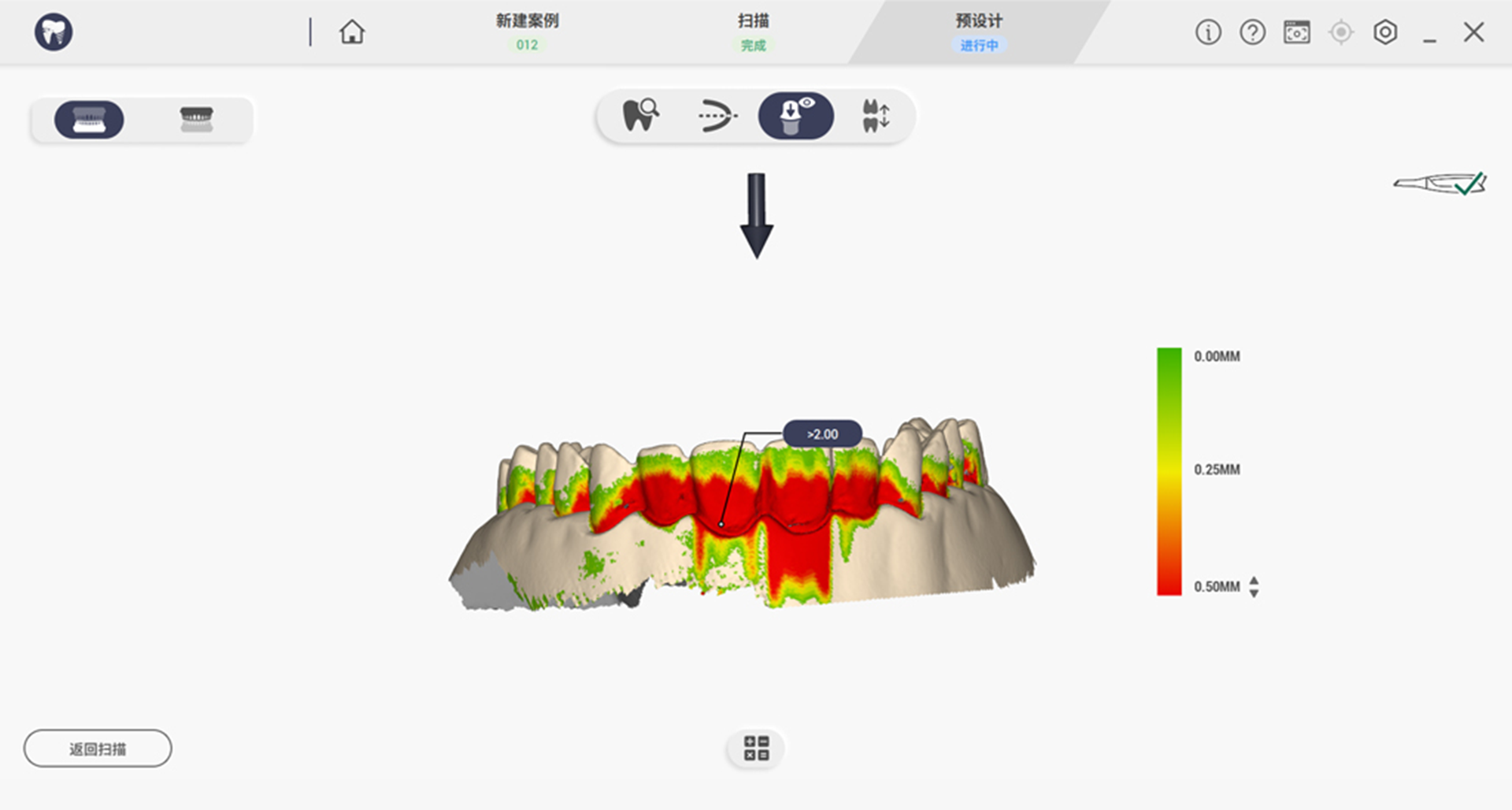
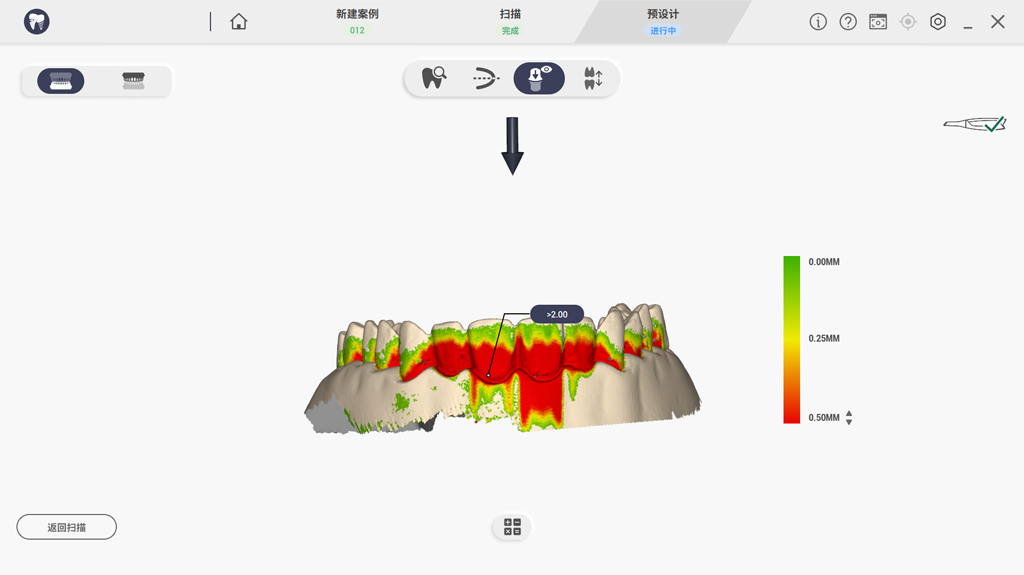
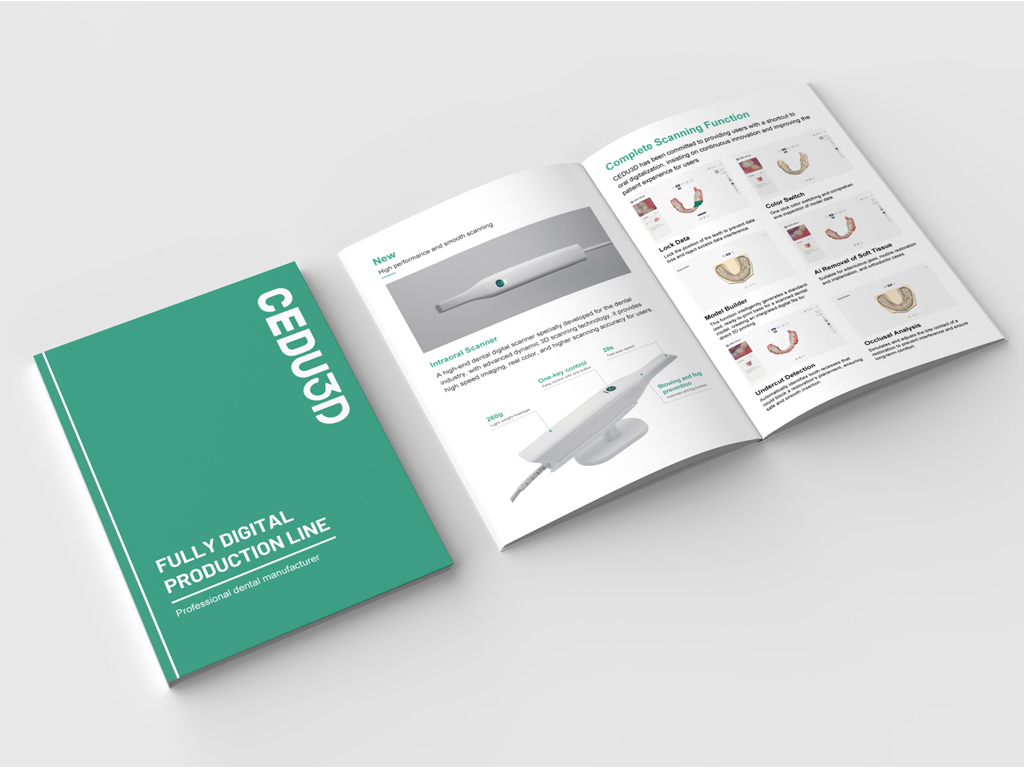
كشف التقويض
Displays the degree of undercut through different colors.
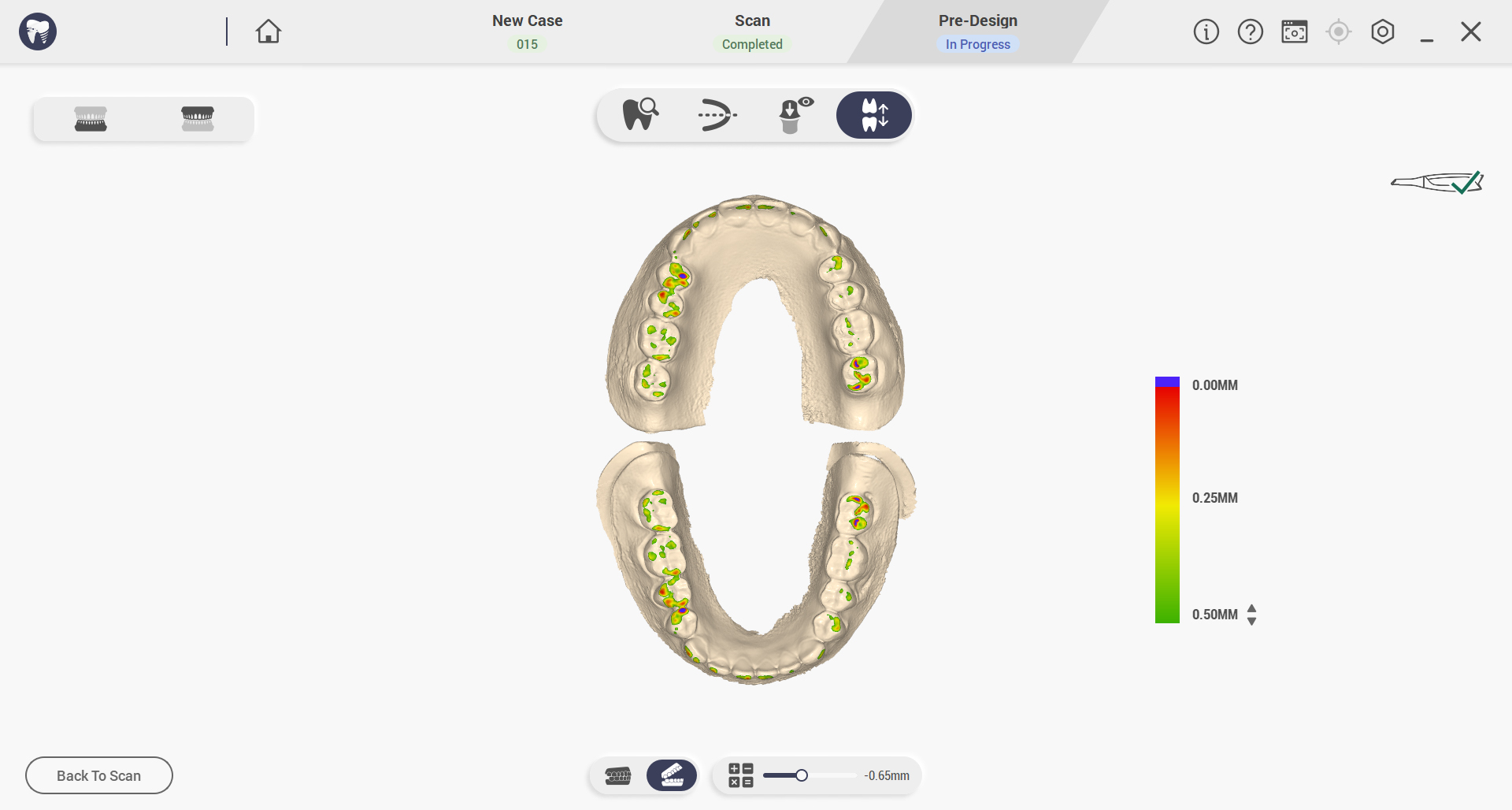
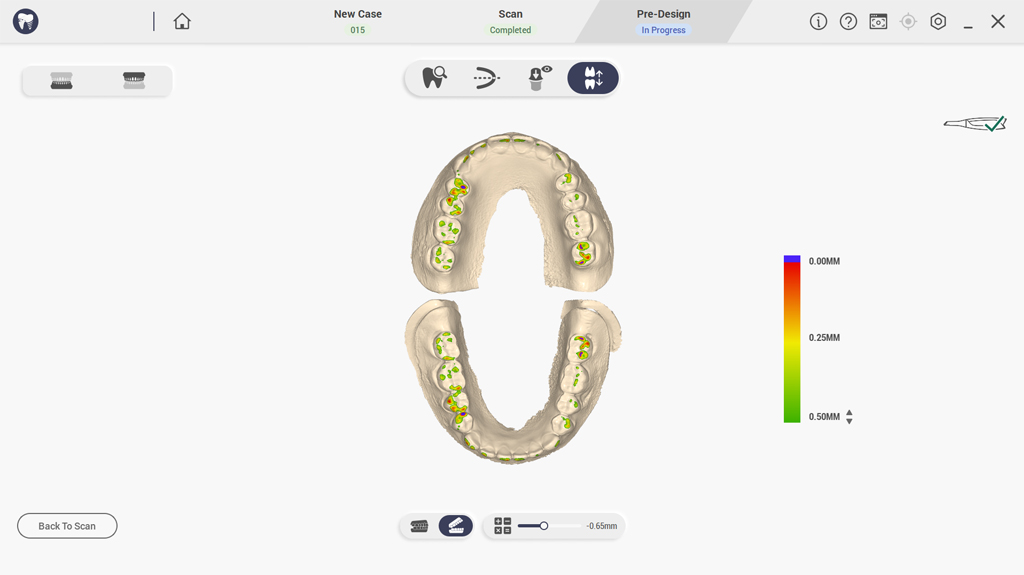
تحليل الإطباق
يحاكي ويضبط نقاط اتصال العضة في الترميم لتجنب التداخل وضمان الراحة على المدى الطويل.
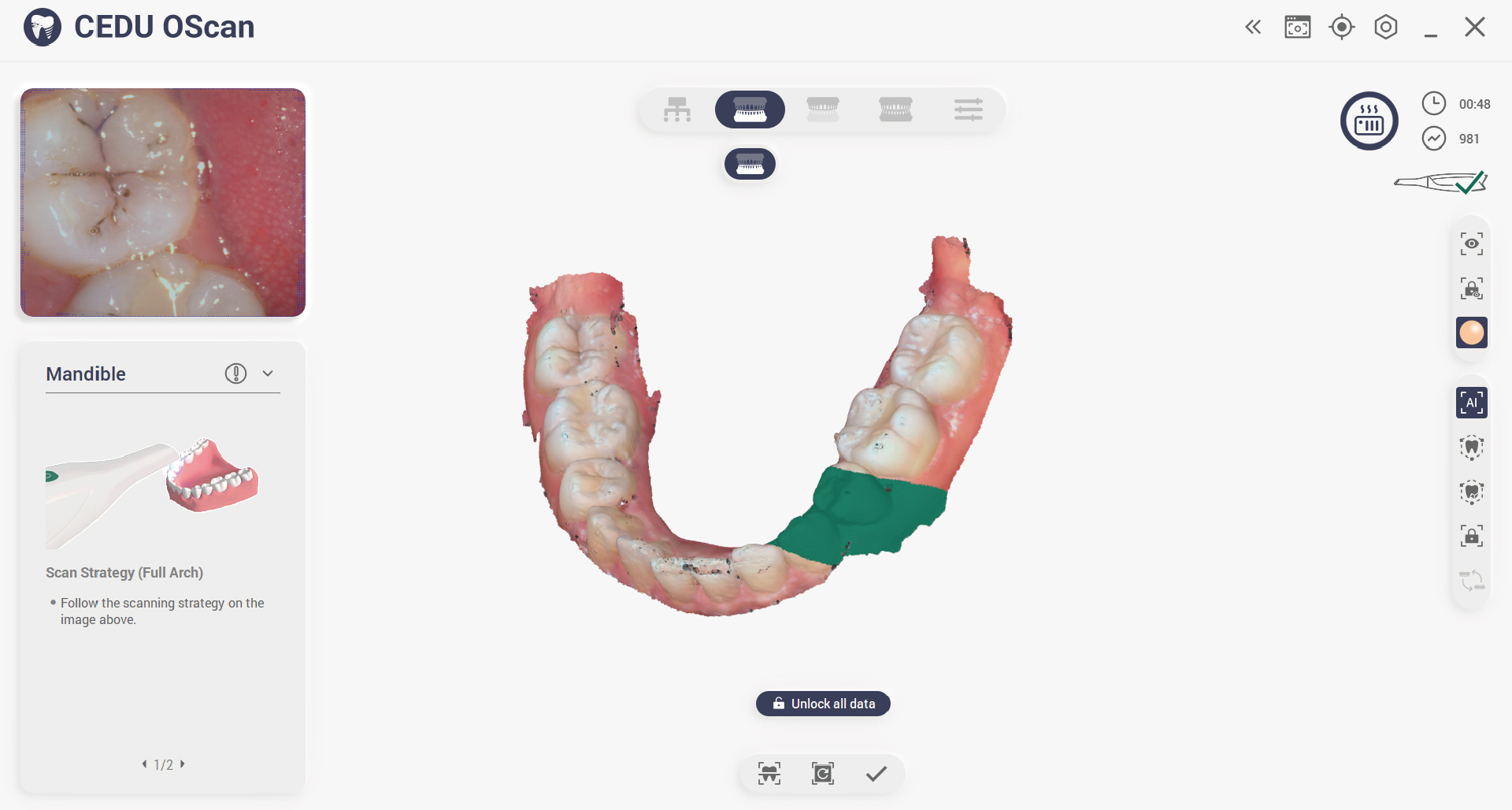
قفل البيانات
تثبيت موضع السن لمنع فقدان البيانات وإزالة التداخل المفرط للبيانات.
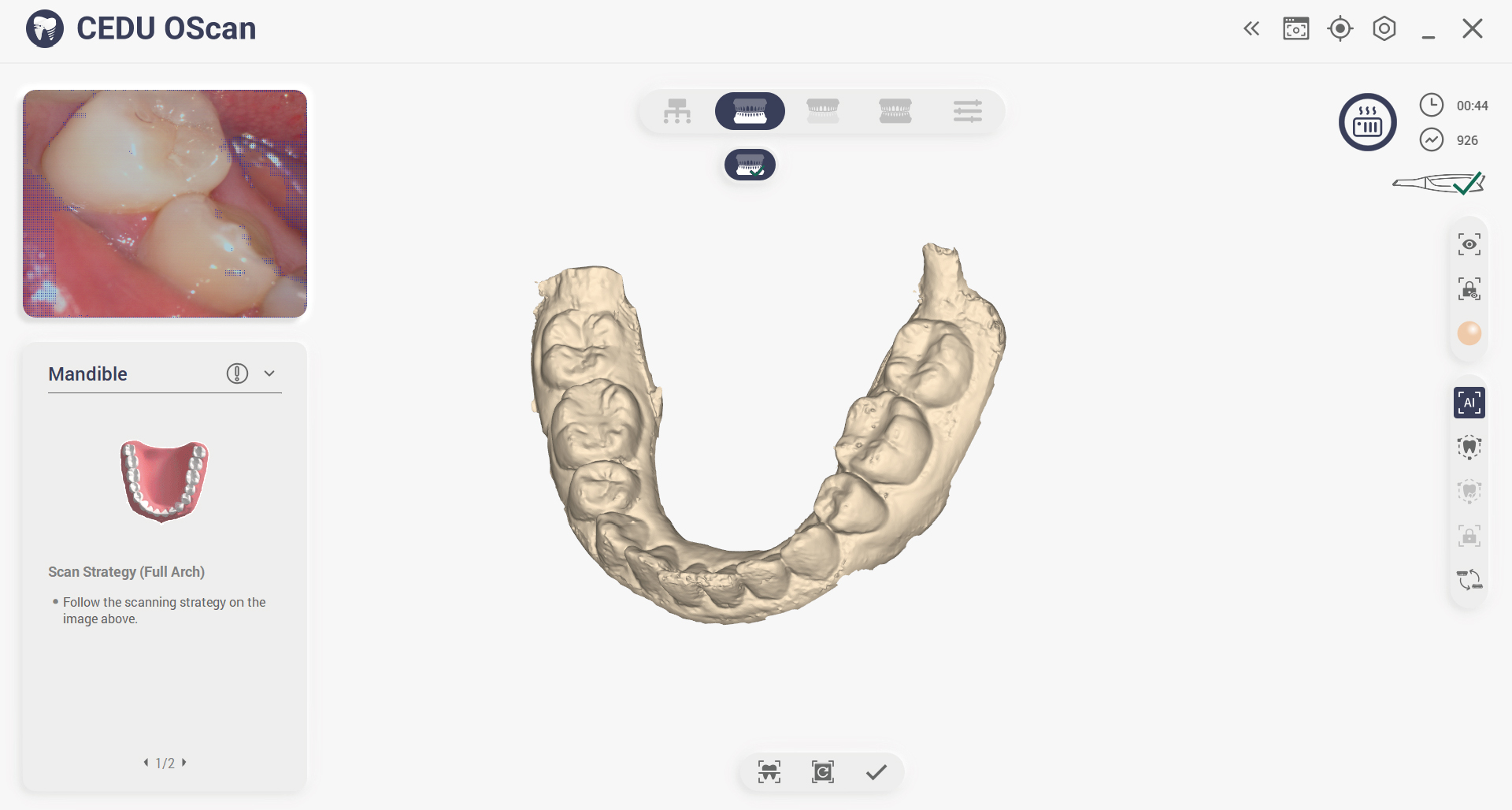
تغيير اللون
One-click color switching and comprehensive inspection of model data.
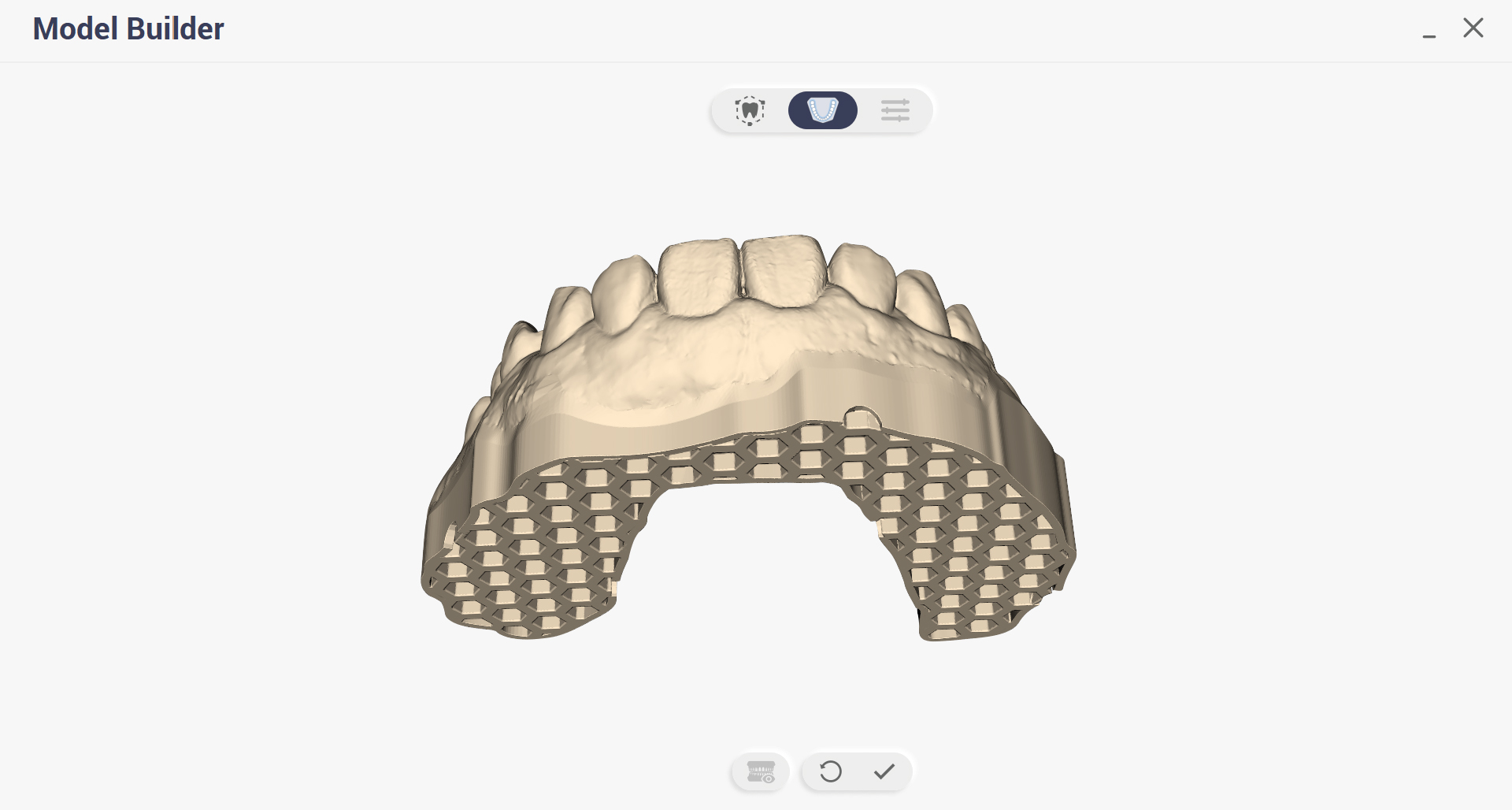
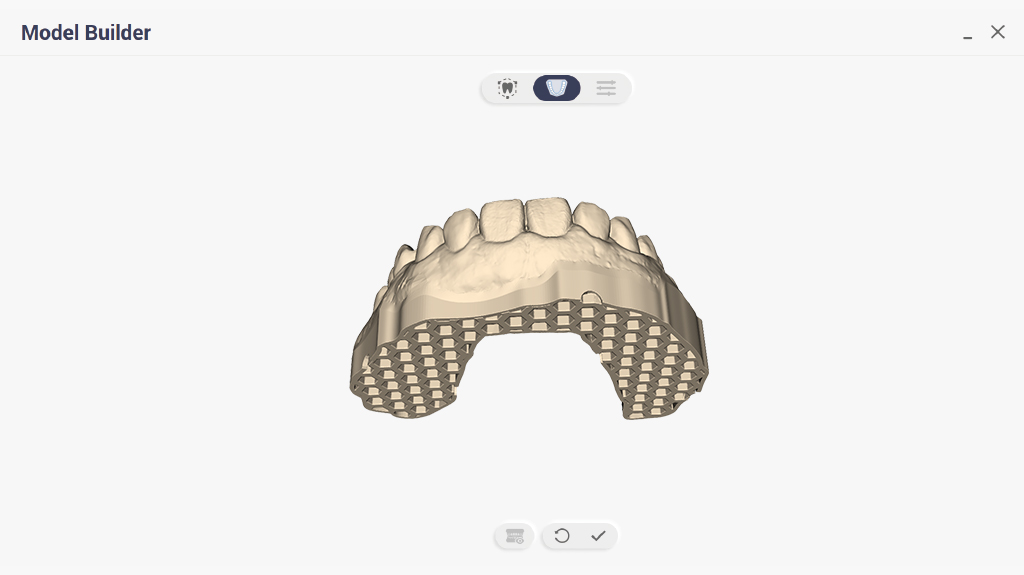
منشئ النماذج
تنشئ هذه الوظيفة ملفات رقمية قابلة للطباعة ثلاثية الأبعاد مباشرة للنماذج السنية الممسوحة ضوئيًا.
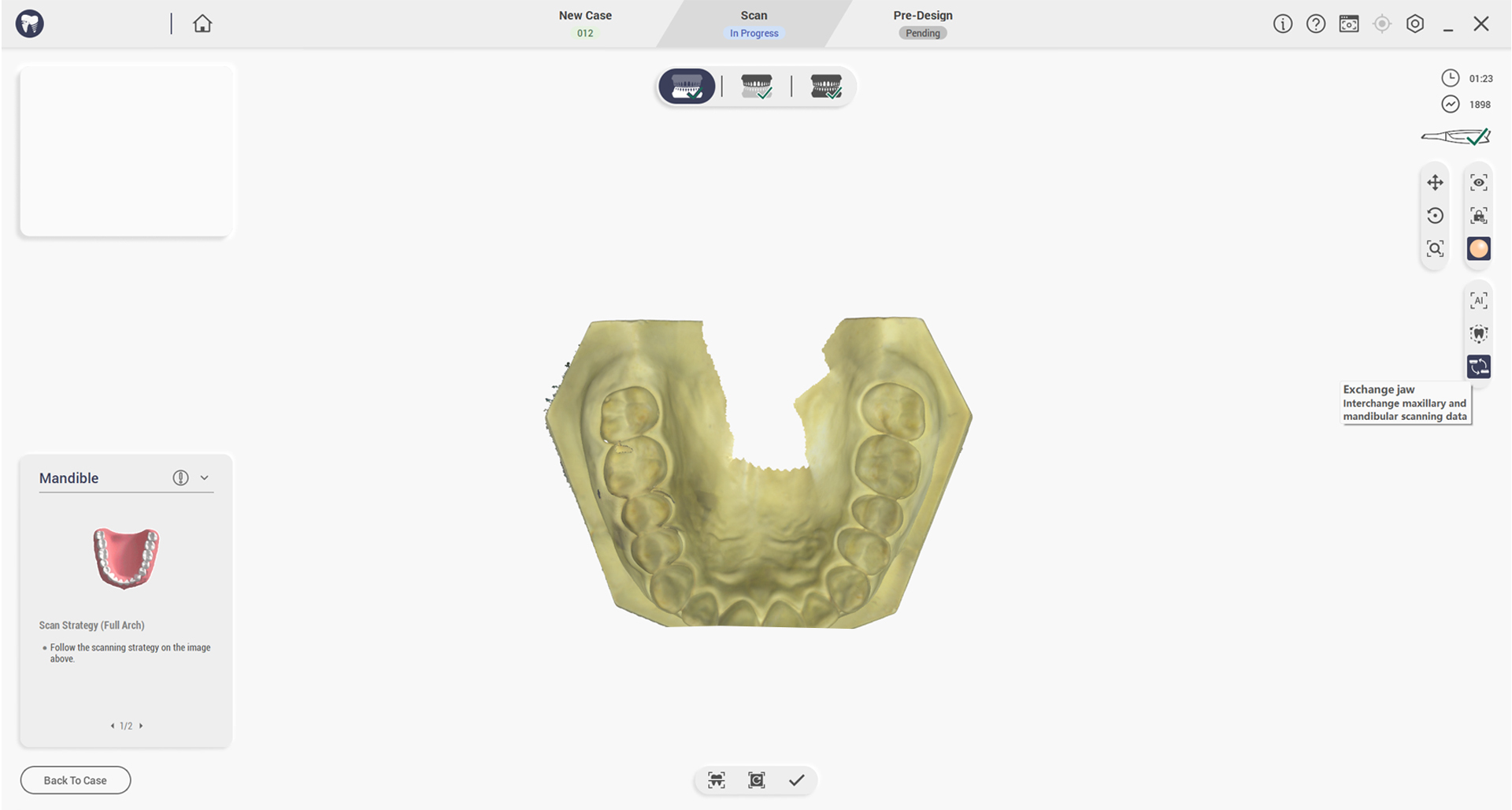
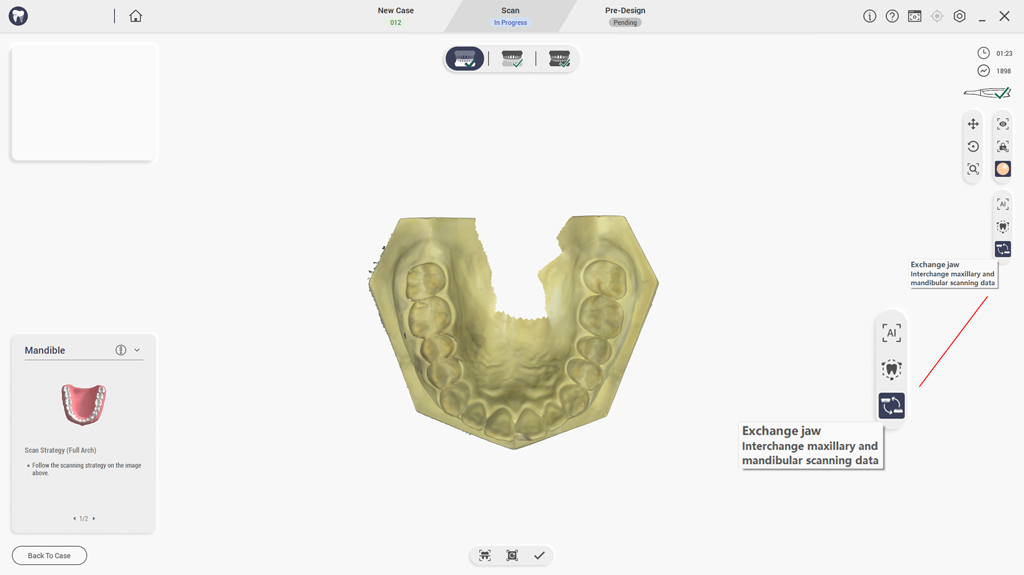
بدّل الفكين العلوي والسفلي
تبديل بيانات الفكين العلوي والسفلي بعد المسح أو المعالجة اللاحقة.
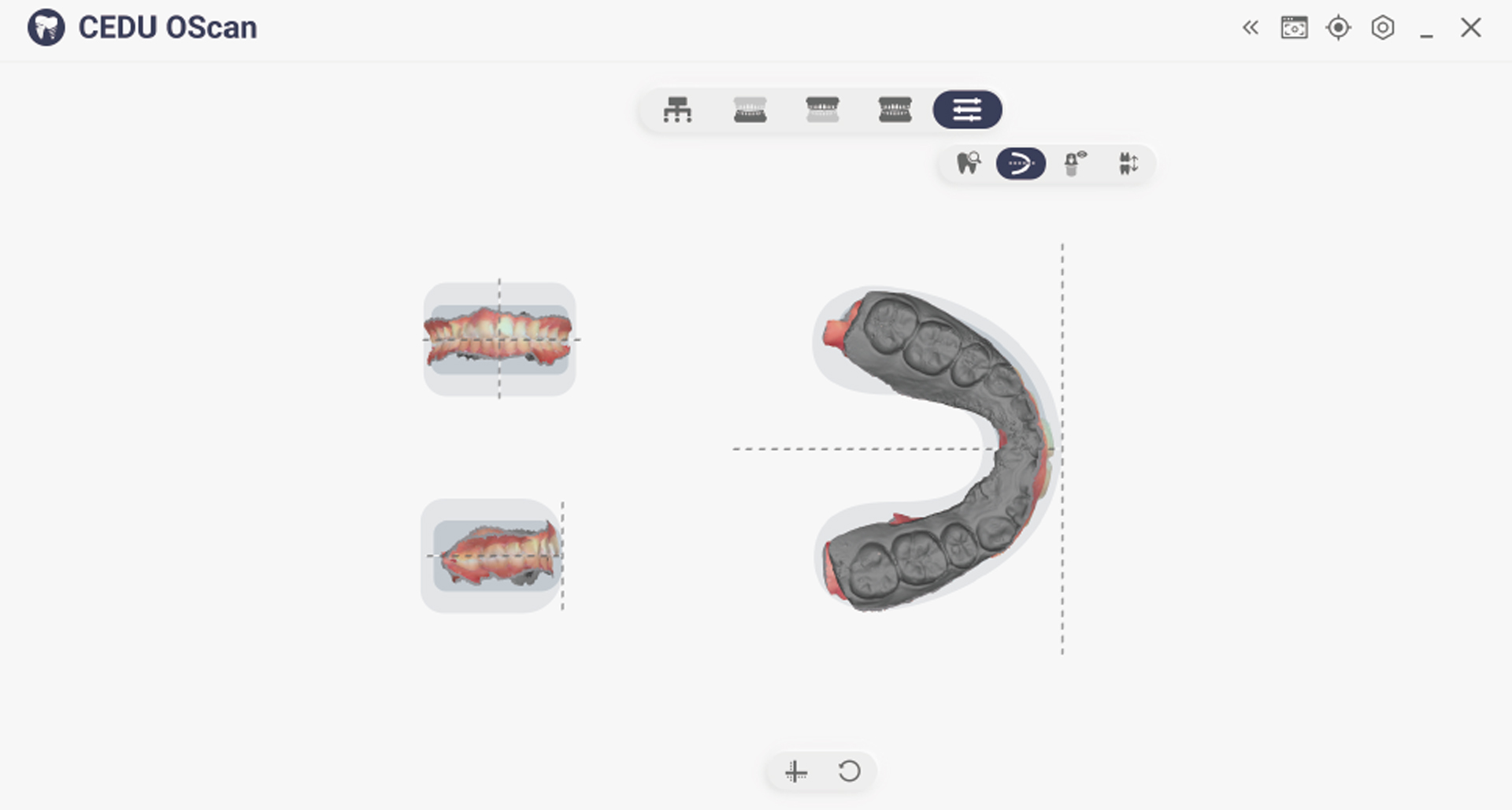
ضبط الإحداثيات
تعديل النظام المرجعي للإحداثيات للأسنان والفكين يدويًا إلى معيار موحد.
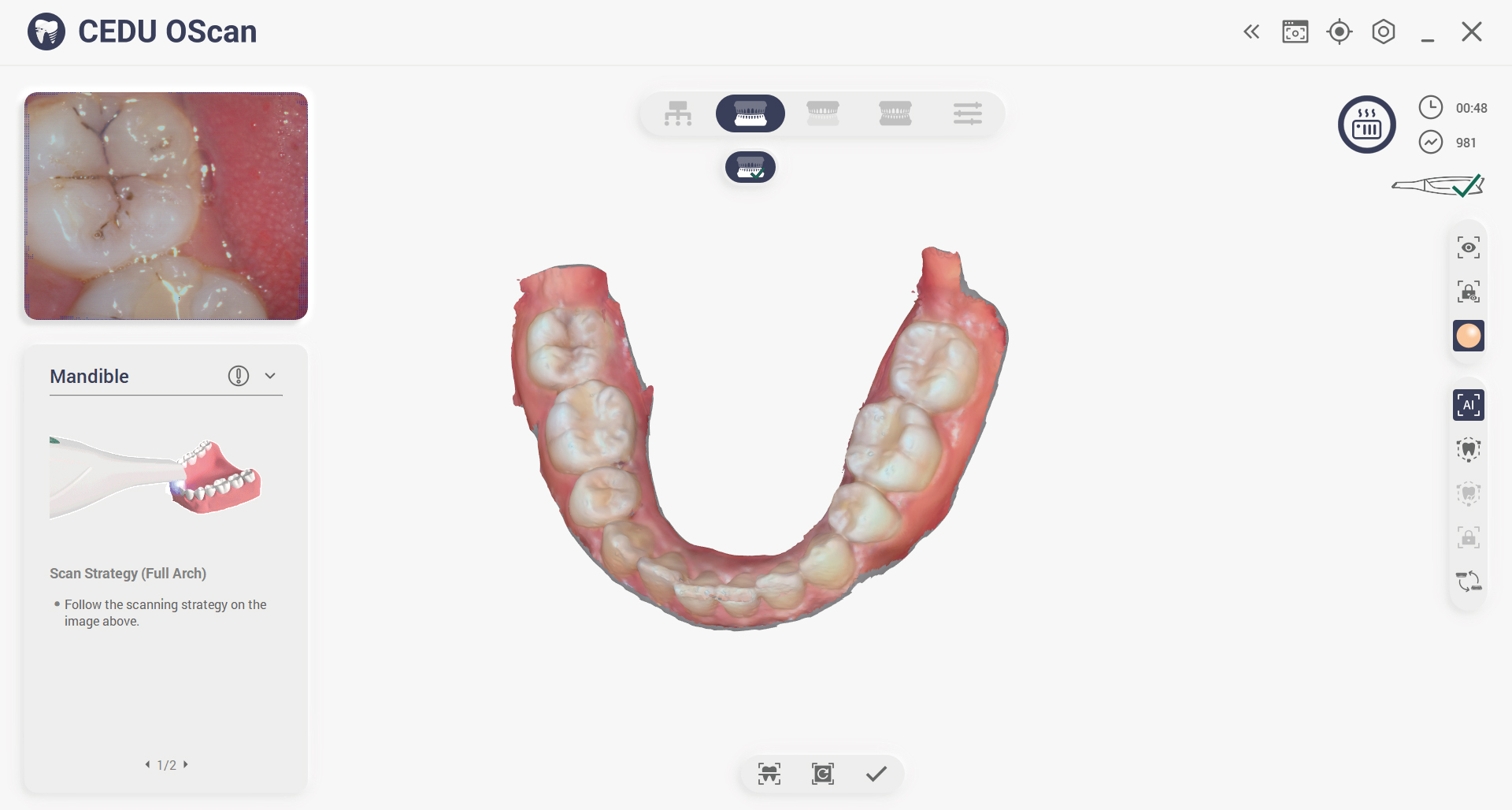
إشارة المسح
انقر لتفعيل تعليمات المسح وإرشادات المسح متعدد الزوايا.
حلول متعددة الاستخدامات لكل عيادة أسنان
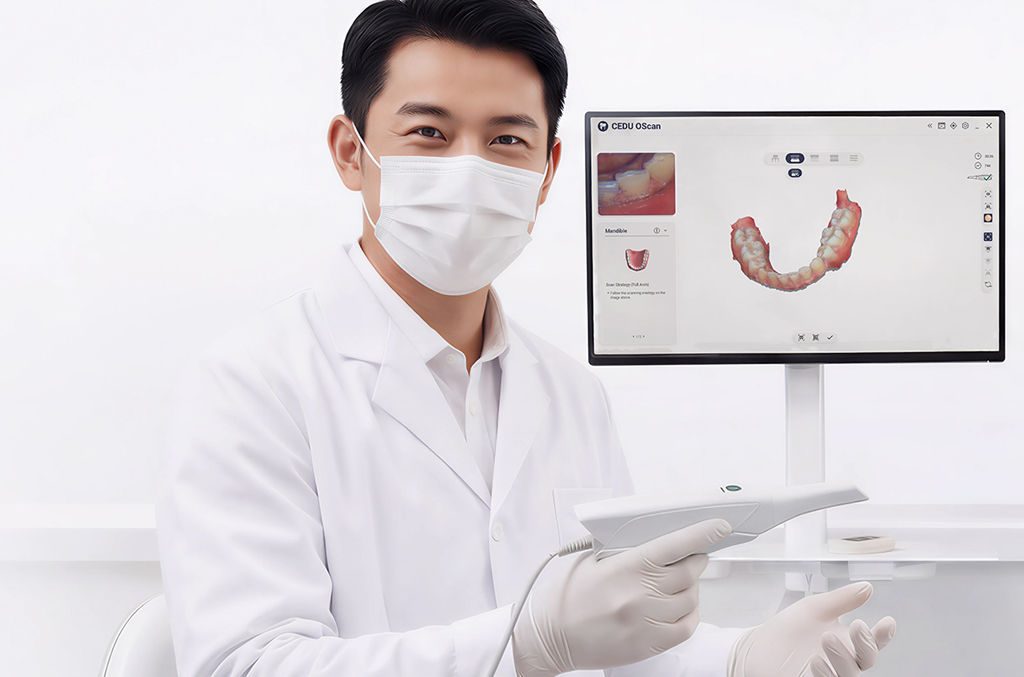
سواء في العيادات والمختبرات أو كليات طب الأسنان، يتكيف جهاز OScan بسلاسة مع مختلف سير العمل واحتياجات العيادات. ويضمن تصميمه المرن تكاملاً سلساً وأداءً موثوقاً وحلولاً مخصصة لمجموعة واسعة من تطبيقات طب الأسنان.
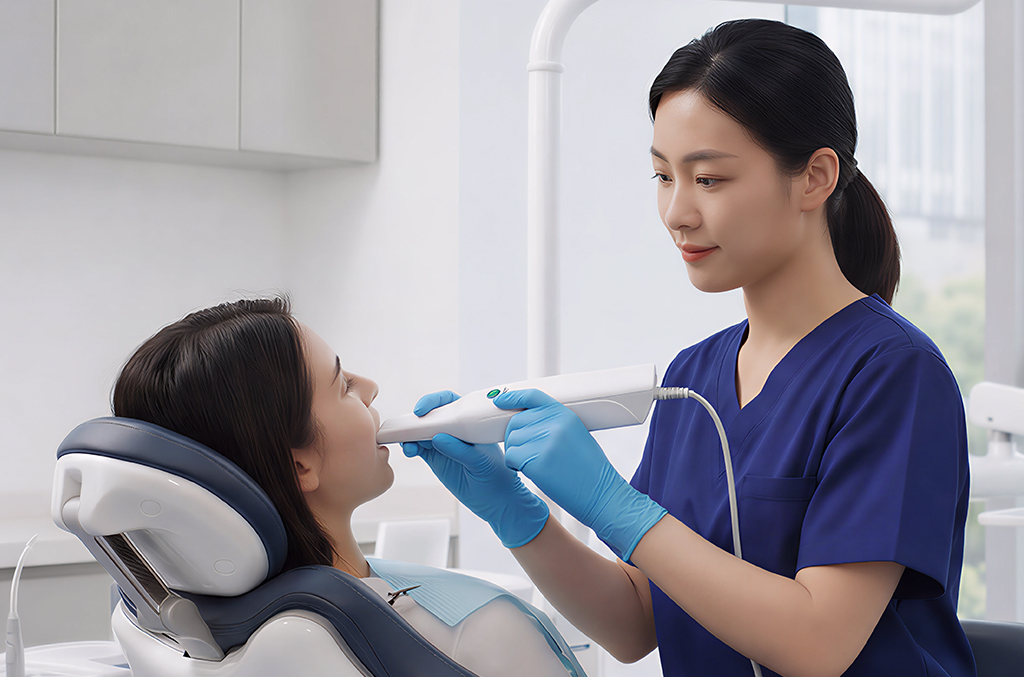
عيادة أسنان
Dental Laboratory
Dental School
ماذا يشمل جهاز OScan الخاص بك؟
ابدأ المسح فورًا بكل ما تحتاجه.
وسّع إمكانياتك في أي وقت مع إضافات مرنة.
وسّع إمكانياتك في أي وقت مع إضافات مرنة.
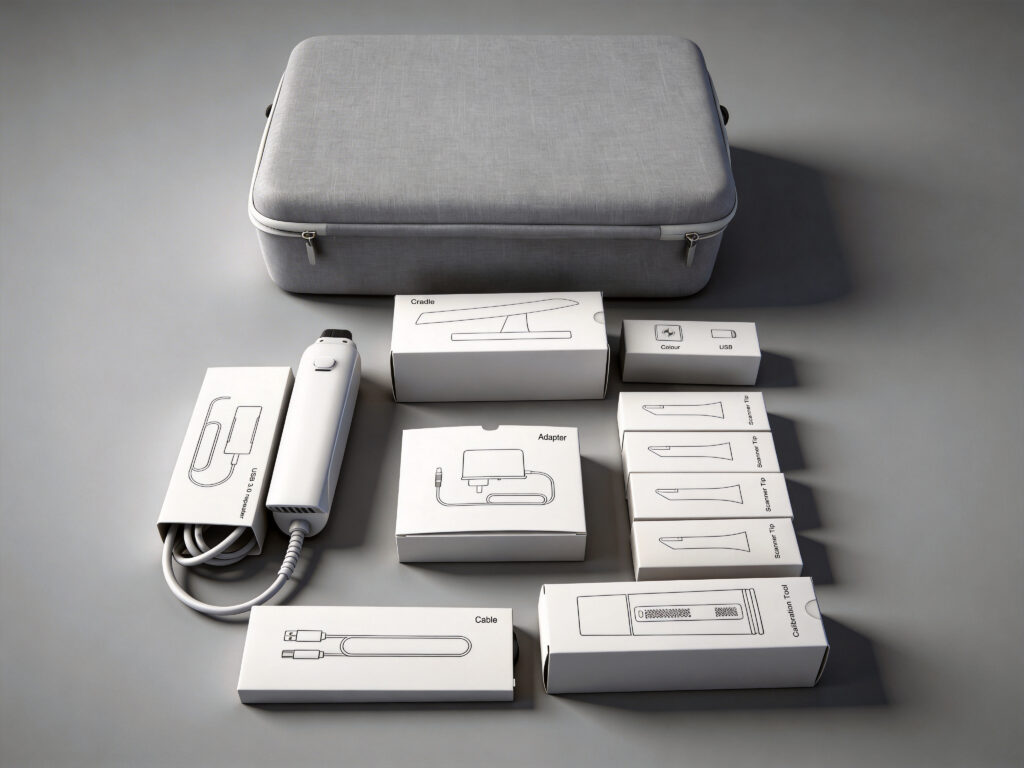
الماسحة الضوئية وملحقاتها
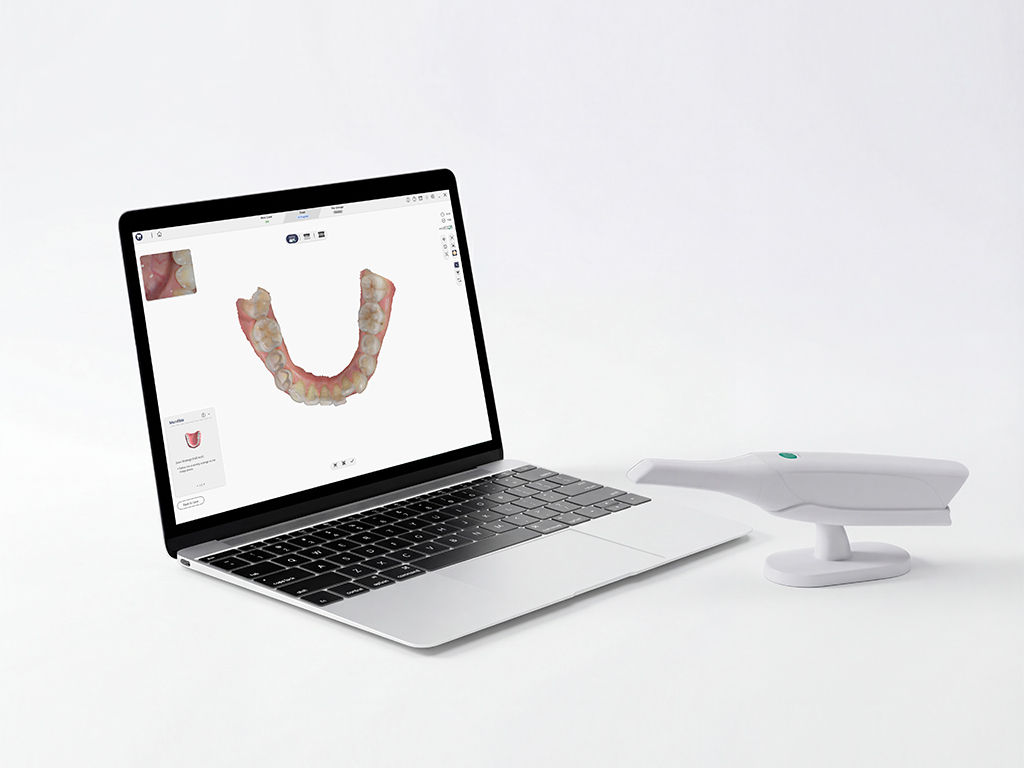
حاسوب
للحصول على أفضل تأثير للمسح الضوئي، يرجى التأكد من أن جهاز الكمبيوتر الخاص بك يلبي متطلبات النظام الموصى بها.
وثيقة
دليل البدء السريع، شهادة الضمان، دليل التركيب والصيانة وتعليمات تطهير رأس المسح.

خدمة
نطاق ضمان المنتج، والدعم الفني، وصيانة المنتج، ومعلومات الاستخدام.
مُعامل
تقنية المسح:تقنية التصوير بالضوء المهيكل
حجم المنتج (الطول*العرض*الارتفاع):٢٩٠ ملم * ٤٥ ملم * ٤٠ ملم
وزن المنتج:٢٦٠ جرام
حجم رأس المسح (الطول * العرض * الارتفاع):٤٥ ملم × ٣٥ ملم × ١٠٠ ملم
نطاق المسح المفرد:14*14 ملم
عمق المسح:-2 ملم - 20 ملم
تنسيق بيانات ثلاثي الأبعاد:STL، PLY، OBJ، دعم ملفات التنسيق المشفر المخصص
واجهةيو إس بي 3.0
وقت فحص المنافذ الكامل:أقل من دقيقتين
مصدر الضوء:صمام ثنائي باعث للضوء أزرق
معدل الإطارات30 إطارًا في الثانية
أسئلة متكررة
لقد قمنا بترتيب بعض الأسئلة التي يهتم بها العملاء أكثر من غيرهم وأجبنا عليها لكم واحداً تلو الآخر.
كم مرة يمكن تعقيم الرأس الماسح بالبخار؟
يمكن تطهير رأس المسح CEDU حتى 100 مرة، وبعد ذلك يجب التخلص منه وفقًا للتعليمات الواردة في قسم التخلص. بالإضافة إلى ذلك ، يجب تنظيف رأس المسح وتعقيمه قبل الاستخدام وبعده لتجنب التلوث المتبادل.
How to Prevent Intraoral Scanner Lens Fogging During Scanning?
If your intraoral scanner lens fogs during scanning, pause the scan and check the scanner heating and protective glass.
- Wait for the scanner software to complete the handpiece preheating cycle before scanning.
- Check that the scanner tip is installed correctly and that the heating contacts are clean and undamaged.
- Blow gently on the protective glass as a quick breath test. If the glass stays clear, resume scanning.
- If fogging returns, stop using the scanner, clean and disinfect the tip according to the user manual, and contact CEDU support for a hardware check.
These steps apply to the OScan intraoral scanner. For recurring lens fogging, include the scanner model and a photo or video when contacting support.
How to Fix Dental Scanner Software Installation Failure?
If dental scanner software installation fails, use this checklist before contacting support:
- Download the latest installation package for your scanner from CEDU support and confirm that the download is complete.
- Close the scanner software, restart the computer, and run the installer again from a local folder.
- Confirm that the computer meets the software requirements, has enough free storage, and that your Windows account has permission to install applications.
- Do not connect or disconnect the scanner during installation. After installation, restart the computer before opening the scanning software.
- If the installation still fails, send the exact error message, Windows version, and scanner model to CEDU after-sales support so the team can provide the correct installation package.
For OScan users, visit the OScan intraoral scanner page for product information and support.
اتصل بنا
هل أنت مستعد لتحسين تجربة المسح الضوئي الخاصة بك؟
خذ الأمر إلى مستوى جديد!
خذ الأمر إلى مستوى جديد!
دعنا نجد لك حلاً رقميًا مناسبًا لأسنانك.
اتصل بنا فورًا واتخذ الخطوة الأولى نحو إنتاج أذكى وأكثر كفاءة.
اتصل بنا فورًا واتخذ الخطوة الأولى نحو إنتاج أذكى وأكثر كفاءة.