

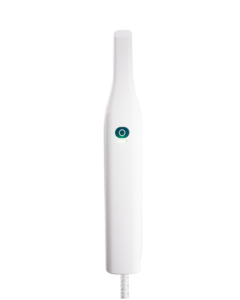
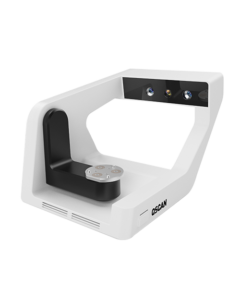
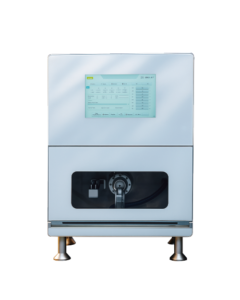
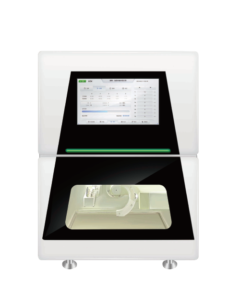





Intraoral Scanner OScan
The perfect combination of precision and conciseness
Born for daily Excellence
Born for daily Excellence
Empowering Care, Inspiring Trust
OScan makes every scan a reassuring experience. With a smooth, fast process and a lightweight design that puts patients at ease,
it helps professionals build trust and strengthen patient relationships - making every visit a little easier, and every smile a little brighter.
it helps professionals build trust and strengthen patient relationships - making every visit a little easier, and every smile a little brighter.

Smooth Scanning for Everyday Dentistry
Whether it's restoration, orthodontics or implantation process, OScan can respond efficiently, presenting smooth,
accurate and clinically reliable scanning results.
accurate and clinically reliable scanning results.
OScan Show Details
28s
Fast scan speed
20±2mm
Deeper scan, more details
260g
Lightweight body
(excluding scanning head)
(excluding scanning head)

Clear View
Automatic anti-fog,
no need to spray powder
no need to spray powder
Ergonomic Design
Optimize the grip and improve
the operating comfort
the operating comfort
One-key Control
Easy control with one button
Heat-removal System
Reduce noise and interference
Smarter and smoother scanning experience
30%
Accuracy improvement
Smarter Scanning, Greater Flexibility
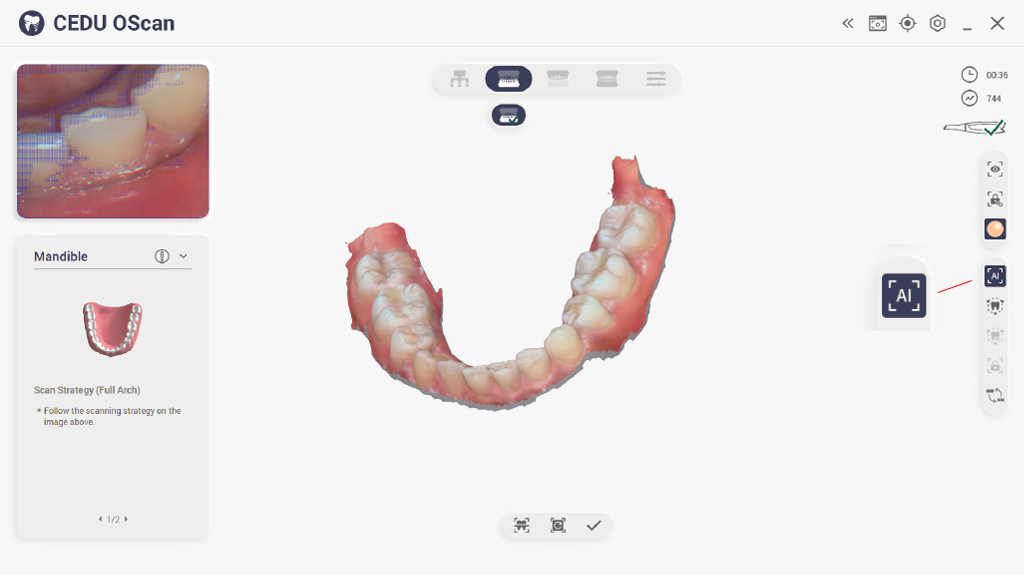
AI-Powered Scan Filtering
Remove unnecessary data for faster, cleaner scans. AI intelligently removes soft tissue, glove artifacts, and stray data, delivering faster, clearer, and more accurate scans every time.
Motion Sensing
Control your workflow with just a gesture. Navigate easily without touching the screen, enhancing hygiene and simplifying your scanning process.
Flexible Implant Scanning
Smooth implant workflows without repeated scans. The scanning software offers versatile implant scanning workflows, reducing the need for repeated scanning post-adjustments, saving time and reducing patient discomfort.
Open Formats Compatibility
Seamless integration with popular CAD software. Export in STL, PLY, or OBJ to ensure full compatibility with UPCAD, exocad, 3Shape, and beyond.
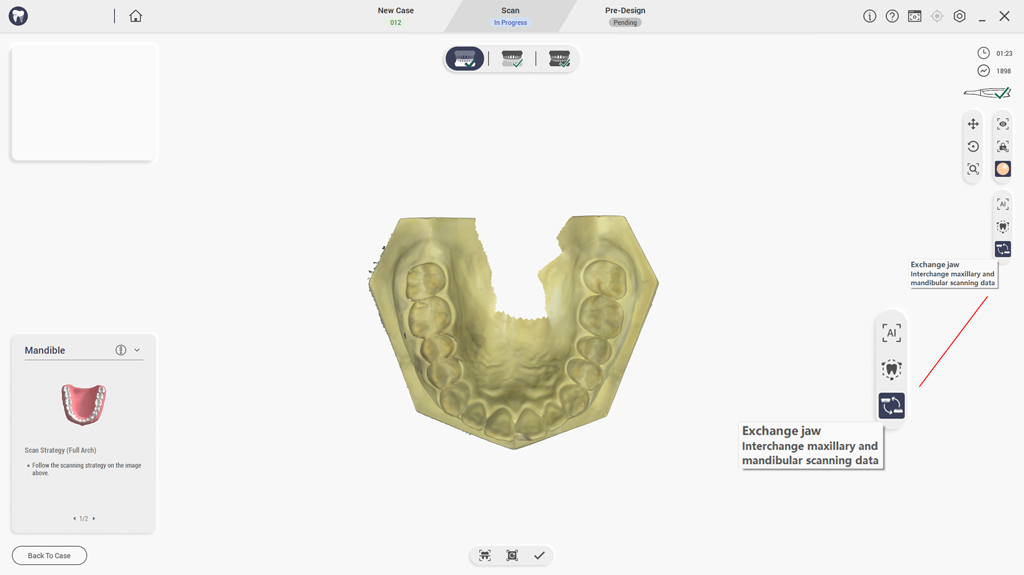
Pre-operative Oral Scan
Capture crucial reference data before preparation. Enable better clinical planning with clear comparisons between pre- and post-operative scans.
Thoughtful Design, Exceptional Experience

Enhance treatment planning with sharper visualization and a more intuitive understanding.
Vivid Full-Color Imaging

Maintain consistent performance with anti-fog protection, even in challenging environments.
Clear visibility in every scan.
Anti-Fog Technology

An improved airflow design ensures a quieter, more comfortable scanning experience.
Smoother scans with less noise and distraction.
Enhanced Cooling System
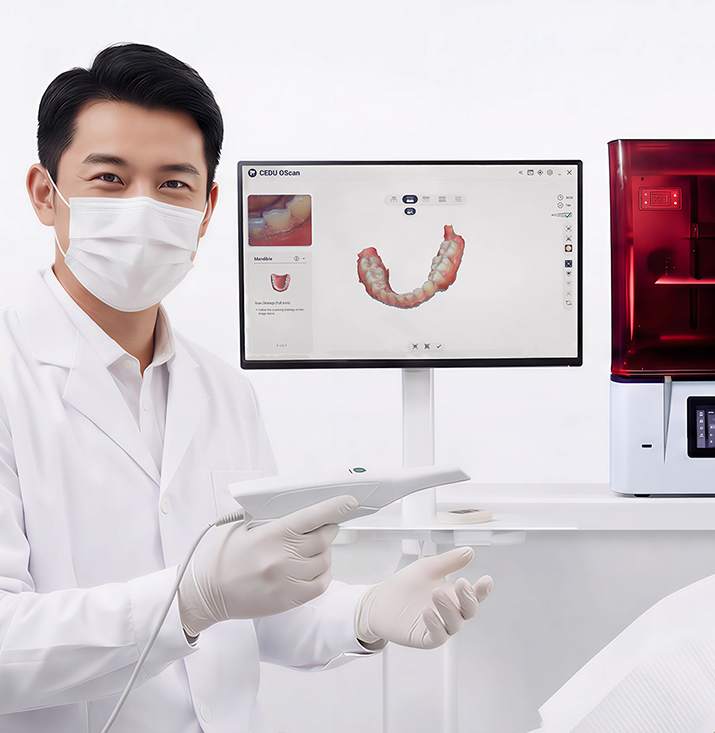
How to Start Same-Day Dentistry with OScan
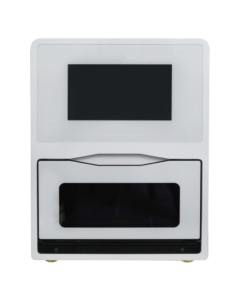
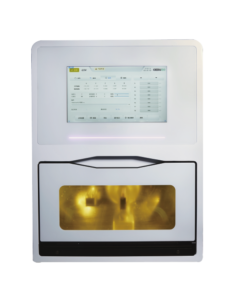
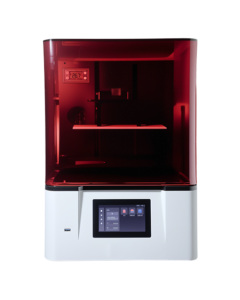
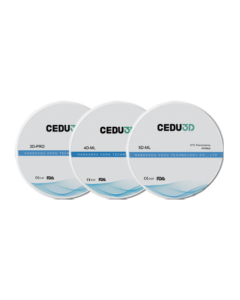
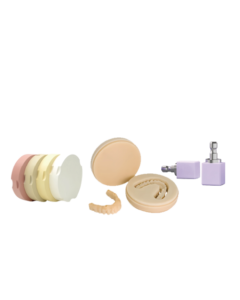
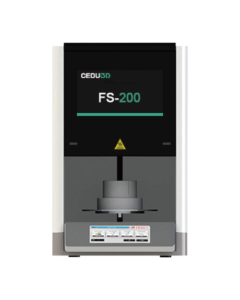
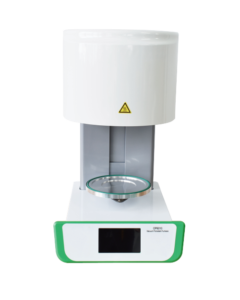
From first scan to final mill, the CEDU System streamlines same-day dentistry - fast, intuitive, and fully connected. Powered by OScan, it brings scanning, design, nesting, and milling into one seamless clinical flow. Less waiting. More doing. Happier patients.
Learn more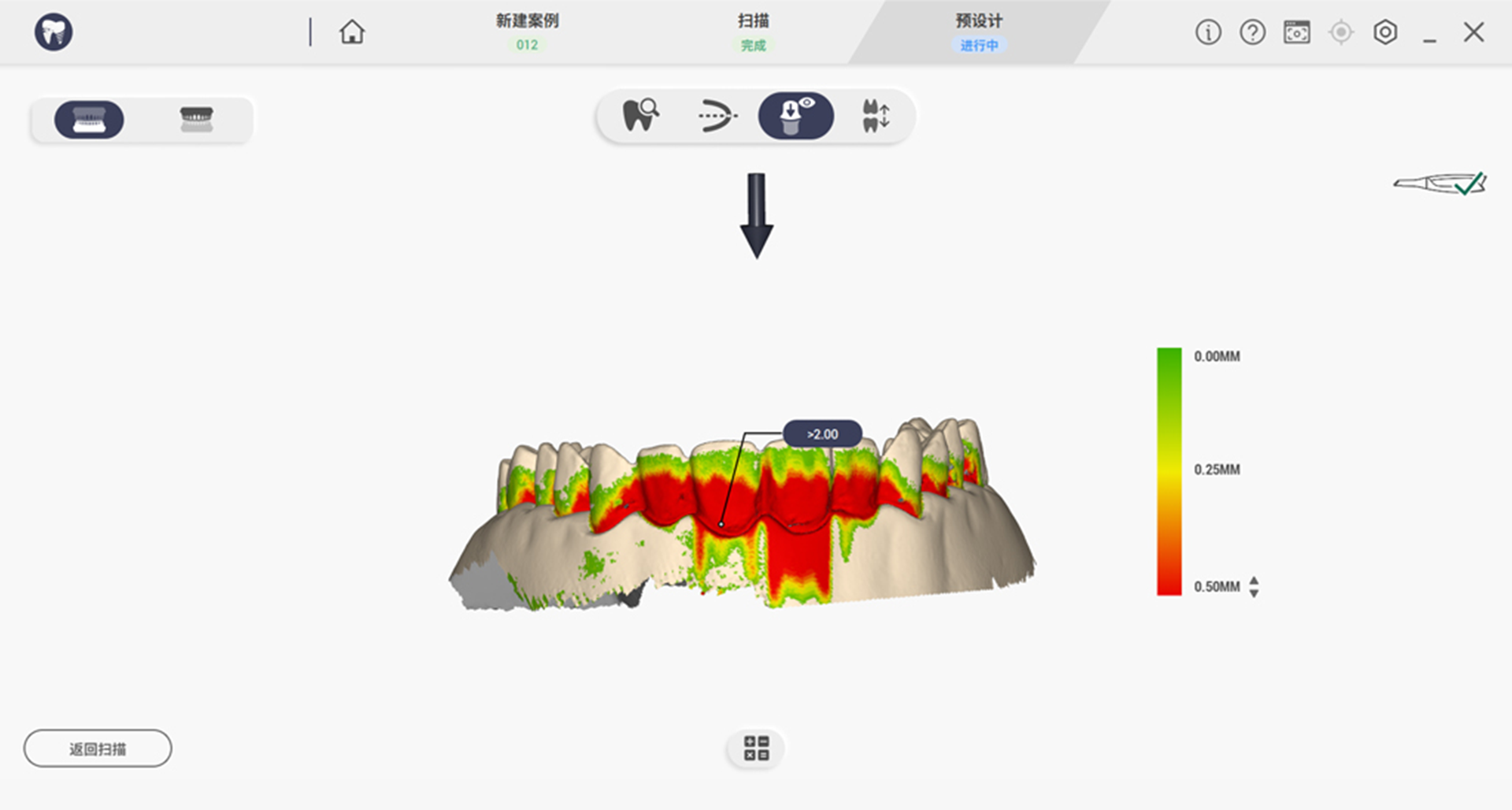
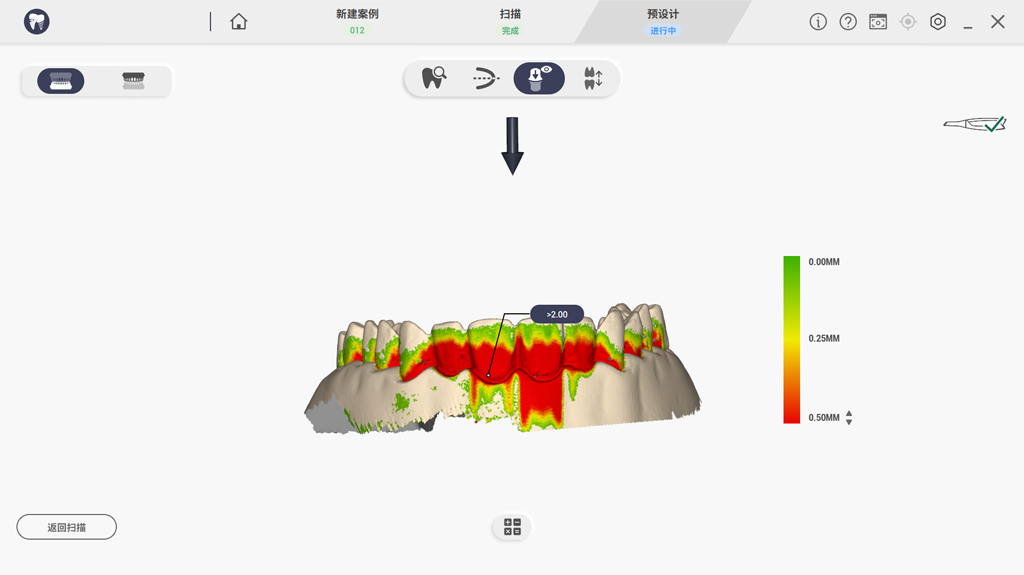
Undercut Detection
Displays the degree of undercut through different colors.
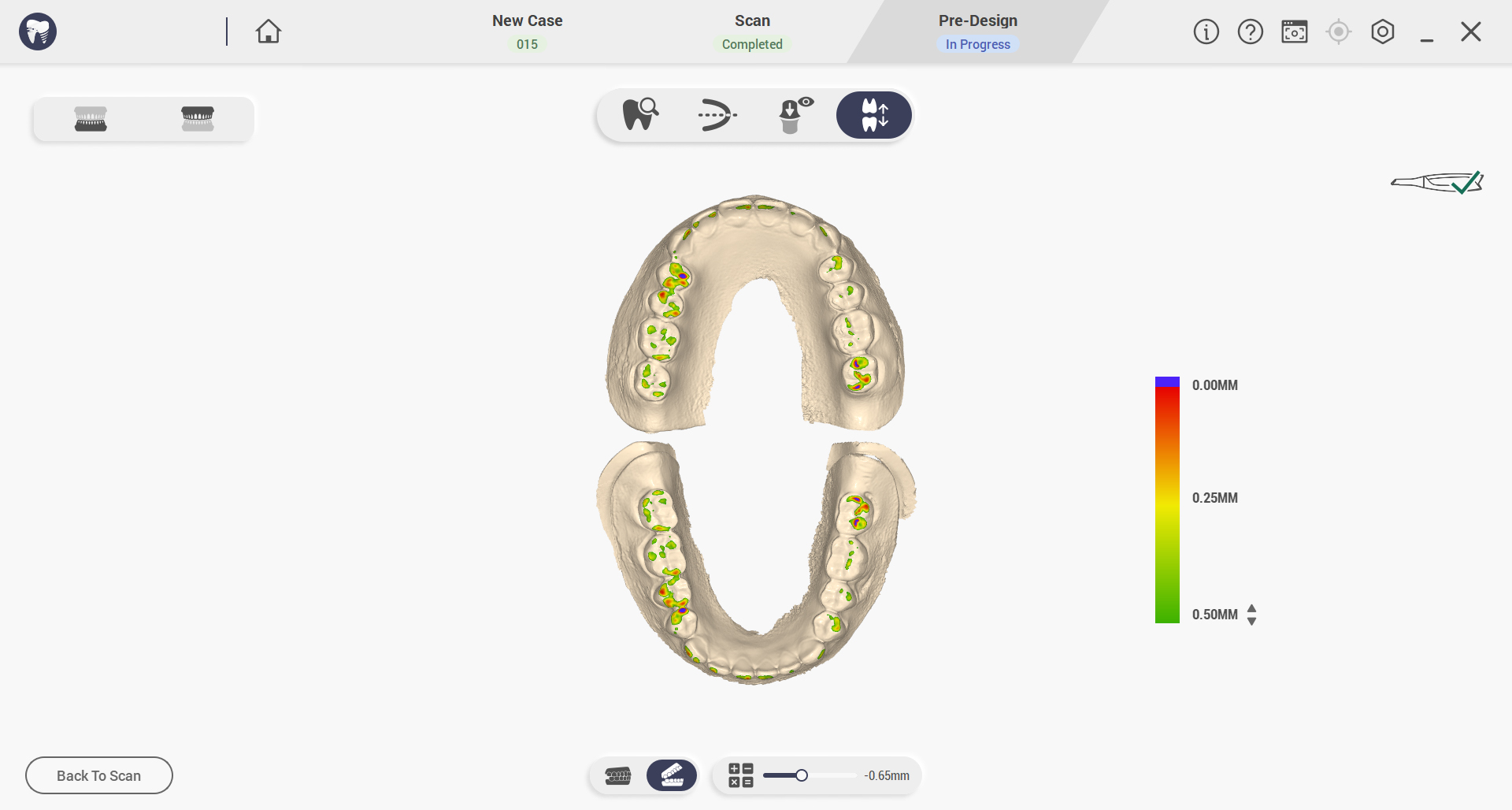
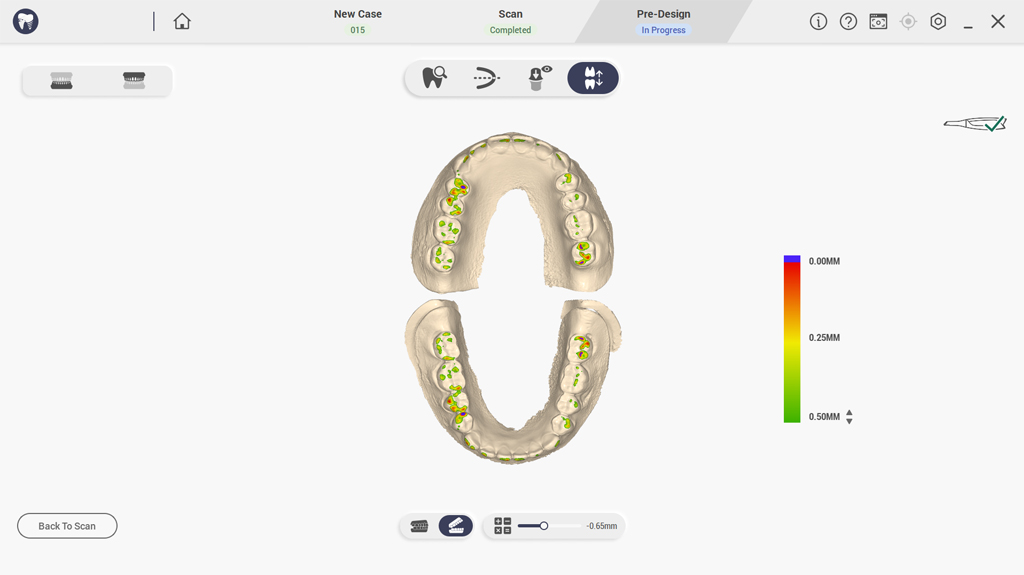
Occlusal Analysis
Simulate and adjust restoration bite contact to avoid interference and ensure long-term comfort.
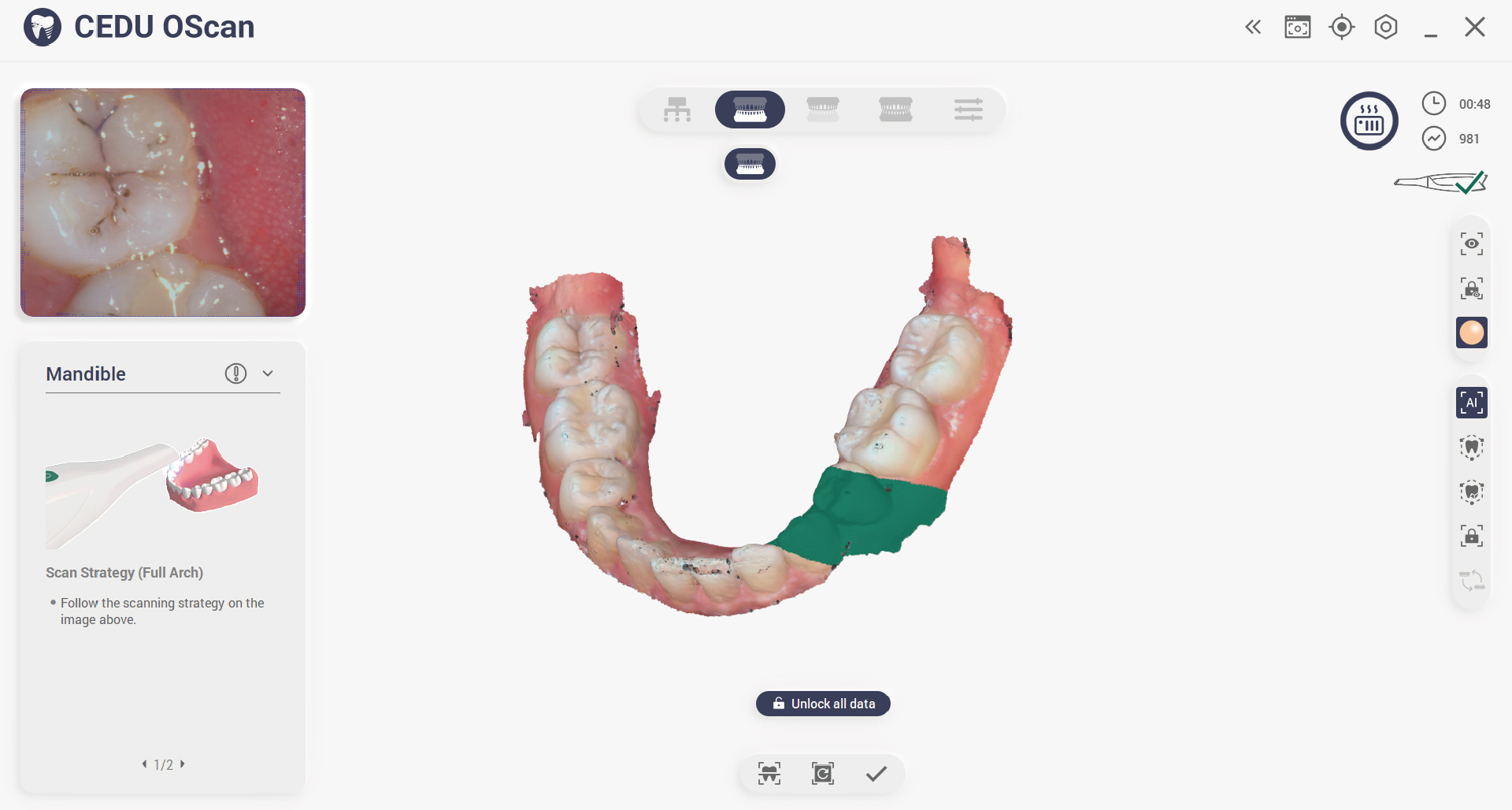
Lock Data
Lock tooth position to prevent data loss and eliminate excessive data interference.
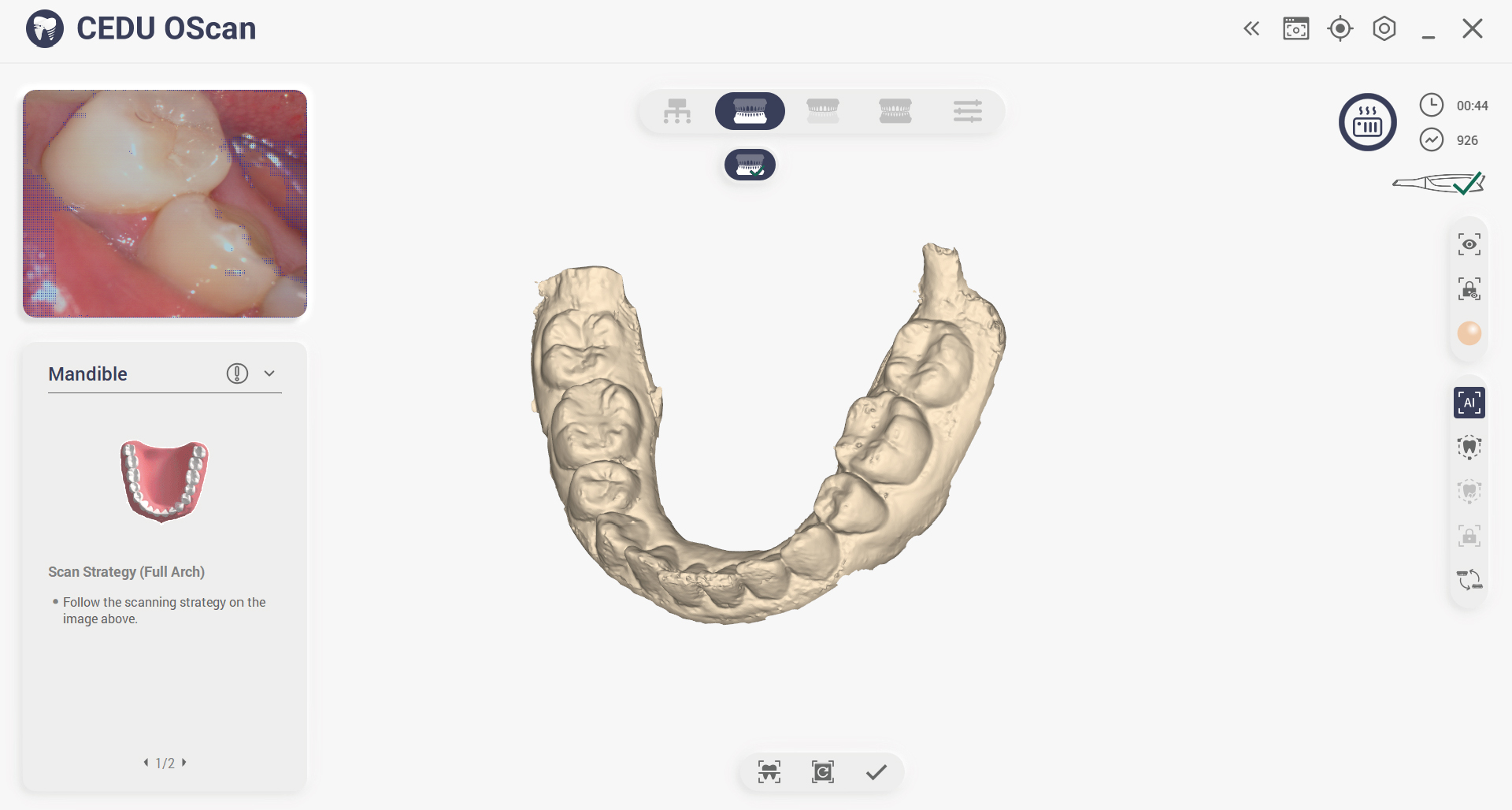
Color Switch
One-click color switching and comprehensive inspection of model data.
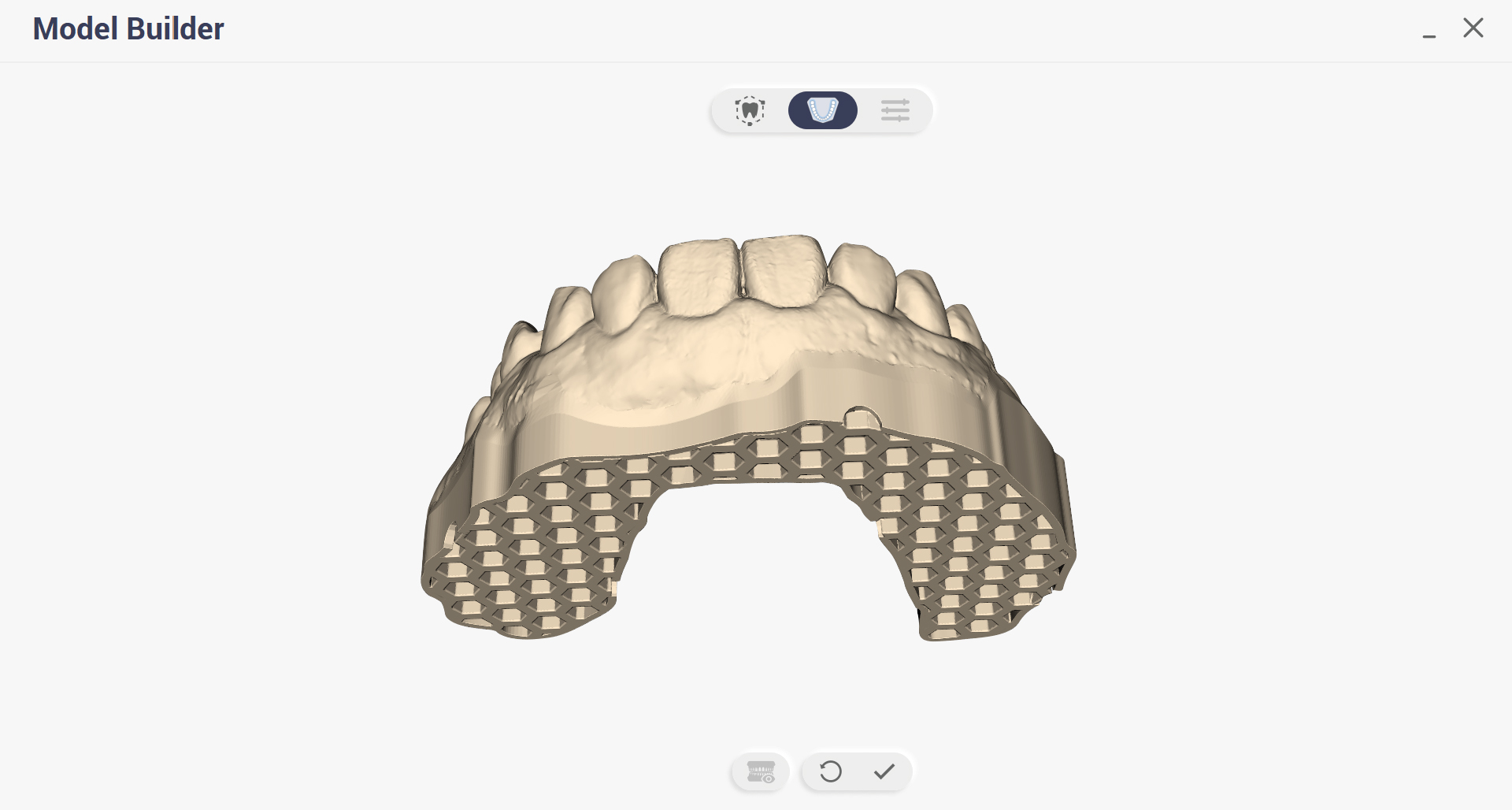
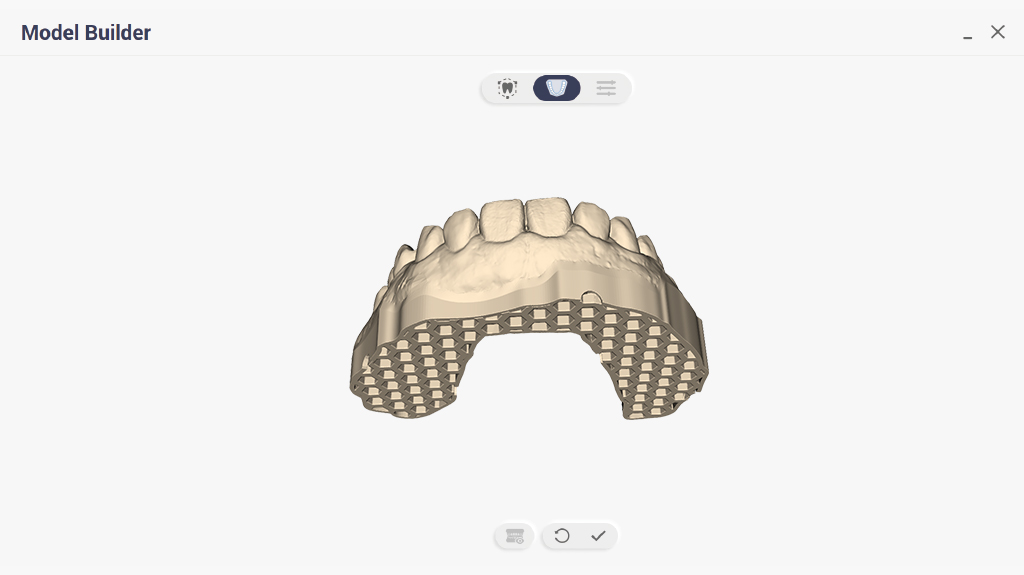
Model Builder
This function generates directly 3D-printable digital files for scanned dental models.
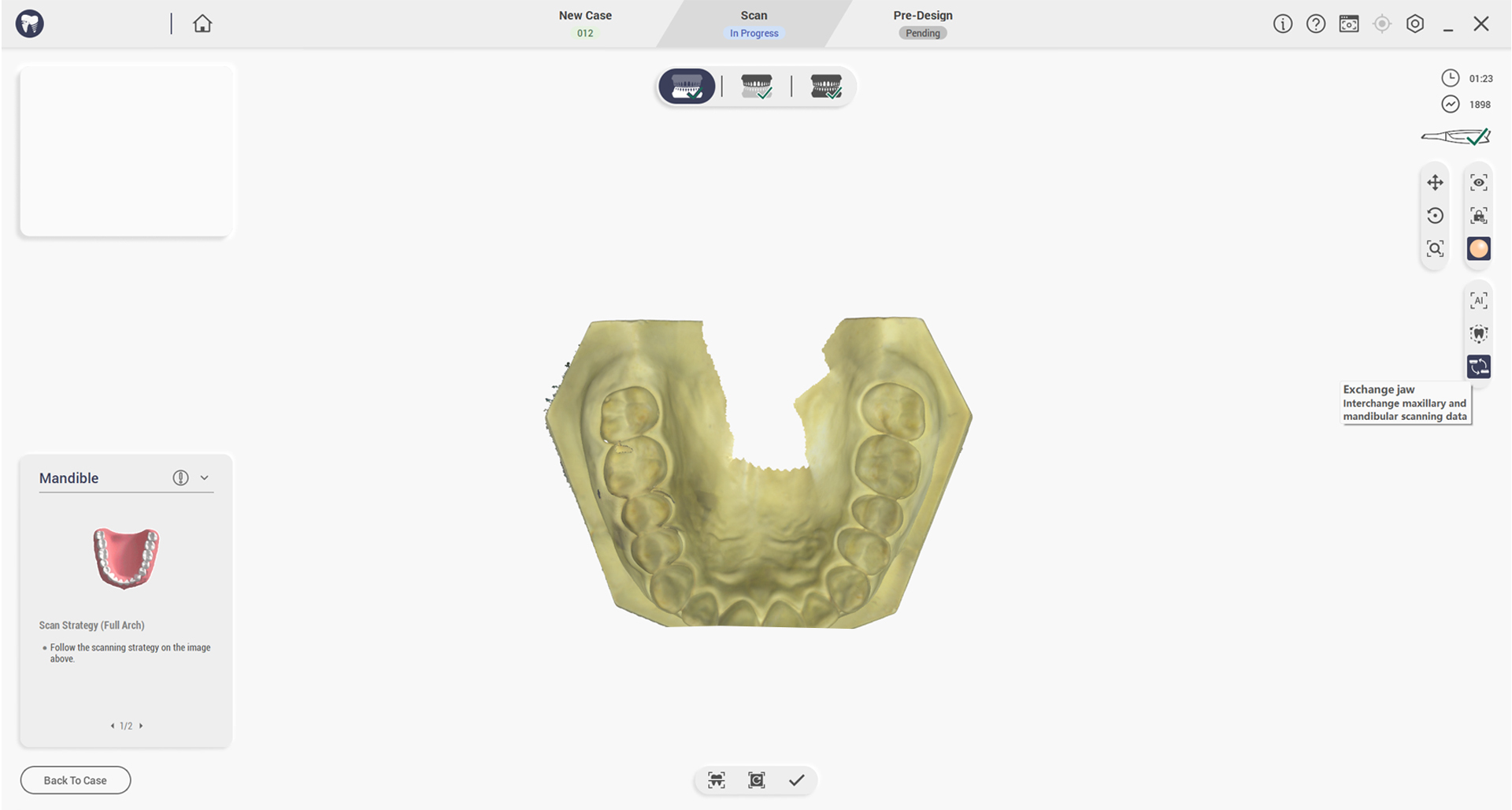
Swap the upper and lower jaws
Swap upper and lower jaw data after scanning or post-processing.
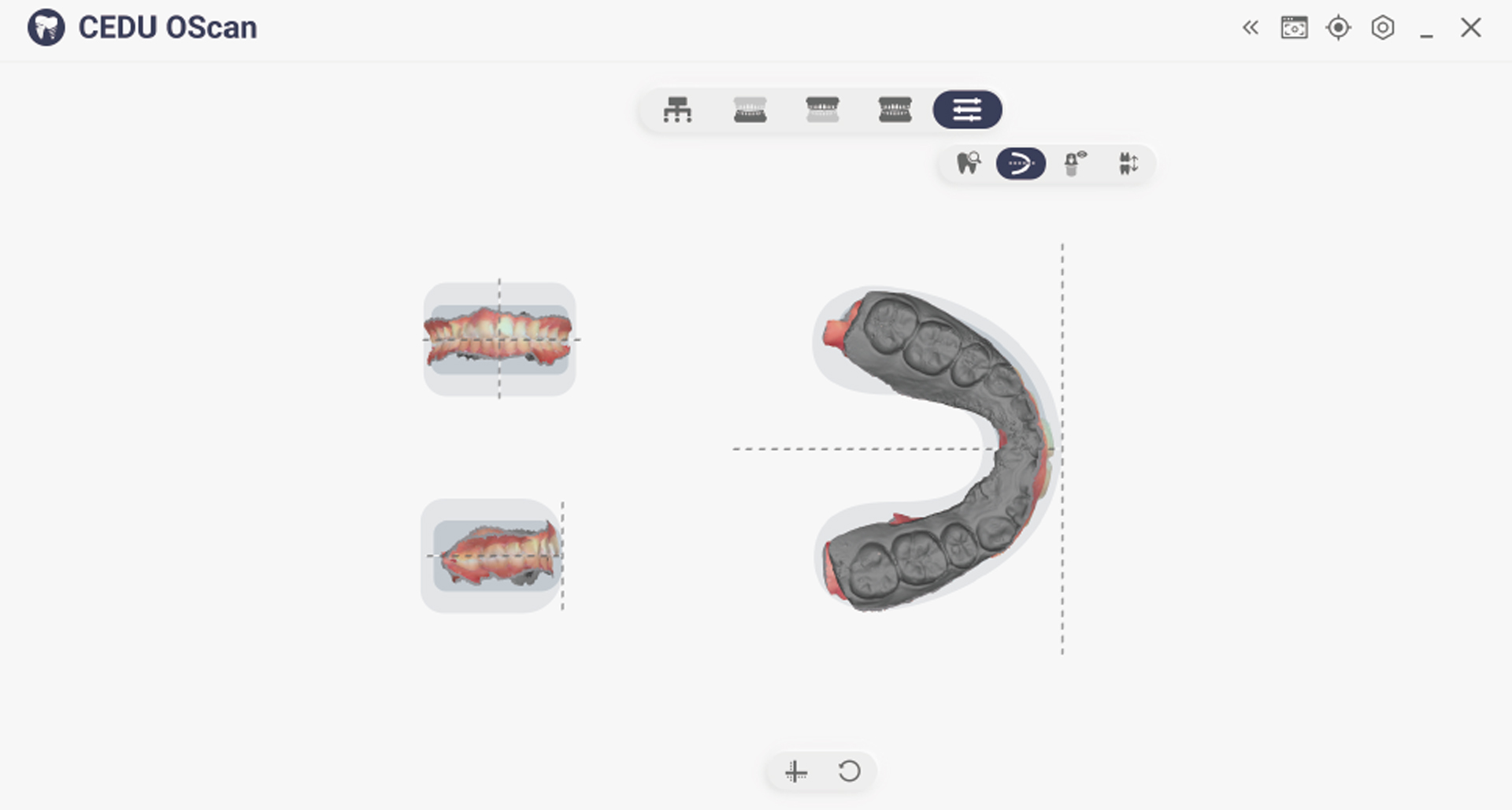
Adjusting Coordinates
Manually adjust the reference coordinate system of teeth and jaws to a unified standard.
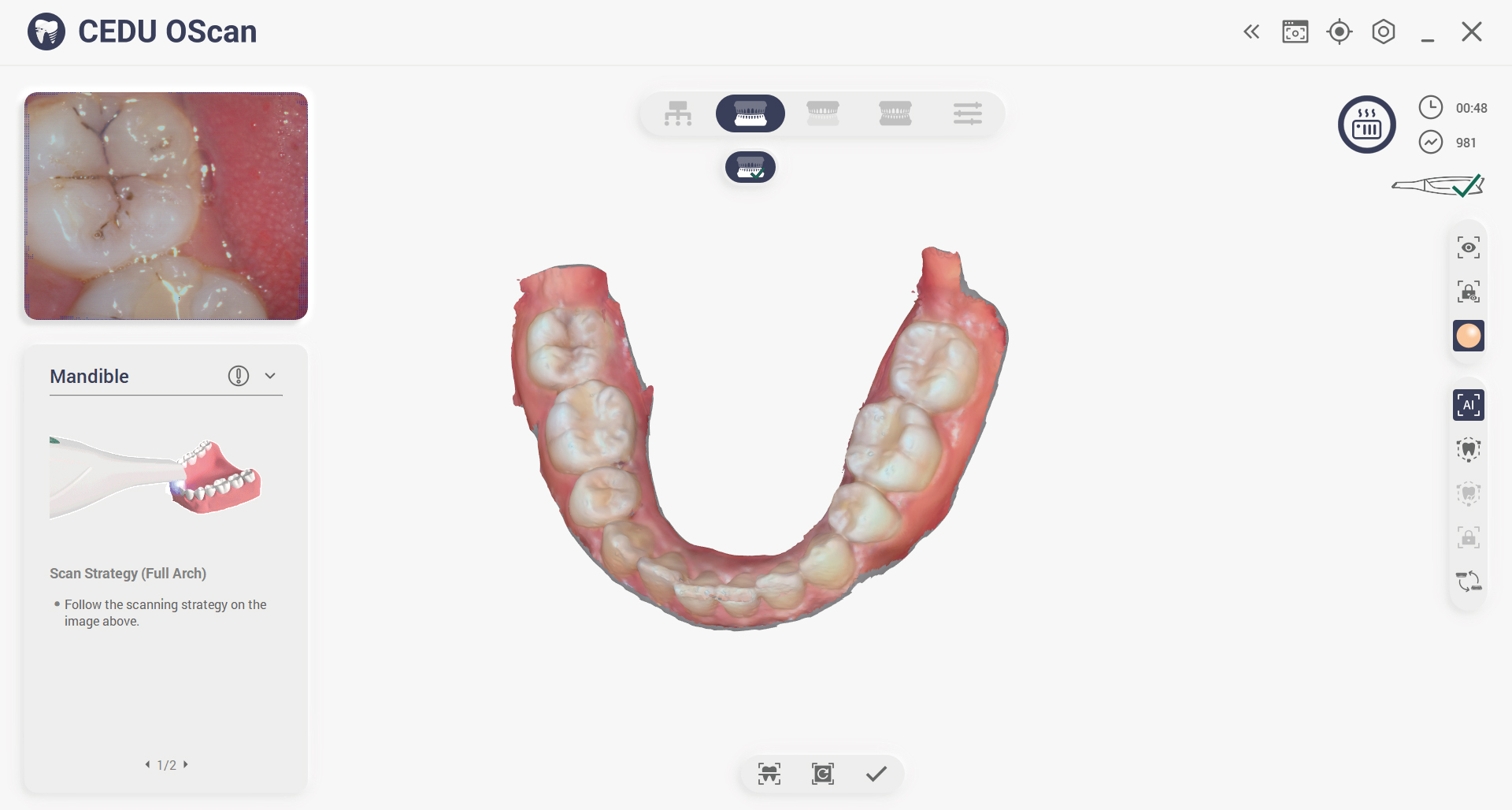
Scanning Indication
Click to activate scanning instructions and guide multi-angle scanning.
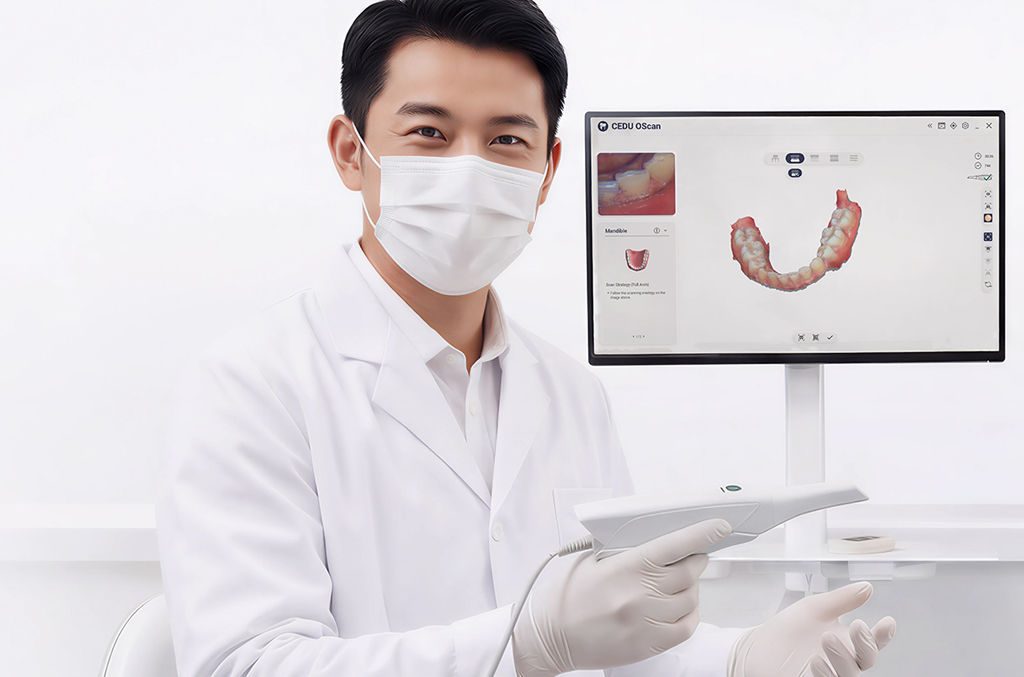
Versatile Solutions for Every Dental Practice
From clinics and labs to dental schools, the OScan adapts seamlessly to different workflows and practice needs. Its flexible design ensures smooth integration, reliable performance, and customized solutions for a wide range of dental applications.
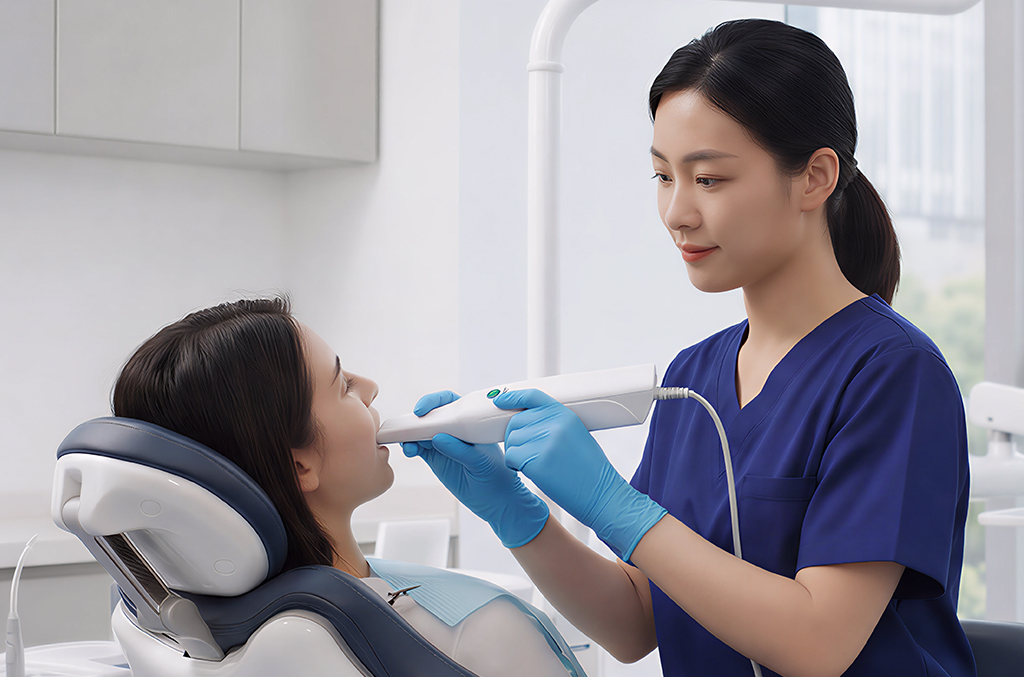
Dental Clinic
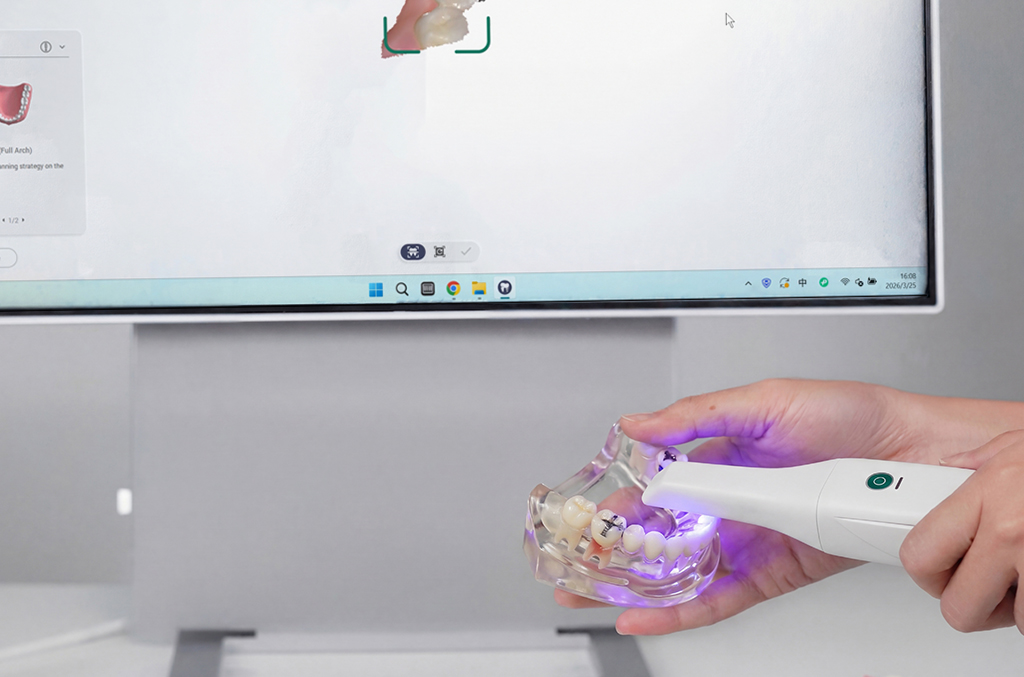
Dental Laboratory
Dental School
What's Included With Your OScan?
Start scanning right away with everything you need.
Expand your capabilities anytime with flexible add-ons.
Expand your capabilities anytime with flexible add-ons.
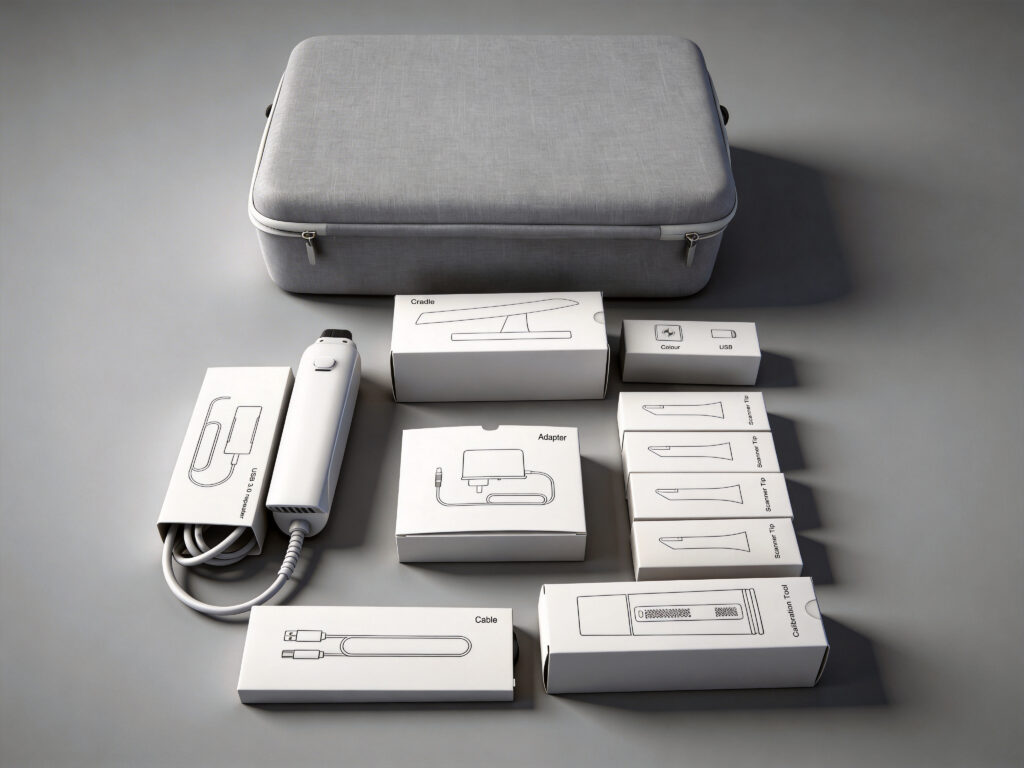
Scanner and Accessories
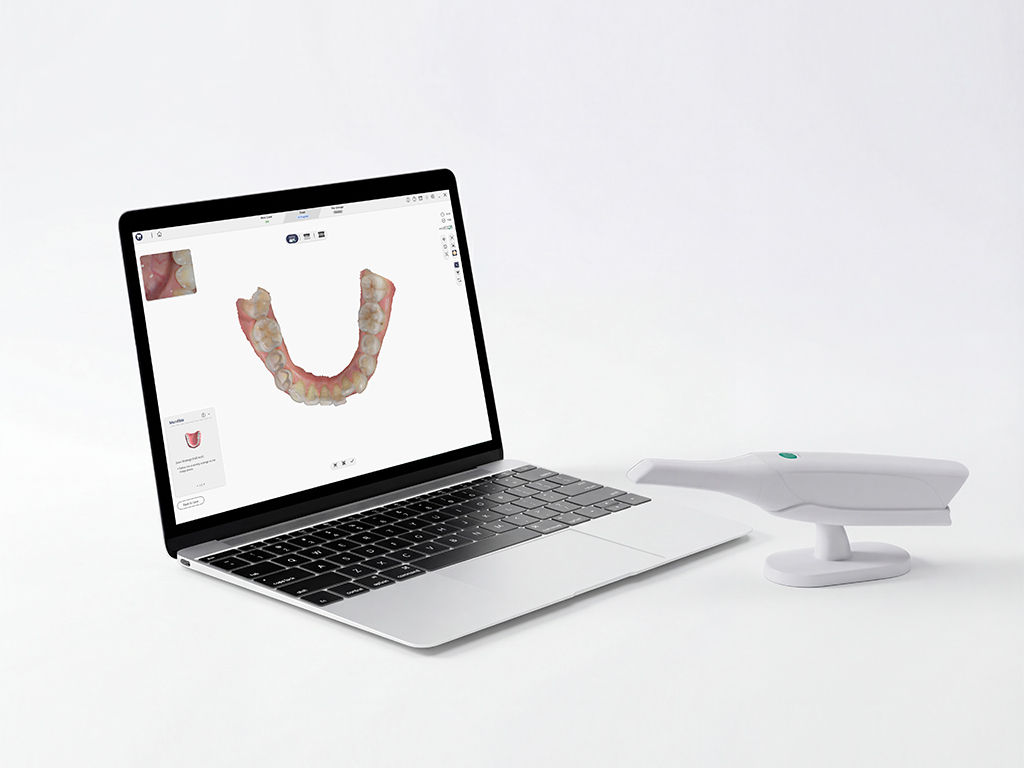
Computer
For the best scanning effect, please ensure that your computer meets the recommended system requirements.
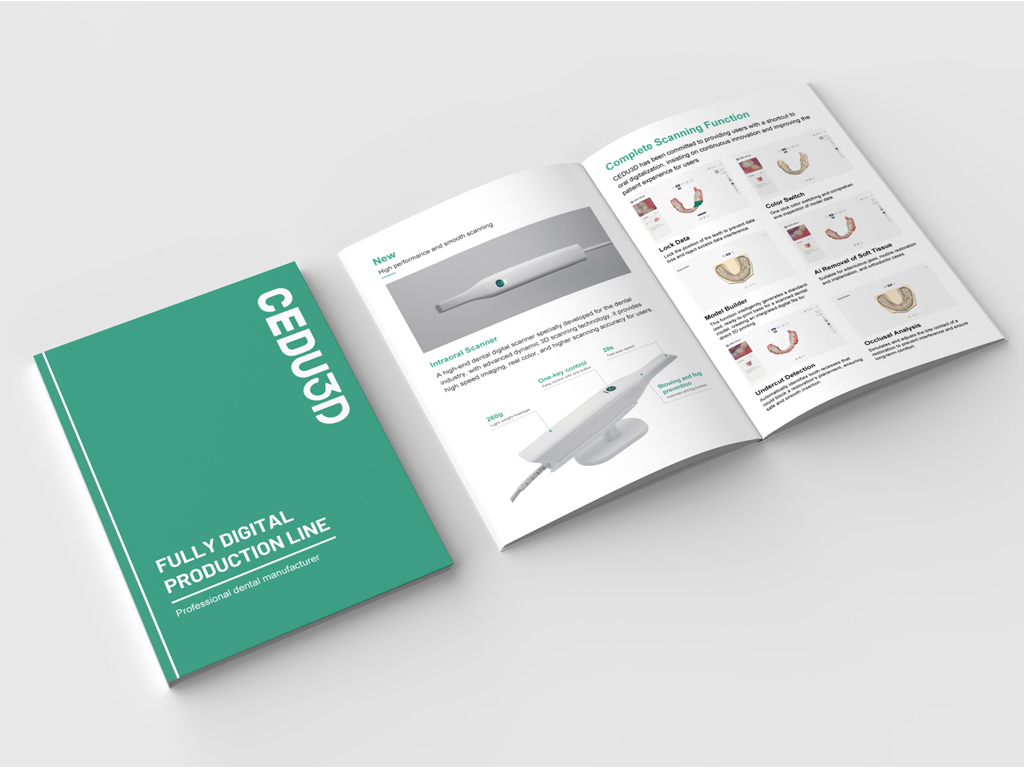
Document
Quick start guide, warranty certificate, installation and maintenance manual and scanning head disinfection instructions.

Service
Product warranty scope, technical support and product maintenance and use information.
Parameter
Scanning technique:Structured light imaging technology
Product size (L*W*H):290mm*45mm*40mm
Product weight:260g
Scan head size (L*W*H):45mm*35mm*100mm
Single scan range:14*14mm
Scan depth:-2mm-20mm
3D data format:STL, PLY, OBJ, support customized encrypted format files
Interface:USB 3.0
Full port scanning time:<2 min
Light source:Blue LED
Frame rate:30FPS
Frequently asked questions
We have sorted out some questions that customers are most concerned about and answered them for you one by one.
How many times can the scanning head be autoclaved?
CEDU scanning head can be disinfected for up to 100 times, and then it must be disposed of according to the instructions in the disposal section. In addition, the scanning head must be cleaned and disinfected before and after use to avoid cross-contamination.
How to Prevent Intraoral Scanner Lens Fogging During Scanning?
If your intraoral scanner lens fogs during scanning, pause the scan and check the scanner heating and protective glass.
- Wait for the scanner software to complete the handpiece preheating cycle before scanning.
- Check that the scanner tip is installed correctly and that the heating contacts are clean and undamaged.
- Blow gently on the protective glass as a quick breath test. If the glass stays clear, resume scanning.
- If fogging returns, stop using the scanner, clean and disinfect the tip according to the user manual, and contact CEDU support for a hardware check.
These steps apply to the OScan intraoral scanner. For recurring lens fogging, include the scanner model and a photo or video when contacting support.
How to Fix Dental Scanner Software Installation Failure?
If dental scanner software installation fails, use this checklist before contacting support:
- Download the latest installation package for your scanner from CEDU support and confirm that the download is complete.
- Close the scanner software, restart the computer, and run the installer again from a local folder.
- Confirm that the computer meets the software requirements, has enough free storage, and that your Windows account has permission to install applications.
- Do not connect or disconnect the scanner during installation. After installation, restart the computer before opening the scanning software.
- If the installation still fails, send the exact error message, Windows version, and scanner model to CEDU after-sales support so the team can provide the correct installation package.
For OScan users, visit the OScan intraoral scanner page for product information and support.
CONTACT US
Are you ready to improve your scanning experience?
And take it to a new level!
And take it to a new level!
Let us find a suitable digital dental solution for you.
Contact us immediately and take the first step towards smarter and more efficient production.
Contact us immediately and take the first step towards smarter and more efficient production.